
Hi everyone
I am Zaryab. Yesterday we officially launched Documol, a document generation service with a Bubble plugin and REST API.
If your app already has the customer details, order items and project information, you should be able to turn that data into a document your customer can use. That’s what we built Documol to help with.
Generate PDFs. Populate templates. Convert files. Merge documents.
Create invoices, proposals, reports, contracts and certificates from your app’s data.
Try Documol free · View the Bubble plugin
See Documol in action
What’s included?
Bubble page / webpage to PDF
Turn a publicly accessible HTTPS page into a PDF. Use a dedicated invoice, proposal or report page from your Bubble app.Template to PDF
Create a reusable layout, then populate it with customer details, repeating line items and other dynamic data whenever your workflow runs.HTML to PDF
Generate documents from your own HTML and CSS, with dynamic content supplied by your app.File to PDF
Convert supported files, including Word documents, Excel spreadsheets and PowerPoint presentations.
View supported file types and compatibilityMerge PDFs
Combine 2–100 PDFs in your chosen order. Useful for sending a proposal, terms and supporting documents as one file. Available on Pro and Business; combined file-size limits apply.Download PDF
Let users download a completed PDF from your Bubble app with the filename you choose.
Your Documol workspace
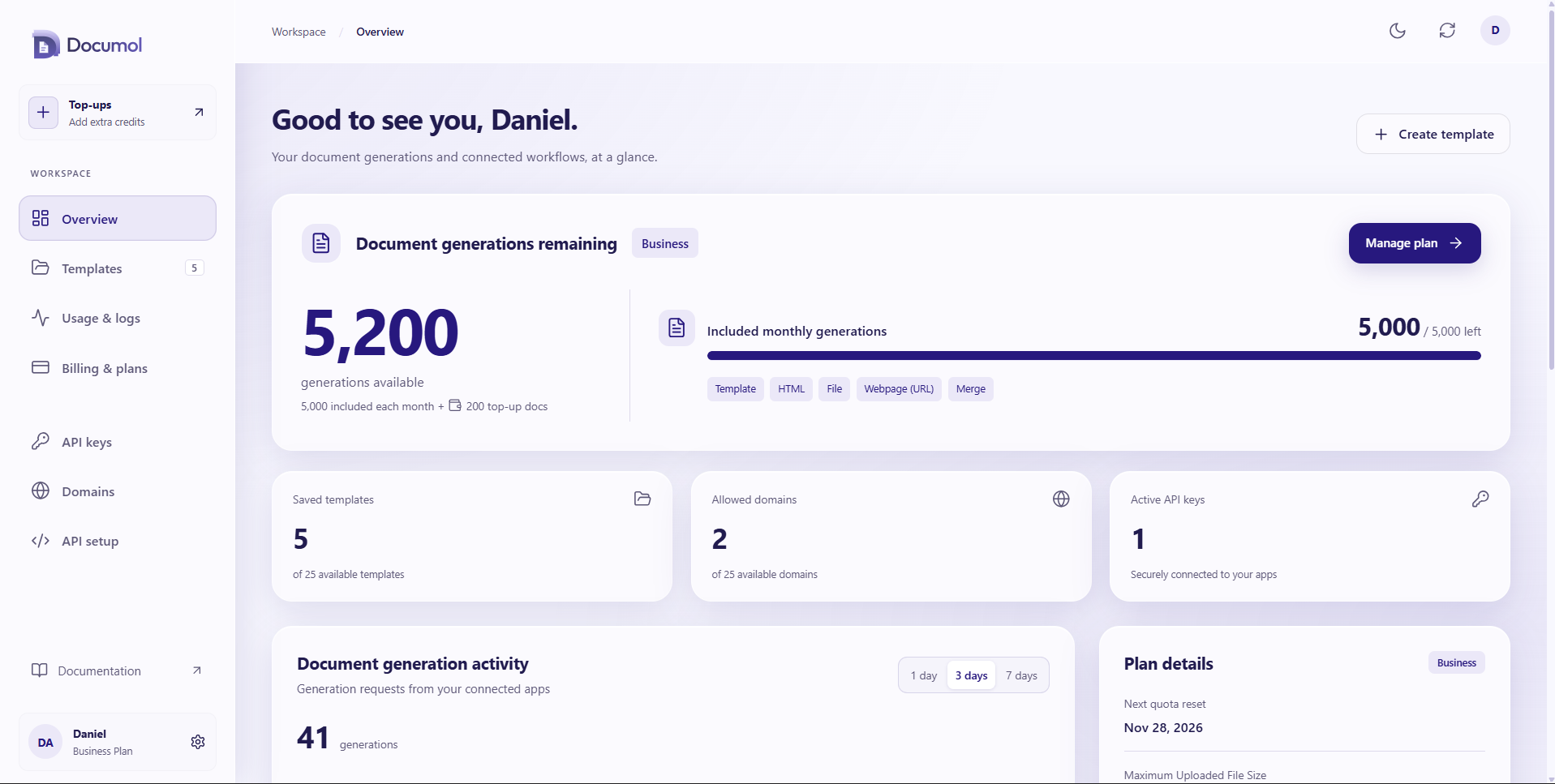
Manage your templates, integration keys and document generation activity from your Documol dashboard.
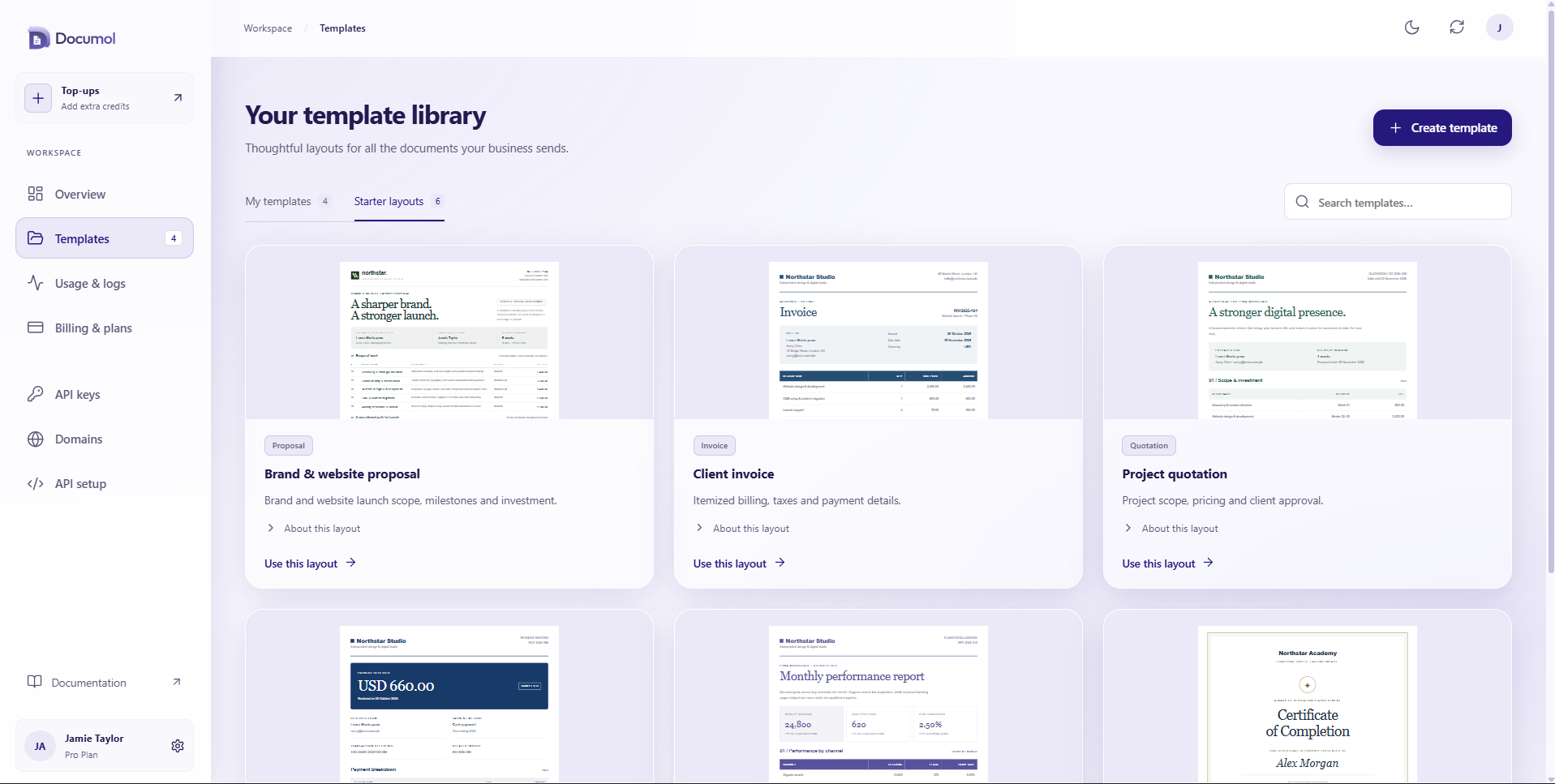
Build the layout once. Use it for every customer.
An invoice might have three items today and twenty tomorrow. A proposal needs a different client, scope and price each time. With saved templates, your workflow supplies those values without rebuilding the document.
Documol includes a block builder and HTML editor, with six starter designs:
Invoice · Quotation · Receipt · Proposal · Business report · Certificate
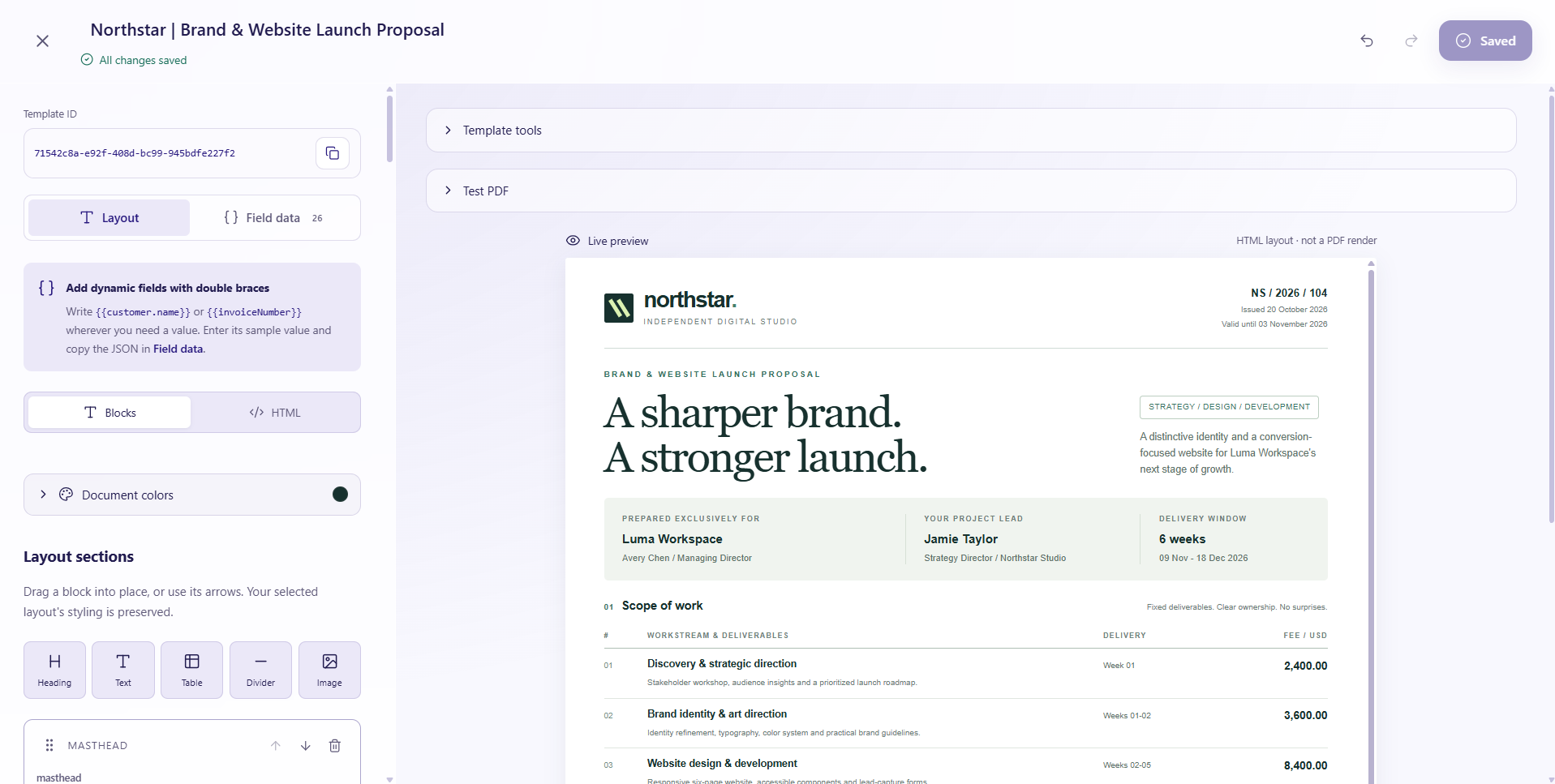
Adjust your brand colors, configure repeating tables and preview the layout with sample data. Save the template, then use its ID from Bubble or the API.
Where does the PDF go in Bubble?
The plugin saves the generated document in your Bubble File Manager and returns its link. Your workflow can then attach that link to a database record, share it with a customer or offer a download.
For example, a customer requests a proposal:
- Your Bubble workflow sends their details to a saved template.
- Documol generates the proposal and saves the PDF in your app.
- Your workflow adds the returned link to the customer’s record.
You can wait for the finished PDF in the same workflow or receive completion through an asynchronous backend callback.
For HTML, webpage and template generation, you can also control paper size, orientation, margins, headers, footers and page numbers.
Here’s a Bubble workflow generating an invoice PDF:
Bubble installation and setup guide
Using your own backend? There’s a REST API too.
The same five generation modes are available through the Documol REST API. Generate from HTML, webpages, supported files or saved templates, and merge existing PDFs.
You can reuse your templates across integrations, receive results synchronously or through callbacks, and save the generated files to your own storage.
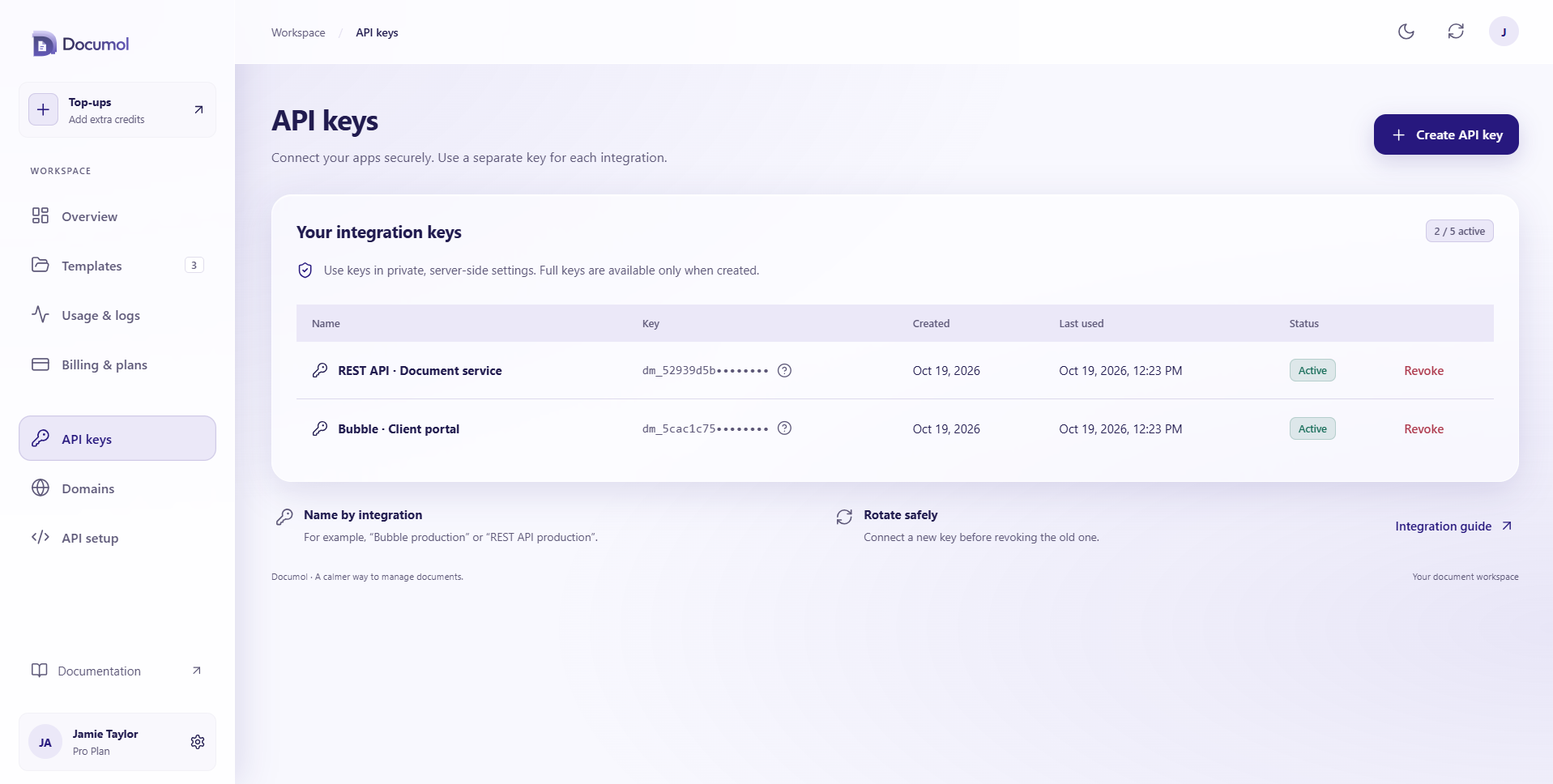
Create your integration key in the workspace:
Use the API setup section to explore and configure your request:
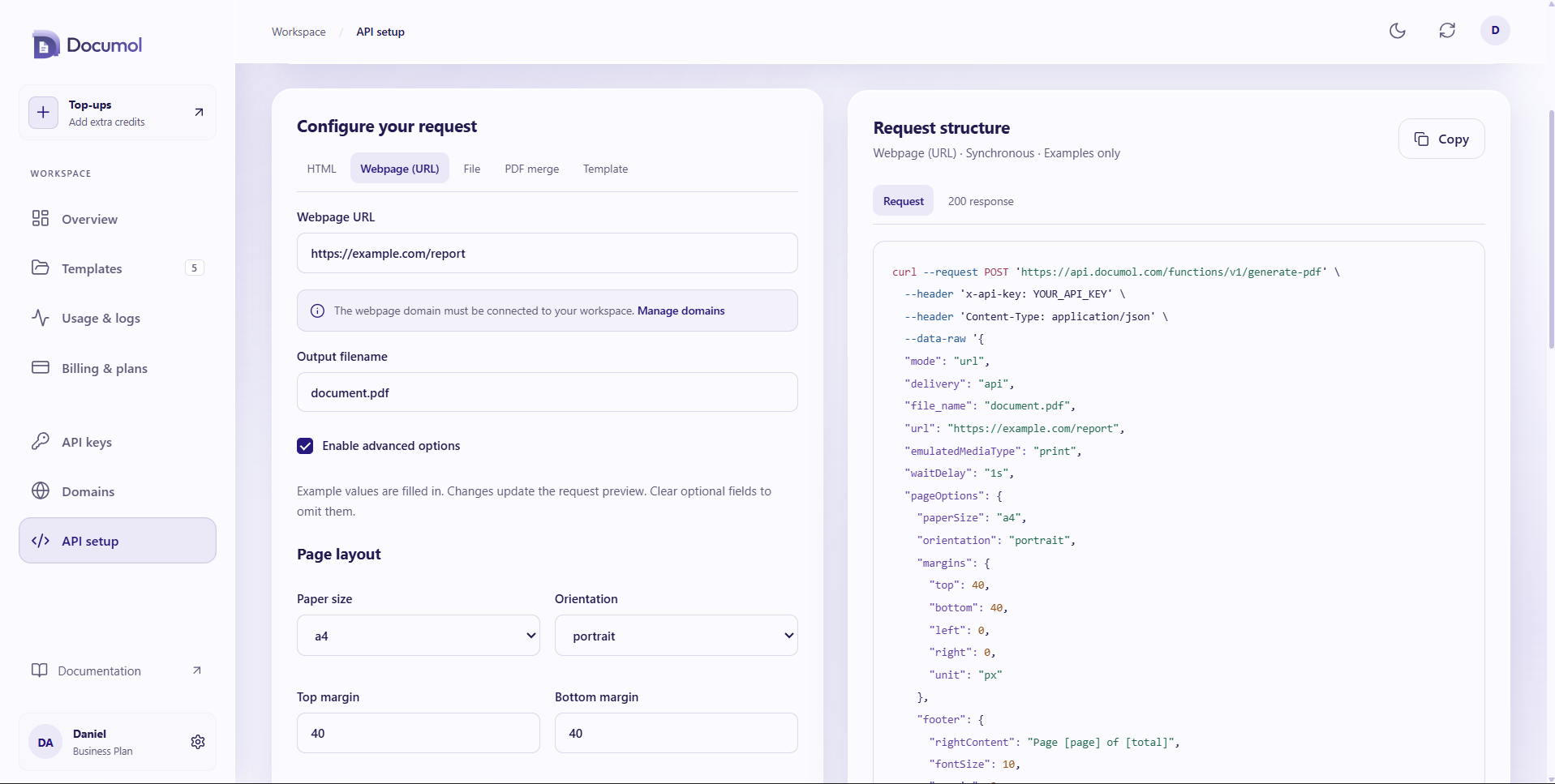
Watch an API request generate a personalized proposal:
Explore the API and make your first request
Try it with a document your app actually needs
Create a free account to get a one-time allowance of 20 generations over 30 days:
You can compare feature availability and limits on the pricing page.
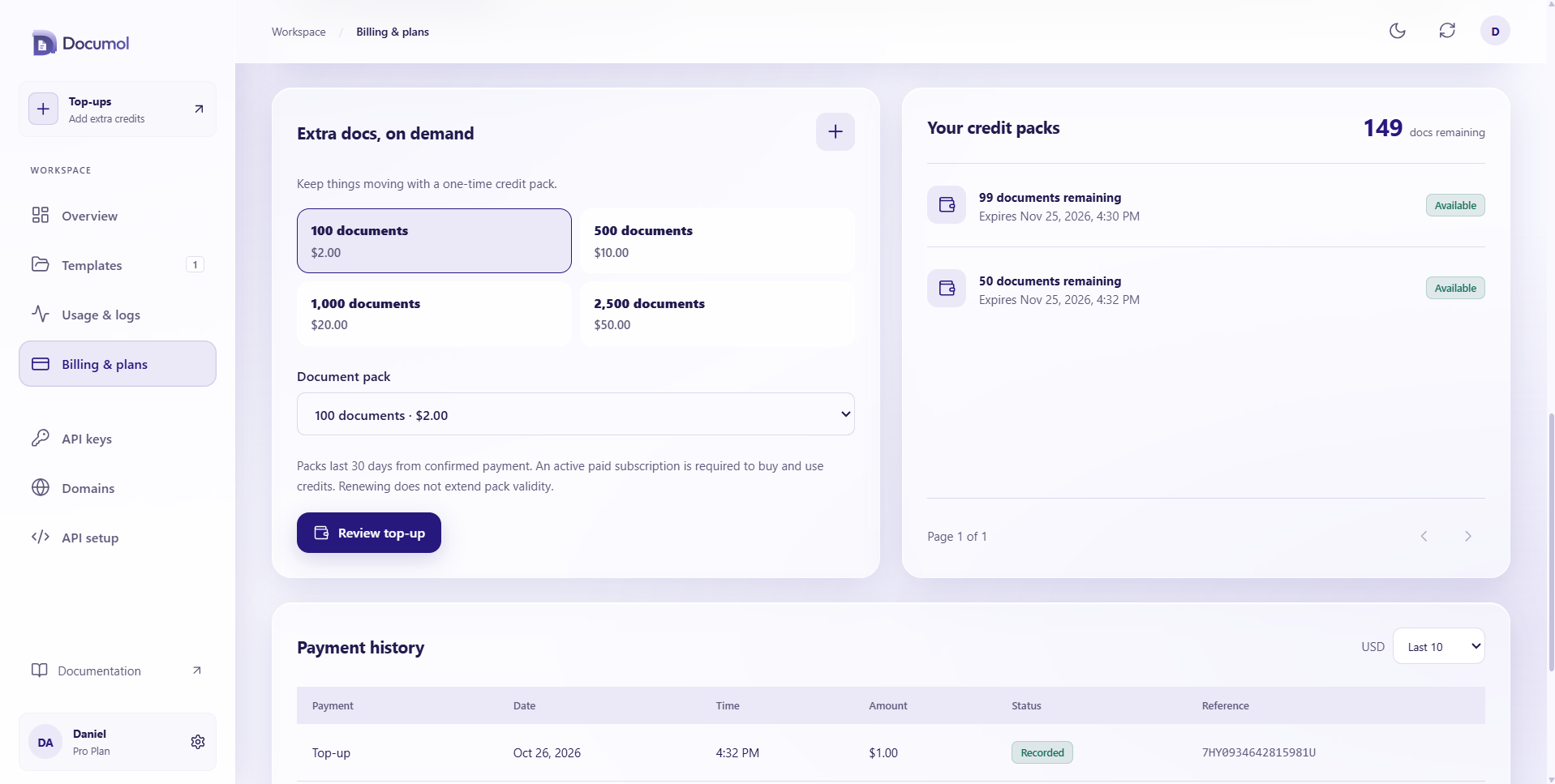
Need additional generations? Users can purchase top-ups from the workspace. Top-ups are valid for 30 days and follow your plan’s feature availability and processing limits.
To get started, create your account and API key, install the Bubble plugin, and add the key in the plugin settings. Then choose a generation action for your workflow.
Create your free account · Install the Bubble plugin
Website · Documentation · API quickstart
If you have any questions, feedback, feature requests or trouble getting started, reply to this topic or email us at support@documol.com. Share your use case - we’ll be happy to help.