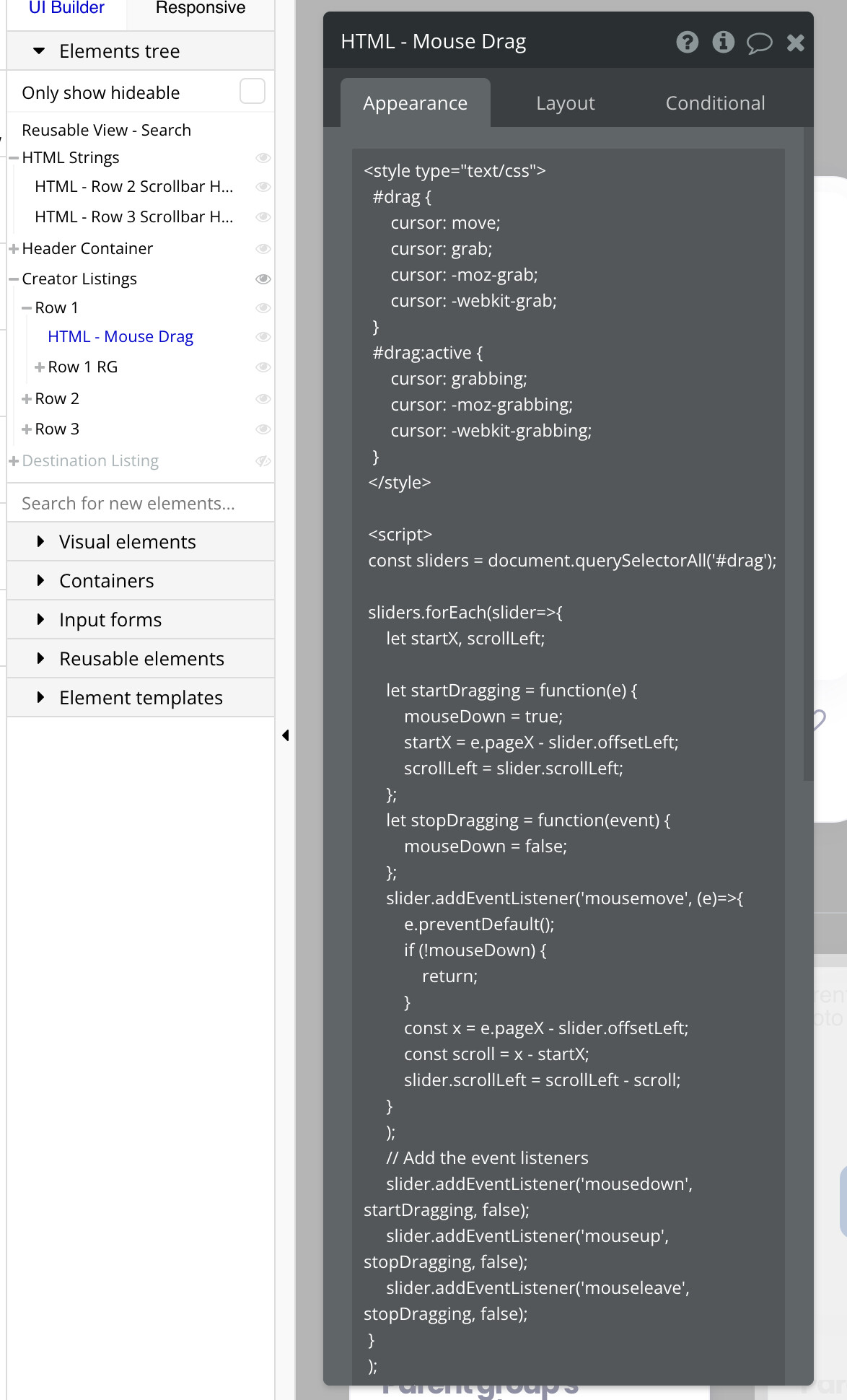
The provided code works as is, but it’s impossible for me to debug or provide a solution for each specific implementation. Even more so if the questions are not accompanied by some screenshots or a complete description of the implementation.
I shared my solution wanting to help but I can’t debug everyone’s implementation.
For @pachocastillosr the solution was just adding a condition in the html to make it visible when the RG is visible and not before.
@jmalmeida wondering if you can help me, similar to the above I can only get this to work on 1 of the repeating groups on my page - when I add the second ID both break.
I’ve tried it with 1x HTML Element, with both IDs, and having 2x Seperate HTML Elements with each ID…
Code (note I have some additional stuff to hide scroll bar):
HTML team_tabs -
Not sure if people are still looking for a solution, but if you need one or multiple events that uses horizontal scrolling with mouse drag on one page.
The following version of the code should be your answer and the implementation is the same as @jmalmeida version:
Add an HTML element to the page where you want the effect with the code here below
And add the id ‘drag’ to the elements you need to be draggable.
For anyone coming across this in the future, the code works however you’ll need to
initialize the code (make the html visible) only when the RG is visible (you can do this by placing this in the first cell + only visible if index = 1)
for multiple RG’s, on the same page you’ll need to update all the variables in the code (not just the ID selector) to something unique that matches your RG’s ID