Hey all,
I just can’t figure out what to do with this message from Google Console. I have done (I think) everything as prescribed in the Bubble User manual. What did I miss?
My App is accessing the user’s device photo library and camera.
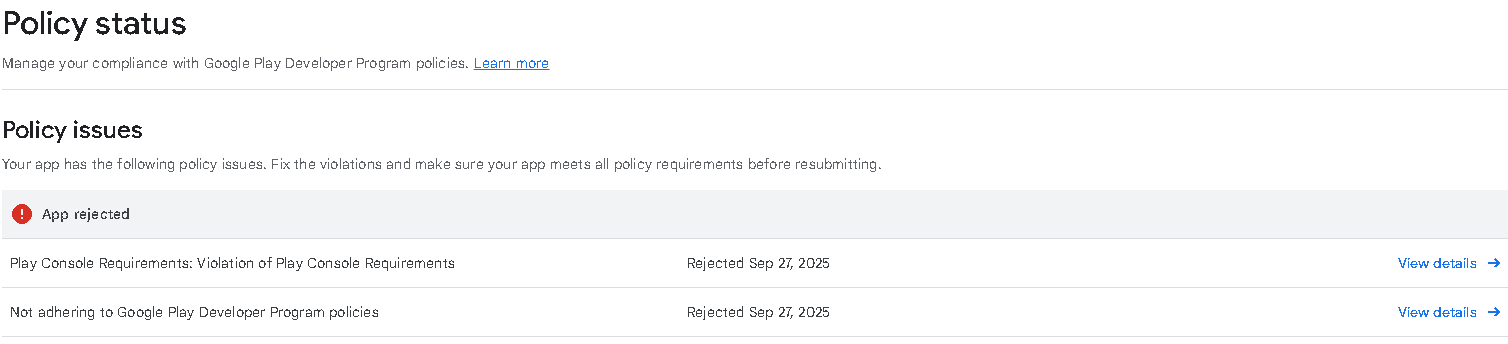
App Status: Rejected
Your app has been rejected and wasn’t published due to the policy issue(s) listed below. If you submitted an update, the previous version of your app is still available on Google Play.
Your app is not compliant with the Play Console Requirements policy.
Some types of apps can only be distributed by organizations. You have selected an app category or declared your app offers certain features that require you to submit your app using an organization account.
Issue details
We found an issue in the following area(s):
- Developer Account
To bring your app into compliance, follow these steps :
- Read through the Play Console Requirements policy for more information.
- Make sure that your App content declarations accurately reflect your app’s features.
- Learn more about transferring apps to an organization account in the Help Center.
- For information about setting up an organization account, visit the Help Center.