
So this is not it? Plugin Update: CSS Tools (Free Version)
When you wish to say change a groups size, then you would follow those instructions and use the CSS Tools “Element Action” to change the groups size - here is where the ID of the group is needed. The ID found directly on the CSS Tools element is like giving the plugin itself an ID. Just place any old unique value in the CSS Tools element ID property - this wont matter or become relevant to you until you want to start playing inside RG’s like in this demo,
I get no value back, please see screen capture:

Are you running the “Element Action” “Get Browser Info” or just placing the text element down? if its the first one let me know the browser your using - also here is the css tools in another short demo to show expanding a box on load and grabbing the browser details as well.
Just to give some reasoning around this - Until bubble give us access to run server side code, our best method of returning values on an action is to set a custom state. The are only available to be set through use of an element so for now you will find a lot of my work that returns results without use of the Data API using what appears to be a pointless element. once dropped on your page though you will gain the extra actions provided by the plugin under the “Element Actions” section.
That is fantastic. Thank you, works great!
Simple implementation instructions example userAgent (draft):
GET THE ELEMENT:
Drop the CSSTools element from the Visual Element on the left of your editor onto your page
Assign any unique ID in the Unique ID field
ADD A WORKFLOW:
On the page load add a work flow Element Action: Get Browser Info and select Your CSSTools Element name
USE LIKE THiS:
You can now refer to element as follows Your CSSTools Element name’s userAgent for example in a Workflow element: Only when: My CSSTools’s userAgent Contains ‘iPad’ then…
2 Likes

New Plugin - GPS Live Tracking
You can use this plugin to start/stop live GPS tracking or simply grab the current location.
Custom Outputs Include -
- Longitude
- Latitude
- Is Tracking
- Accuracy
- Altitude
- Altitude Accuracy
- Heading
- Meter’s Per Second
- Mph
- Kph
- Knots
- UNIX Timestamp
- Any Error’s
The plugin works on desktops & devices with or without a GPS as long as Location services are on. By default its configured to return a high accuracy fix.
4 Likes

Show your own MapBox map styles & 3D buildings inside your bubble app. Live user tracking, Markers, FlyTo, Pitch, Bearing, Zoom & Coordinate Control. MapBox Direction, Scale & Movement Controls + Much More!
Element Actions Include -
- Start/Stop User Location Tracking
- Set Style
- Turn 3D Building On/Off
- Add/Remove Custom Markers
- Fly To
- Add/Remove a Control - Travel Directions, Full Screen, Map Movement, Scale
- Set Center
- Set Zoom
- Set Bearing
- Set Pitch
MapBox has a massive feature set so we will keep adding them as required. One of MapBox’s biggest assets is a comprehensive studio editor that allows you to manipulate your own styles including dynamic data right down to conditional statements to alter the look of each component based on traffic/building/feature data or your own dynamic data. Once you have build your world, simply use the Set Style action and provide your styles URL. The studio is found here - https://www.mapbox.com/studio/
The free MapBox plan allows for 50,000 map views per month.
Get it HERE or from the Commercial Plugin Store.
1 Like
New help guide & short demo to show some of Controlled By Voice’s features.
Can this plugin be used as an alternative to Google Autocomplete Address Search, but by selecting a button to get the results?
I have subscribed to the plugin but no idea how it works, and when I select the preview page and the “Geo Code” button, nothing is displayed?
Hope you can help.
Mike

New FREE Plugin - Get MIME Type
Simple function that will return the MIME type from a file extension or extension from MIME type. Includes Scan URL mode.
Please feel free to get in touch if you need a file type added.
INSTRUCTIONS:
Drop the element on your page and use the “Get MIME/Extension” element action. The custom state “Output” will have the result.
Eg. provide “image/png” → receive “.png”
OR
provide “png” → receive “image/png”
OR
provide “https://something.somewhere.com/file/myfile.gif” → receive “image/gif”
Note, Providing a MIME type will return a full stop with the extension for convenience.
If no match is found it will default to MIME type “application/octet-stream”. or “.unknown”
Get it HERE.
1 Like

New Plugin - Custom Google Analytics - With In App POST
Full control over your Analytics is a must to fully understand events and statistical data. This plugin will compile the full GA object and POST it to your app and GA Tracking ID side by side.
-
Auto Track Element, Logs Buttons, Div’s & Input’s Event & Value Data Inc Checkbox On/Off Button Labels ect. Automatically.
-
Send Page View’s.
-
Send Event’s, inc. Type, Category & Label.
-
Create Trackers.
-
Get the full GA Tracker Object Data.
Get it HERE
Example POST GA Object:
{
    "pbAnalytics": {
        "results": [
            {
                ":name": "***",
                ":trackingId": "***",
                ":cookieDomain": "***",
                ":apiVersion": "***",
                ":clientVersion": "***",
                ":referrer": "***",
                ":location": "***",
                ":screenResolution": "***",
                ":screenColors": "***",
                ":viewportSize": "***",
                ":flashVersion": "***",
                ":encoding": "***",
                ":javaEnabled": "***",
                ":language": "***",
                ":_gclid": "***",
                ":_gclsrc": "***",
                ":_gt": "***",
                ":_gcn": "***",
                ":storedClientId": "***",
                ":clientId": "***",
                ":_gid": "***",
                ":adSenseId": "***"
            }
        ],
        "Event": {
            "Category": "***",
            "Action": "***",
            "Label": "***"
        }
    }
}
2 Likes

New Plugin - LoLight Syntax Highlighter
To highlight the syntax in code such as JS, CSS, jQuery, JSON, JAVA & more. **INSTRUCTIONS:**
-
Expose element ID’s in your app.
-
Place a text element down and give it an ID.
-
Use the ID with the Plugin Action to highlight the code.
Get it HERE.

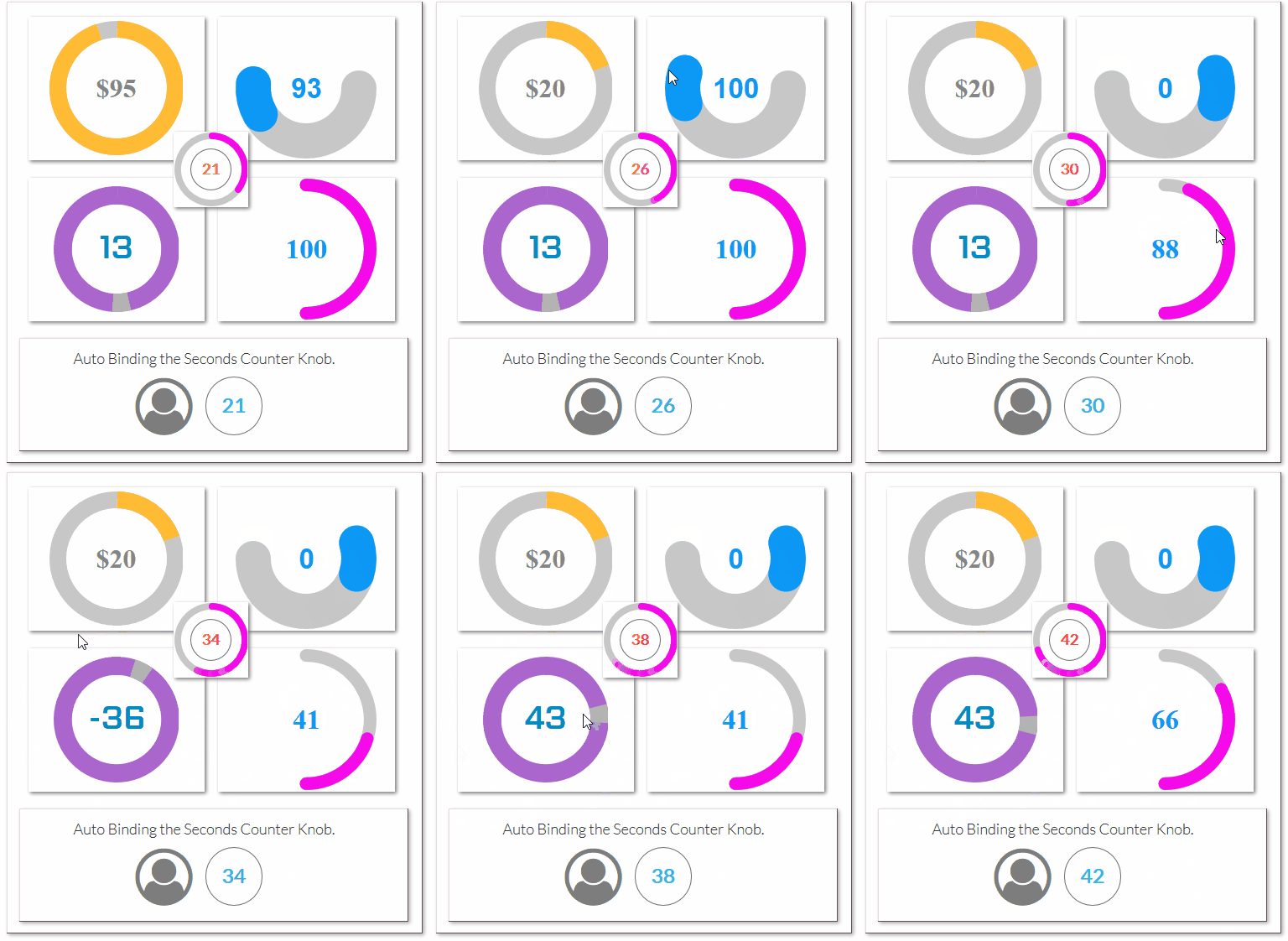
Just updated jQuery Knob,
- Added Autobinding for all knob types.
- Added Font Size.
- Enabled Tron skin for Clock Knobs.
- Removed the Unique ID.
- Added display previous on some knobs.

1 Like
I’m in love with the knob plugin  A question: what is the “format value infront” and “format value behind” parameters inside the plugin? Thanks for all your support!

Updates:
-
Autobinding with ability to have full time content aware mic.
-
New Trigger Word, Define a word or sentence in the properties, if that word is uttered there is a custom event that gets fired and the word output’s to a state meaning super simple dynamic method of knowing what a user is asking or saying without all the flows, → dynamic key sentence → users speech auto bound to the parent, and if the trigger is uttered the event fires and away you go.
-
Added clear all custom state values & reset.
Want to see a demo?
Get it from Here, or The Commercial Store.
Can you develop a plugin that detects if the user created a screenshot?
I want to know when someone takes a screenshot on their device so that I could trigger an action, like a ban on them.

Give users new ways to interact with your product by building engaging voice and text-based conversational interfaces powered by AI. Connect with users on your website, mobile app, the Google Assistant, Amazon Alexa, Facebook Messenger, and other popular platforms and devices.
-
Element for your Dialogflow Web Agent.
-
Create, Update, List & Get Your Intents.
-
Trigger Machine Learning Training on Your Training Phrases.
-
Import, Export & Restore your Agent.
Grab the Plugin From Here:
Check out our other plugins HERE
Hey ya Jarrad @jarrad
I was wonder would it be possible for one of my users to hit a button in my application and it will read a report back to the user something like this
“You have x amount of new submissions today”
“You have x amount amount of deleted submissions today”
I’m only looking for very basic. But it would be an absolutely amazing feature.
If it is doable how easy is it to set up.
Cheers

Show 1Word a Multiline Input, Single Line Input or text of any source and it will return a list of the words as a list.
-
Place the element on your page.
-
Use the element action ‘Get Words’.
-
Reference the returned word list as needed or make use of the Auto Binding feature.
Grab the Plugin From Here:
Check out our other plugins HERE