
When I test my app, I cannot run it as a particular user with “run as” because that link is missing from my “all users” data view. Can anyone tell me how to activate “run as?”
Thanks!
Please share a screen shot.
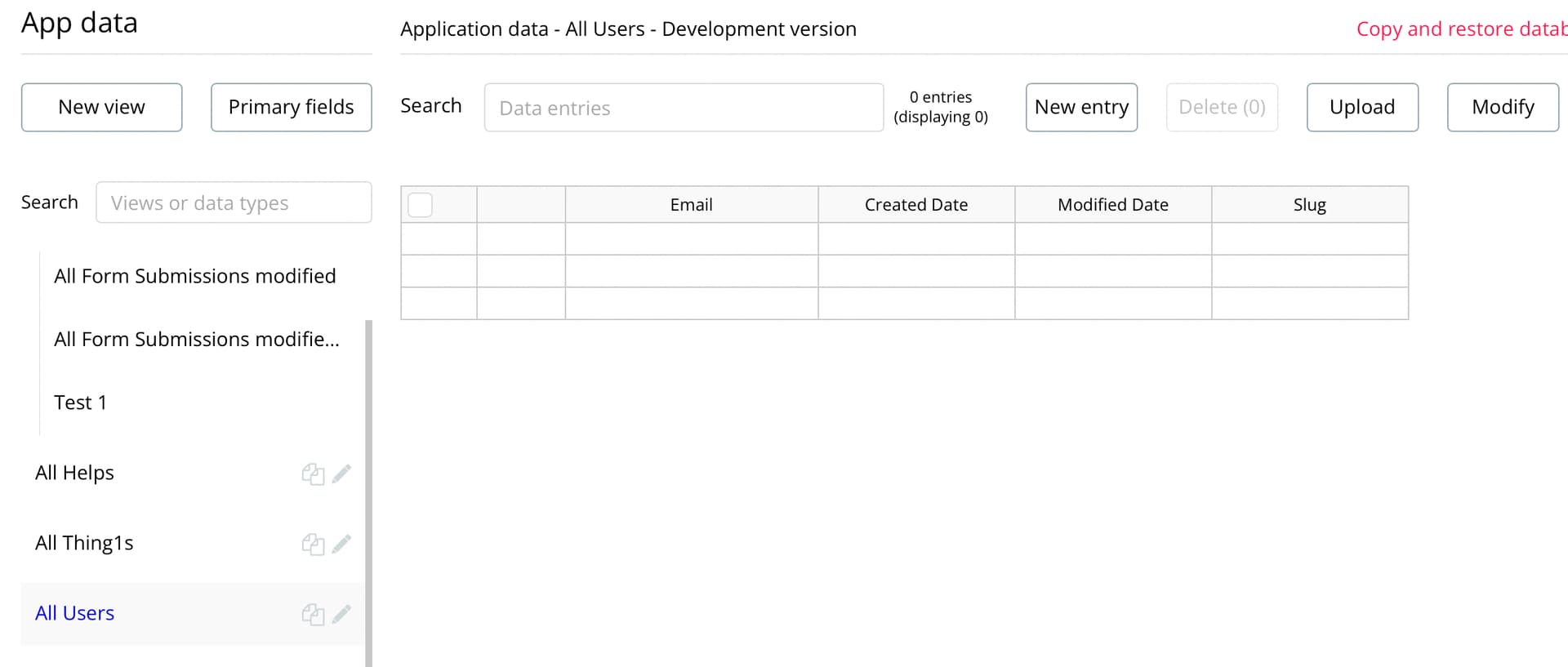
Seems like the first columns on the left should have “run as -->” and emails.
You don’t have any users in your database. If you add a user (click the New entry button), you will see the Run as feature.

Ah! I know this is a dumb question, but how do I add mock users?
(I’m really new to this, and I didn’t see that specifically addressed in any tutorials.)
Click ‘New entry’ and add a user with a dummy email
Hey! That worked! Now I just have to figure out how to get all my test user data on one line. Thanks so much!