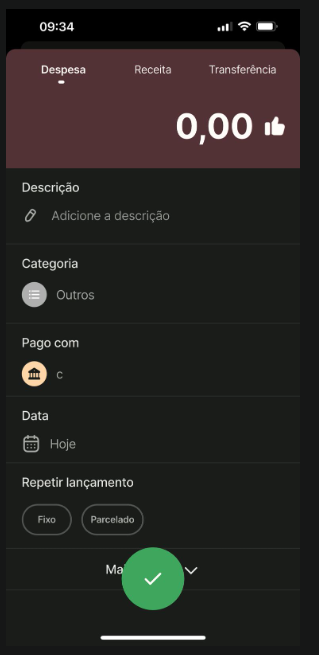
I’m developing a clone of the financial app Organizze, in the tab bar, it has a + icon that can show you a sheet for you to fill the form and create an income or expense.
I tried to replicate it on the mobile editor, but it only allows pages as target view of the tab bar.
It would be nice to include the possibility to allow sheets, since this is really common on mobile apps, to have a main button that shows a main form.
If anyone knows a way to do this, let me know, meanwhile, i’ll just send the user to a new page that will display the tab bar as well on it.