
Hi All,
Just started using the native mobile beta - very impressive - but I have a small issue that I’m hoping someone can help me out with.
I have a simple view for adding an item:
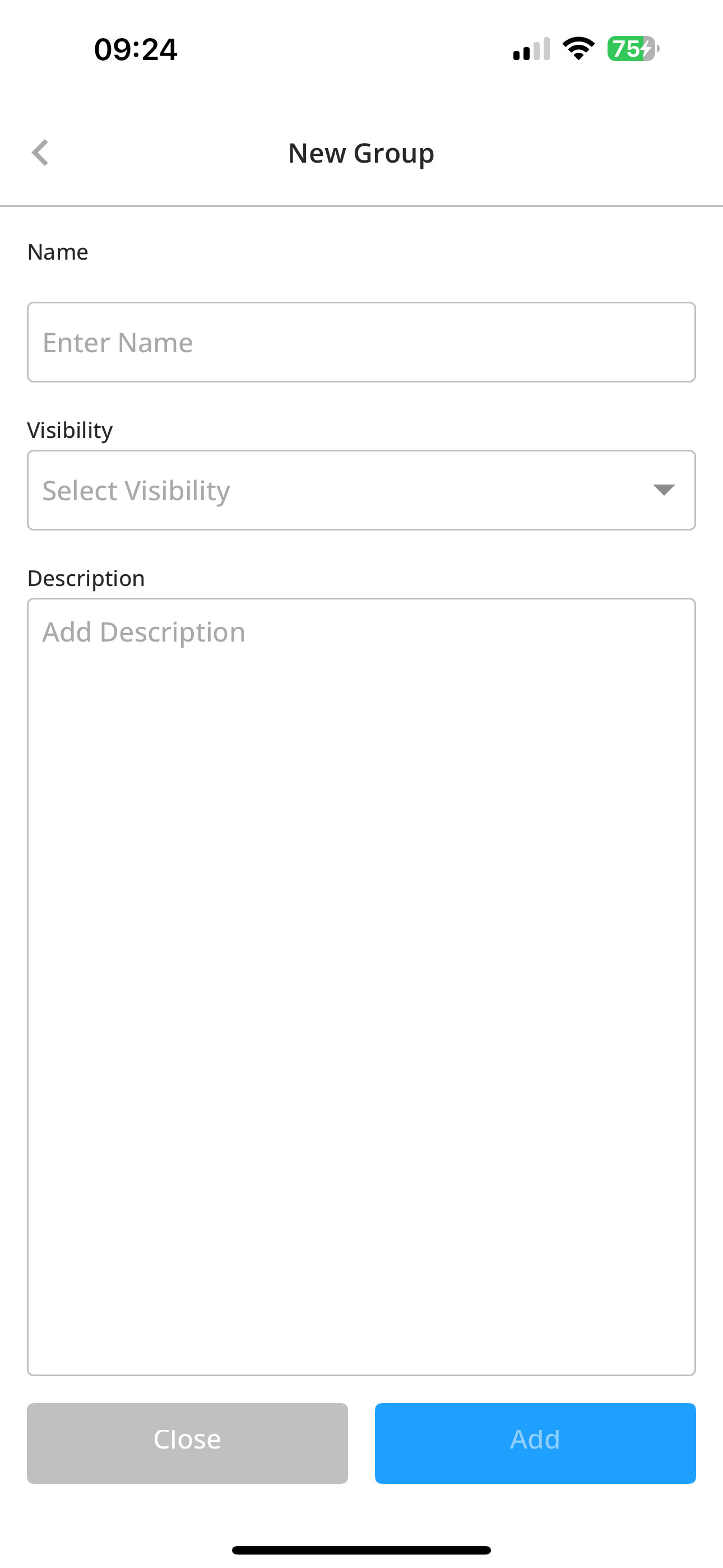
The Visibility ‘field’ is actually a group with a text element and icon. When a user taps that group, I have a basic workflow to display the Visibility Sheet (made up of the Visibility Option Set):

However, if the user taps the Name field, the keyboard is (rightly) displayed but if they then tap the Visibility ‘field’, the sheet is hidden behind the keyboard:

I was hoping for a workflow item to use to suppress the keyboard but there’s not an obvious one. Anyone have any thoughts here please?
Thanks
Stewart