
We’re testing our mobile app on Android and one of the testers shared this screenshot of the top area (Top Safe Area I guess) being white. Doing some research it sounds like Android defaults icons (time, battery, etc.) at the top to white which might be causing them to just blend in and not be visible.
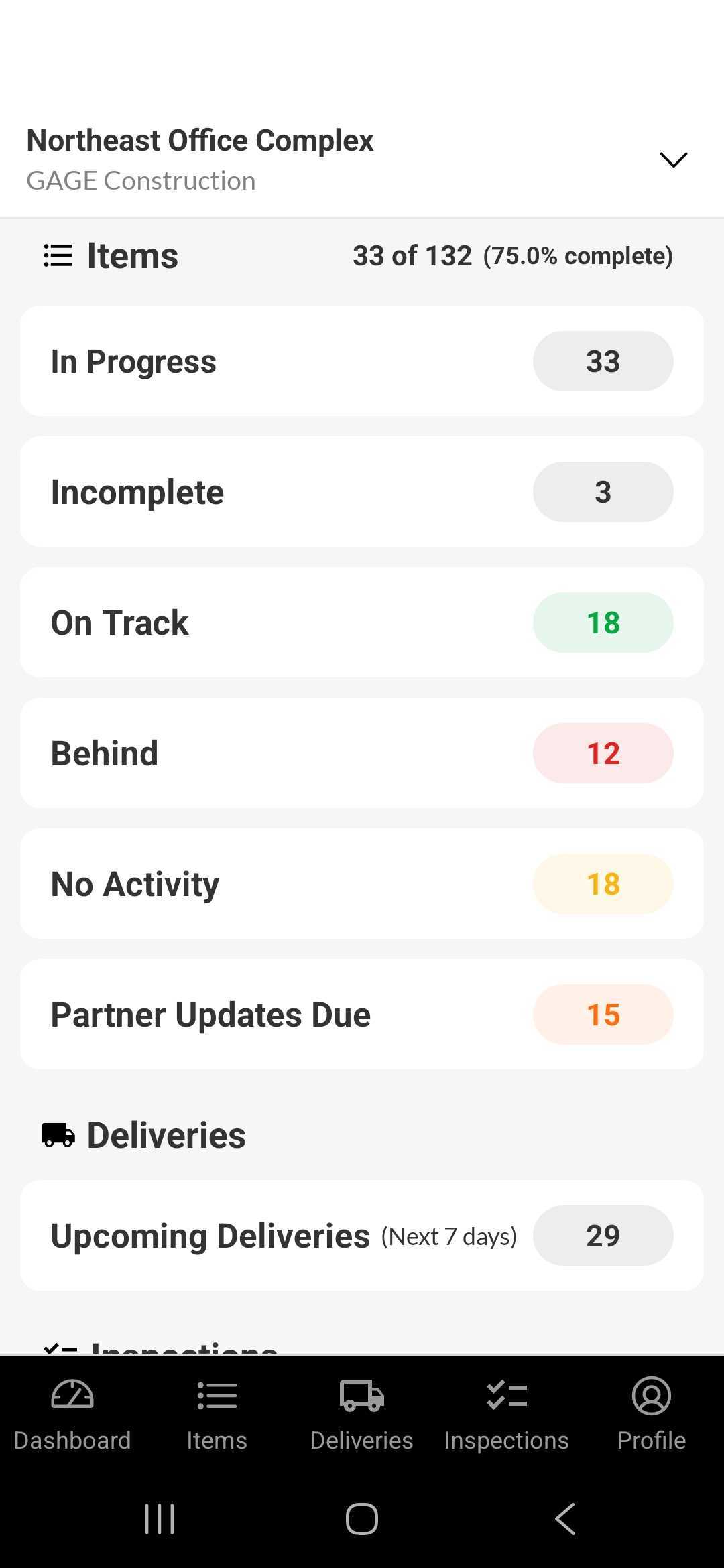
Does anyone know if this is just a testing issue (we’re doing Internal testing on the Google Play Console) or is this also going to be an issue when it’s live? Any ideas on how to solve this without changing the color of the App Bar to something else….we don’t want to do that since Apple looks fine. Thanks!