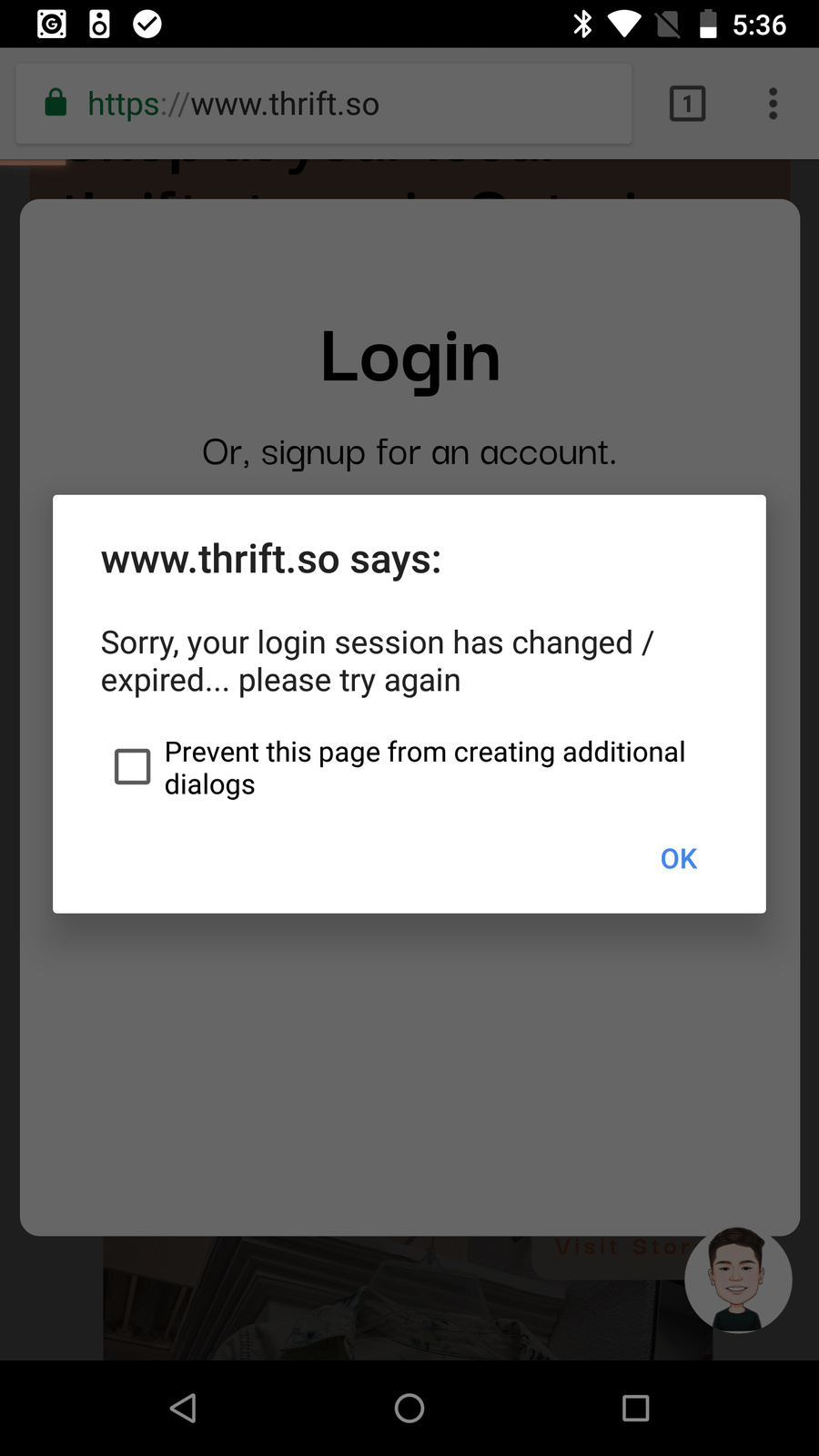
For some reason, users that are on Android are unable to login to their admin/mobile pages. I’m using the Google Nexus 6 as an example, and whenever I press the login button with the correct credentials, nothing happens: Loom | Free Screen & Video Recording Software | Loom.
Here’s the workflow:
User clicks on top right icon to open pop up
Pop up opens, login inputs show.
When a user presses login, it should go to the mobile page (if they’re on their phone), or the admin page (if it’s larger than 750 page width).
This workflow works perfetly on iphones/laptop, but it seems like androids are not friendly for this - does anybody know how to fix this?
Is the log the user in on a separate workflow than the “go to” actions? If so can you take a screen shot of them? Does that occur before or after your page redirects
Is it not some interaction of “stay logged in”? Maybe the redirects cause it to log the user out instantly? What happens if you set it to “yes”
Appreciate the questions. The login user is on the same workflow as the go to actions. I tried doing both (in terms of staying logged in and remembering the email), nothing happens still.
Hey, really appreciate the video. For some reason tho, it’s not working on the person’s nexus phone, and this is what they see. Do you know how I can solve this?
I think that’s a cookies/cache problem. It looks like on this post some found success with clearing cookies.
I guess there’s some sort of cookie or cached file that detects The login date and time and it may just be using that and comparing it with the current date and time and seeing that it’s expired.