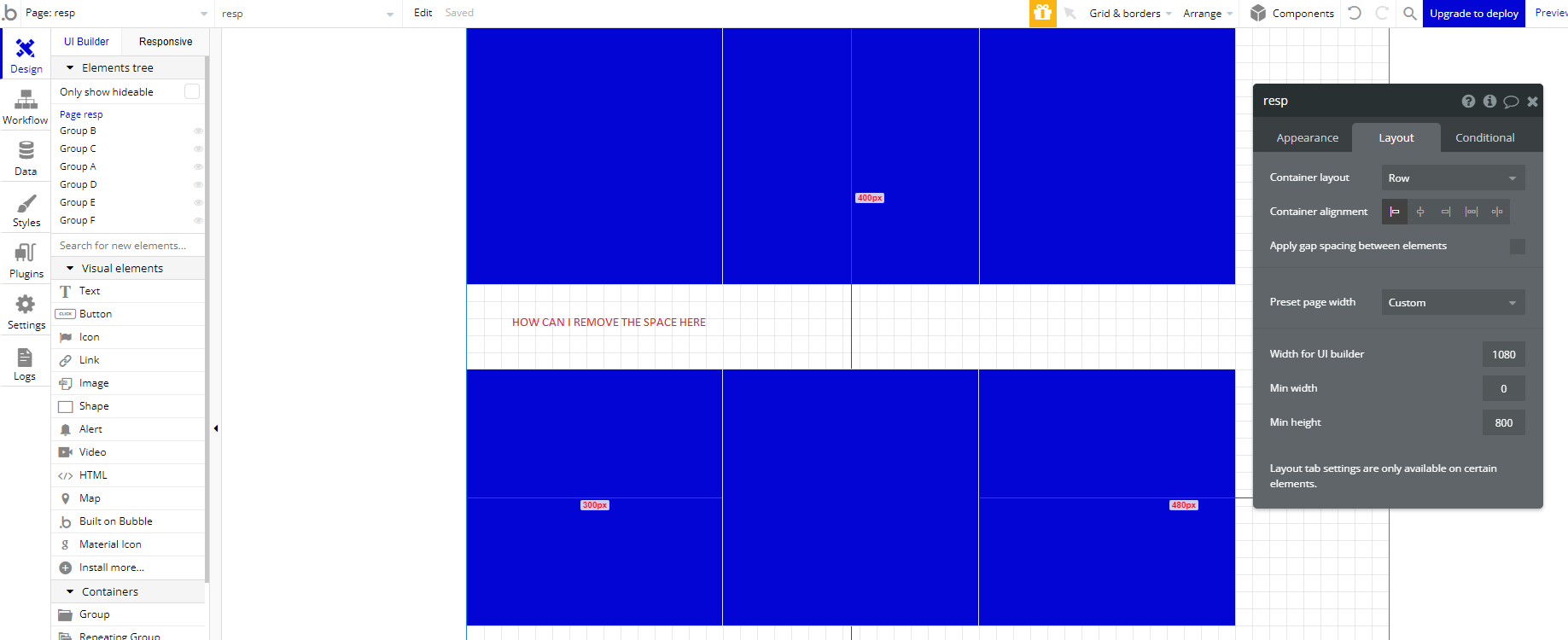
I’m trying to understand why bubble keeps a space between my blocks (300px * 300px). I’ve included 2 files. One file with the rendering I would like (no space) and the one I currently have. I can only fix my problem by decreasing the height of the page from 800px to 600px. Otherwise, Bubble tries to align my elements vertically by creating some space.
You are right, it works correctly in the preview! Thanks.
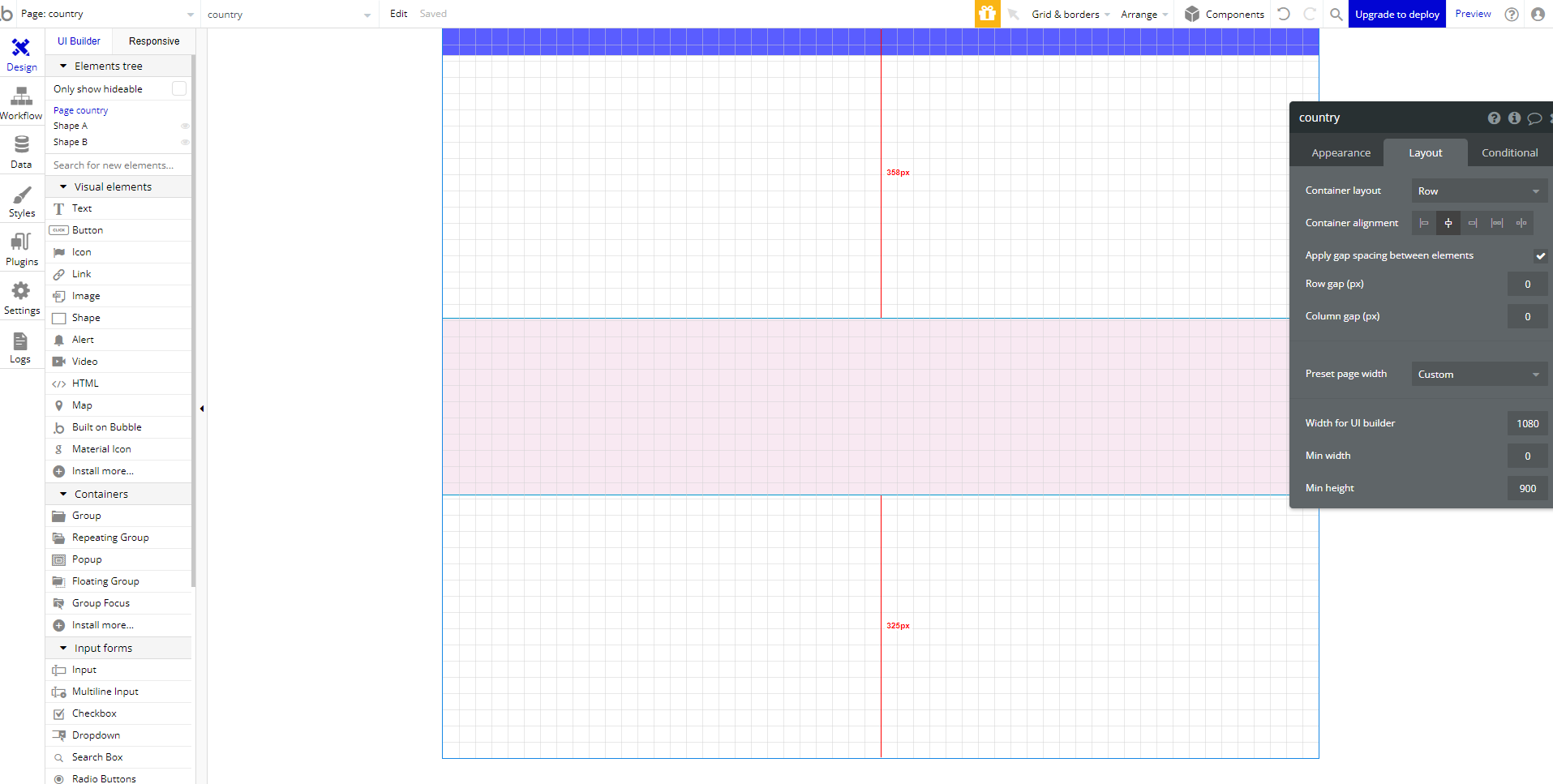
I have a second example with the same problem and, this time, it doesn’t work in the preview either. I don’t know why I have a space between the blue and the pink block.
"It looks like when the elements are just within the page’s row container, we automatically put space in between to evenly distribute the elements. That said, this can be avoided by grouping the elements inside a group with a row layout. Doing this, there shouldn’t be any space between the elements. "
There is nothing wrong. Your page has a minimum height of 900px and it is a row. If your elements, together, don’t have 900px of height, Bubble must insert space in between them.
If you transform you page into a column layout, you will fix it.