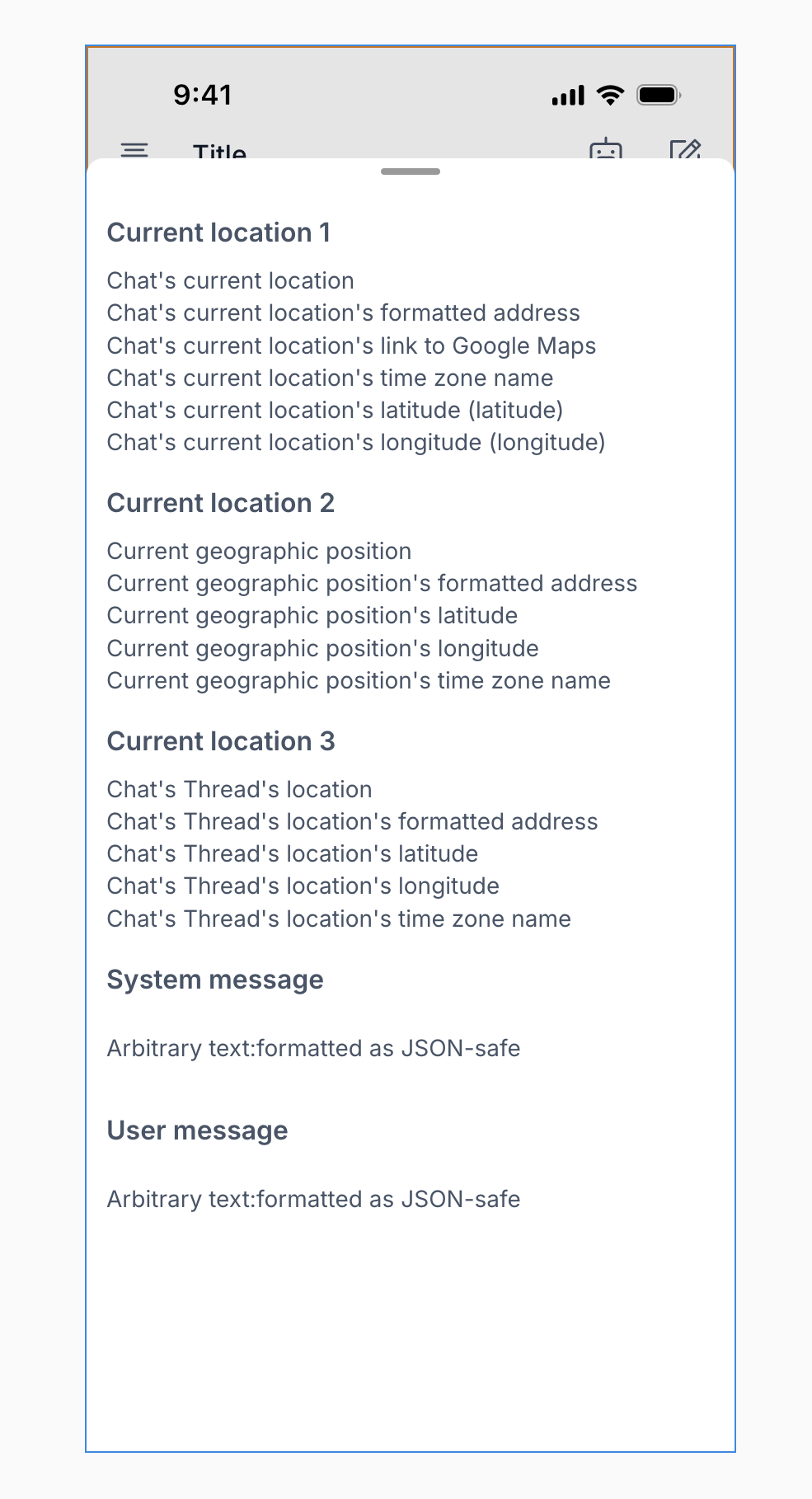
Hey, the ‘get current location’ feature isn’t working for me right now (iOS)—it was working before. Just wondering if anyone else is experiencing the same issue.
I’ve tried three different methods, but none of them are working:
- Setting a custom state
- Using the data source ‘Current geographic position’
- Saving it to the database
The location permission prompt did appear, and I allowed it.
Referred doc:
Update
Here’s what I’ve found so far, and I wanted to share it here in case you’re facing the same issue:
- If you want to visualize the location, you should use the Map element — it won’t display anything in text format (as you can see from my example above).
- If you want to use the location info in a workflow, especially in a backend workflow, make sure to save the location to the database instead of using a custom state.
- I’m still figuring out the best way to apply (or reference) the user’s location (as a geographic address) in a prompt for a AI chatbot. If you have any suggestions, I’d really appreciate it!

I’m also experiencing this issue, the fetched current location doesn’t get displayed in text format. Have you found a fix for this ?
Are you testing on BubbleGo? Is there a chance location permissions have been turned off?
The bugs appears in BubbleGo and in my published app on iOS.
Location permissions are turned on.
I am using the « get current location » action.
If you display the result somewhere as text, it’s blank
But if you center a map with that same address, it works, meaning that the app is correctly fetching the location
hmm I’m not seeing that in my test app - how are you displaying the address as text?
My setup is having the workflow display the location from “get current geographic address” as data in a group, and the text box reading from the parent group’s geographic address
I try to either :
-
display the address as a group data source and then display it as text
-
Setting the address as a group’s state and then displaying it as text.
Both fail.
Below is a screen recording from BubbleGo. There is a button to get current location, display the result in a group + set the address as state + center map to the address.
As you can see, the map successfully centers to the current location, but displaying the address as text fails.
You can check out my setup in my app p2park-v2, I have a view called “test”

Hmm yeah your setup is the same as mine. Do you mind submitting a bug report for further investigation?