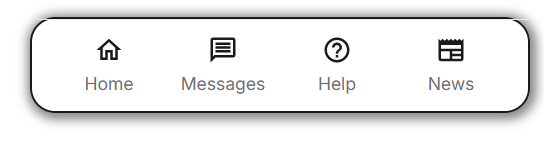
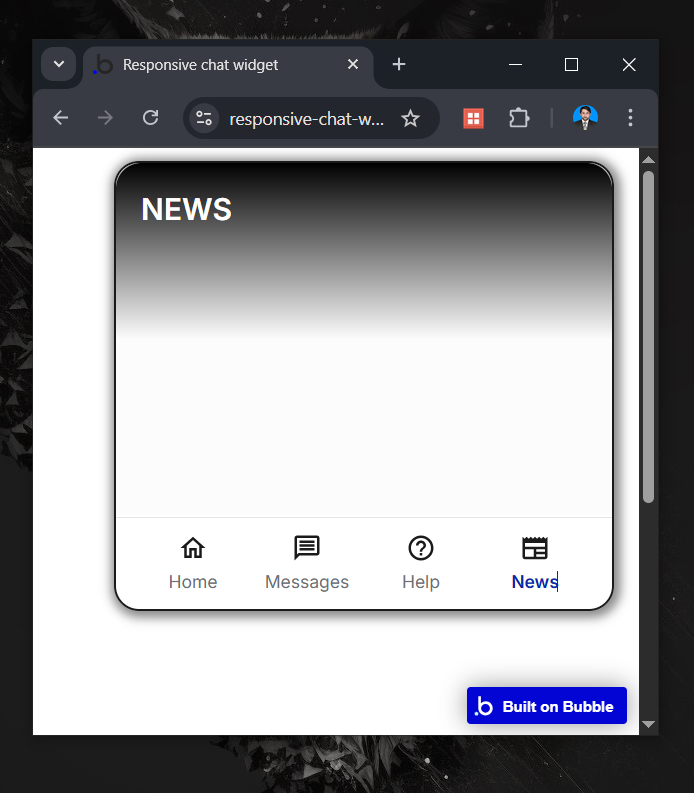
Im building my own version of intercom (a chat widget to the right of the app) but i cant seem to wrap my head around how to get it to react like intercoms, i dont think it’s complicated i just cant wrap my head around it… been reading on the froum for the past hour but no success…
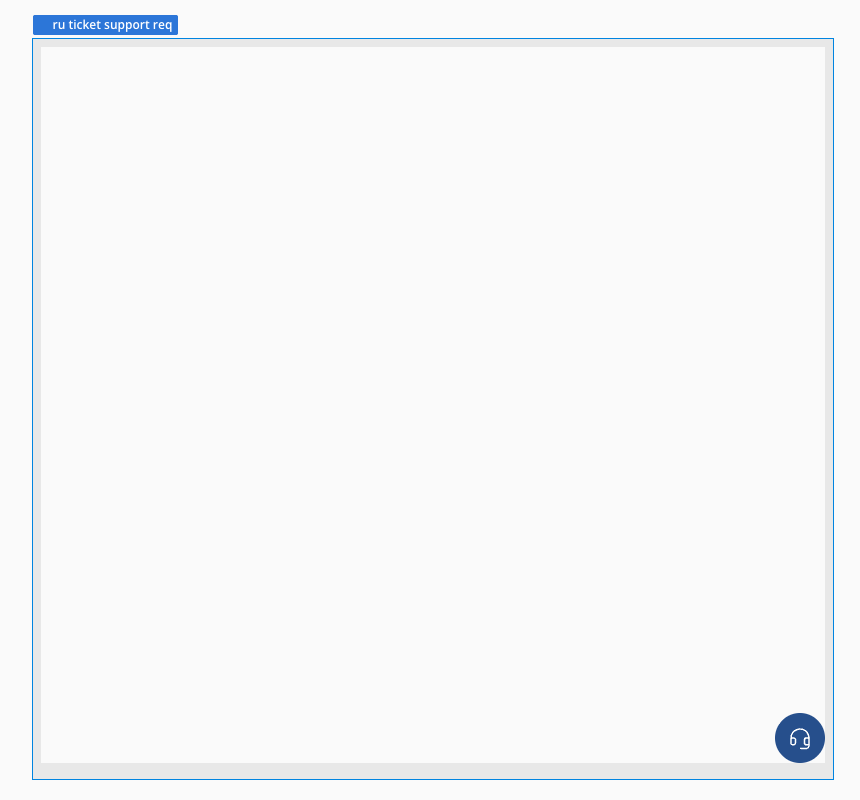
I made a demo editor that anyone can please help me out
Editor:
Preview:
@adamhholmes i have been having a look at some of your posts around nav bars that are floating groups but since i dont want to to cover the full page when the window is not visable im not sure how ti tackle this…
you could use my plugin Dynamic Width and Height. It has several elements that can control dynamically the size of elements and a new element that is Popup Positioner that should work fine on a float group as well.
Hey @boston85719, i actually had a look at this one but this should be possible to do natively in bubble pretty easily, no? or with at least some css? seem crazy that a plugin is needed for this function? i might be wrong… i dont understand the logic with floating groups and making them responsive to be honest…
Should be, yes, but is not from my experience. This is why I built the plugin for me to use and then made it available for others.
If you do not need it to be dynamic in height, native functionality can achieve it. That would mean it fits the entire screen or has some static margins applied. But if you want it to be responsive and dynamic you would need CSS or a plugin that does it. If you want it to be always X pixels from top and Y pixels from bottom, you can do with margins set on the floating group. If you want the margins from top and bottom and height to be dynamic, need CSS or plugin.
Inside it, I placed two containers, one for the closed widget and another for the open widget.
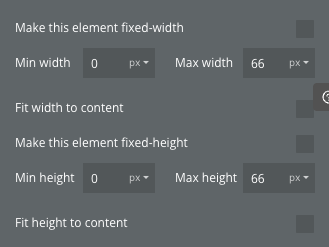
When you click the closed widget, it shows the open widget container, which has a max height defined to keep it responsive.
The main floating group is placed on the page where you want the widget to appear, and its width/height are controlled through conditionals, depending on whether the widget is open or closed, and also adjusting for the user’s page width.
Hey @rpetribu no i have not gotten that to work either sadly? And will that not permanently cover that part of the page from bottom to top even if the widget is closed?
If you want to adjust it based on the page height, you can create a CSS rule where you grab the page’s height and apply it to the widget using the element’s ID.