

I think this is because you set one of the group to a fixed with. Can you check to ensure that all the parent group of those nav items width are fit to content and they do not have a max width?
try:
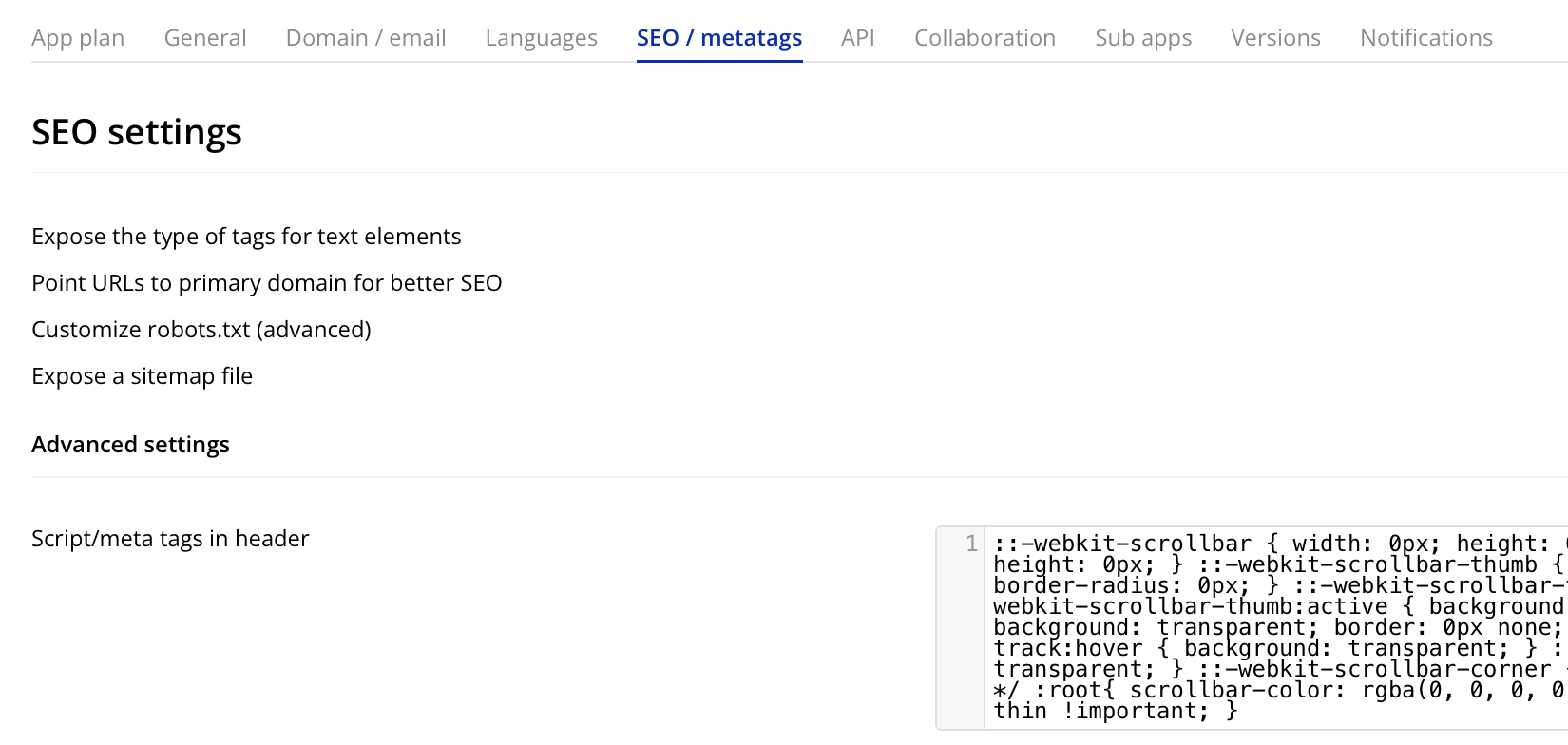
Go to: Settings - SEO/Metatags - Script/Metatags in header.
Pop this in the box then preview app.
::-webkit-scrollbar { width: 0px; height: 0px; } ::-webkit-scrollbar-button { width: 0px; height: 0px; } ::-webkit-scrollbar-thumb { background: transparent; border: 0px none; border-radius: 0px; } ::-webkit-scrollbar-thumb:hover { background: transparent; } ::-webkit-scrollbar-thumb:active { background: transparent; } ::-webkit-scrollbar-track { background: transparent; border: 0px none; border-radius: 0px; } ::-webkit-scrollbar-track:hover { background: transparent; } ::-webkit-scrollbar-track:active { background: transparent; } ::-webkit-scrollbar-corner { background: transparent; } /* Thin Scrollbar */ :root{ scrollbar-color: rgba(0, 0, 0, 0) rgba(0, 0, 0, 0) !important; scrollbar-width: thin !important; }if that was the case it would also show on the menu pages, which it doesn’t. Or am I thinking wrong? It is only shown when I go to to the menu on the right side and shoose a page. iwakinomotoye
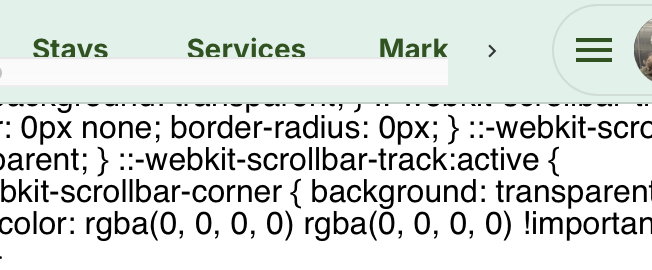
I double checked and I don’t find any max width.
Hmm. That should remove scroll bars.
Hopefully someone else has a valid suggestion.