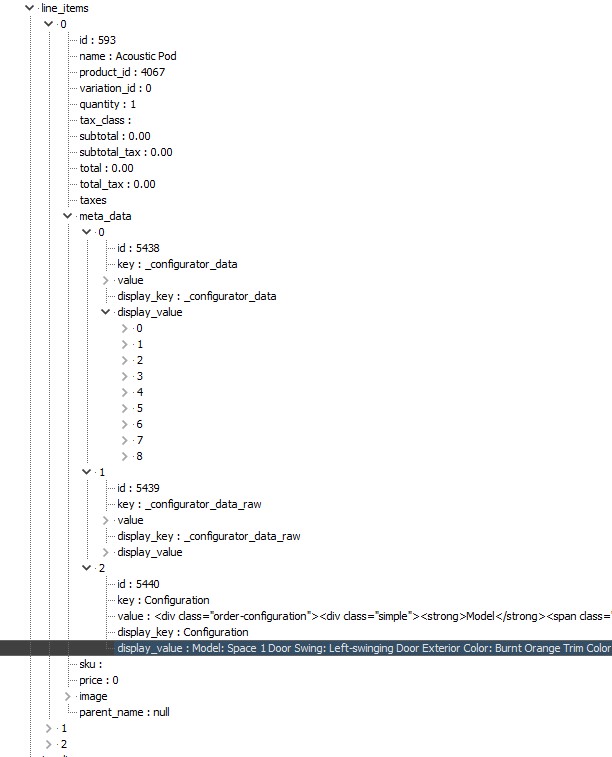
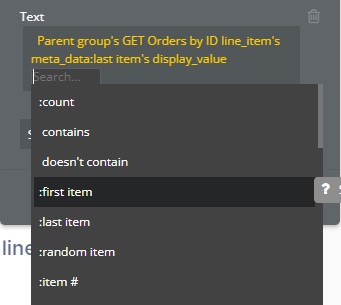
This makes it impossible to retrieve this value in my bubble app, because it throws an error unless I provide it with other fields (which don’t exist):
Does anyone know a workaround for this? I tried “format as text” but the issue persists. Is there any way to force the API to identify this as a string? Is it possible to write a small JavaScript file just to retrieve this value?
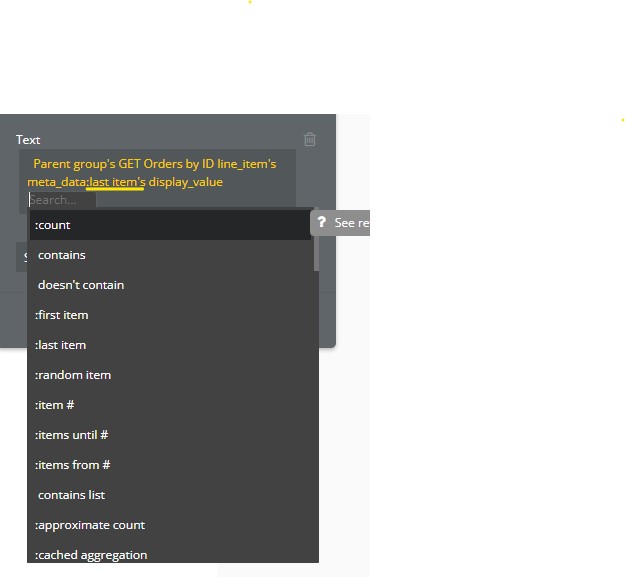
Thanks, but unfortunately Bubble is treating the display_value as a list. I can access it using last item but it still prompts me for further qualifiers.
Oh I see, that prompts me for more options, but unfortunately none of those exist because the value I’m looking to retrieve is a string, not a list, as you can see in the JSON response on the right:
The display_value I’m trying to retrieve (the last one) is actually a string. There are 2 previous entries with display_values that are lists, which is why the Bubble API identifies it as such, but the 3rd one is a string (unless I’m mistaken).
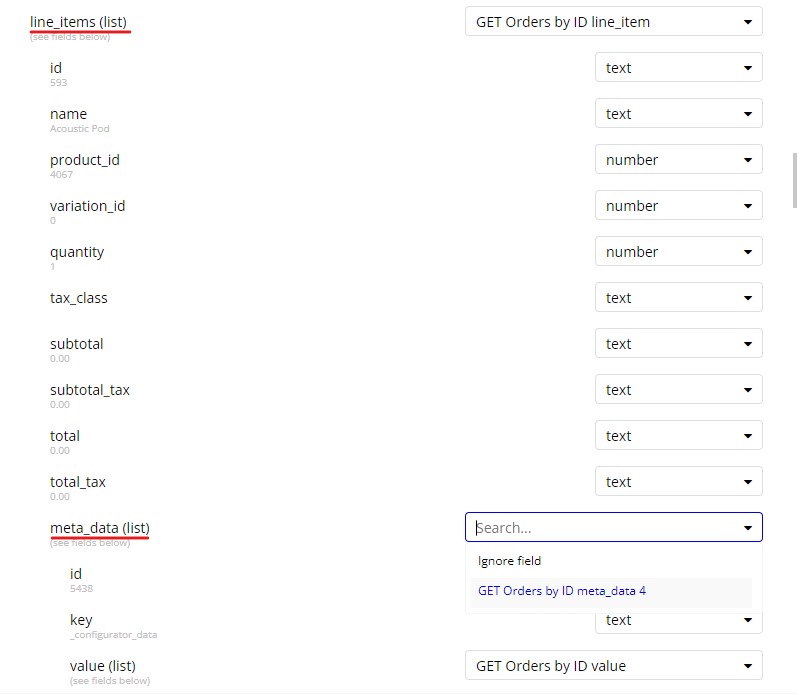
No, that’s sort of where the problem begins. In the API Setup it only has ‘list’ or ‘ignore’ as options, I can’t return display_value as a value itself.
No my questions is When you click call api (and initialized, is the response contain both possibllities? (not what Bubble show you, but what the API response return, click show raw data)
I will say, for me, it’ a bad API service encoding (should always be a list, even if there’s only 1 item in the list and two different key/object if you want to display one string and one list).
I was thinking that Bubble may parse it as two different fields, but doesn’t seem to be the case. I guess you may submit a support ticket, but I don’t have a lot of hope on short term.
One thing you may consider, and if the API have this endpoint, is to call this specific item in the list (using the ID) to get the payload when list:count is 0 for example to bring the data you need for display value when this is a string.
Another option may be to use one of the JSON plugin that exist to parse the JSON (API connector will get it as text instead of JSON)
Thanks for the info, I iterated a bit on your first solution and came up with something that works (but it’s a bit hackey).
I manually edited the API response and took out the square brackets that defined display_value as an array rather than a value.
This obviously won’t work if you need both versions of display_value, but it works for my use case. If you do need both, I imagine you could have two almost identical API calls and use one for each.