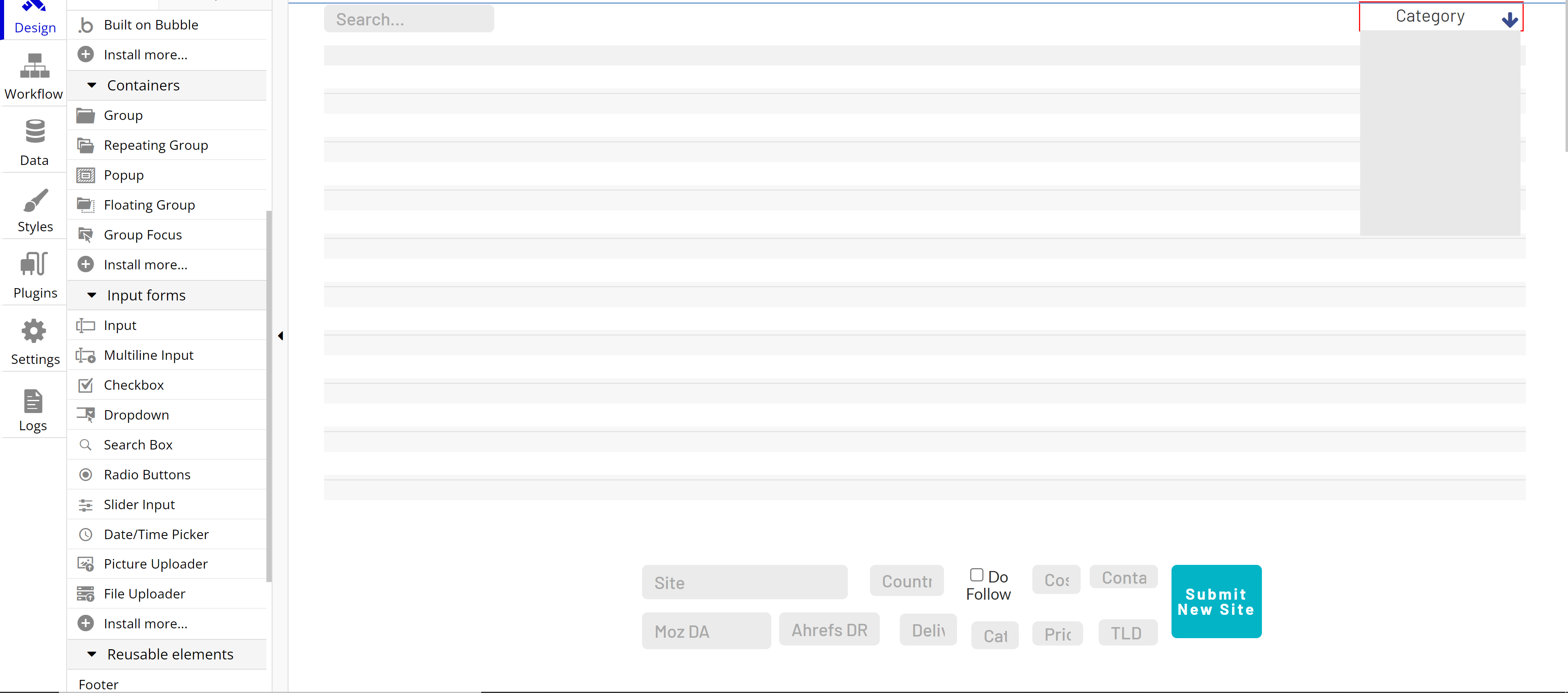
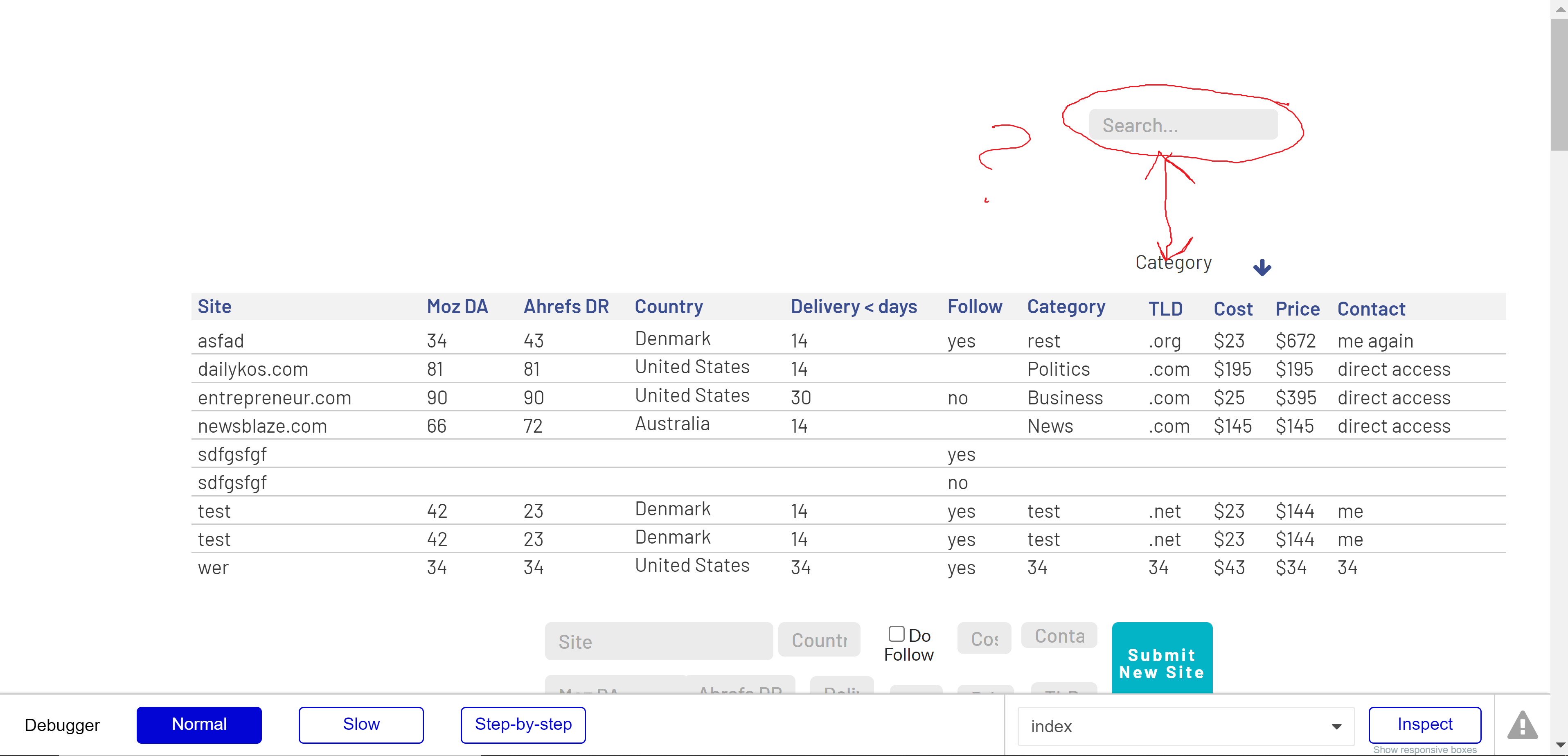
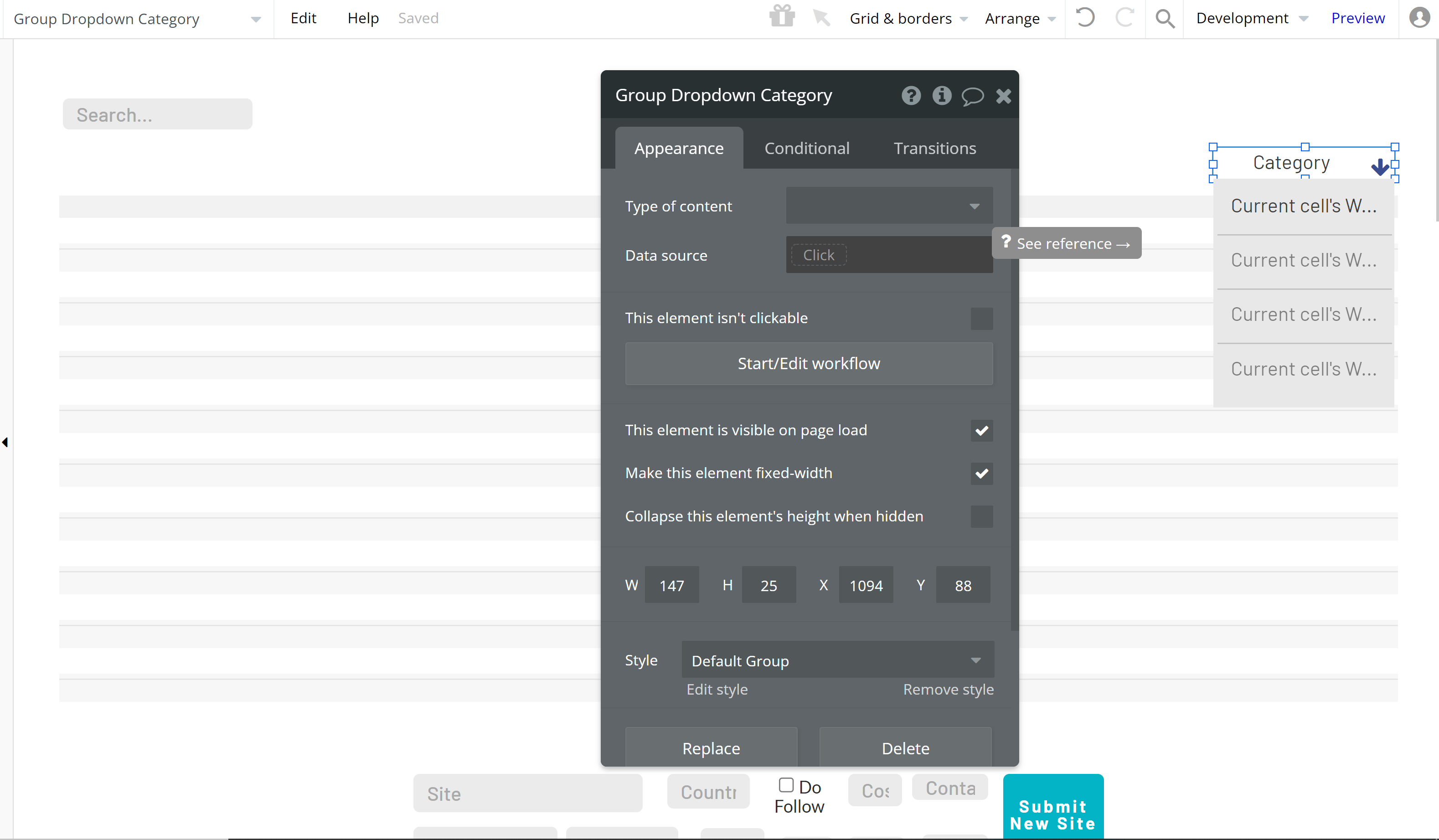
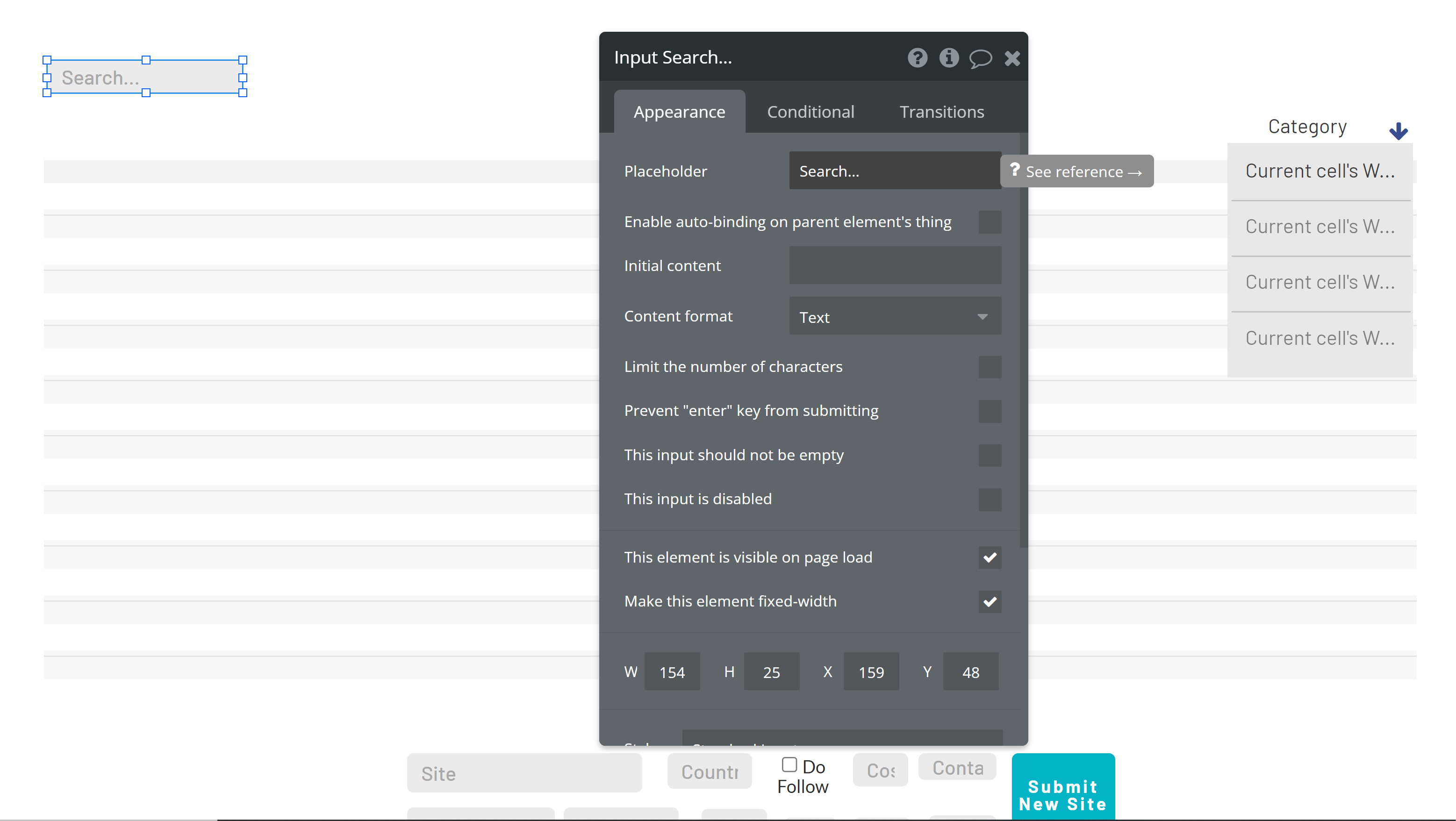
Not sure what’s going on here. I’m creating a front end table with a search box and a drop-down filter. I place them on the page aligned horizontally on opposite ends of the page. However, when I do this, one of the elements jumps up and to the right totally misaligned
My guess would be that your fixed margins and minimum width settings need to be changed but without being able to see your full app I can’t really say…
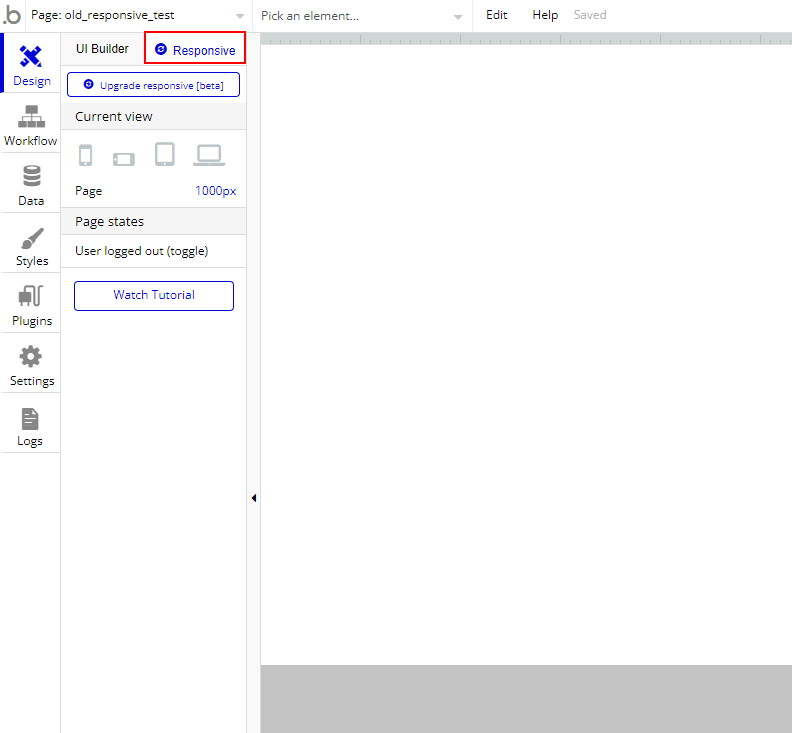
Best to spend some time getting to grips with responsive design in Bubble, and I’d highly recommend switching the the new responsive engine and learning than (rather than spending time learning how the old engine works) as it much simpler to get fully responsive layouts.
If you want someone to take a look in more detail, it’s probably best to share a (read-only) link to your editor, as that will be the quickest way for someone to see what’s going on, rather than trying to guess based on a screenshot or two.
No one told me about the new Responsive Engine! lol
But yes, it seems that’s all it was - uncheck fixed margins and things are better - still not perfect but seems like i’m going to have to spend some time playing about with responsive settings as I add other elements.
+1 to what @adamhholmes said above. Please start building in the new responsive engine! It will save you an endless amount of headaches and the beta has gone on for long enough that it is practically bug free. I can’t say for sure, but I would be surprised if it was not the default editor by the end of the year. Good luck with your Bubbling!