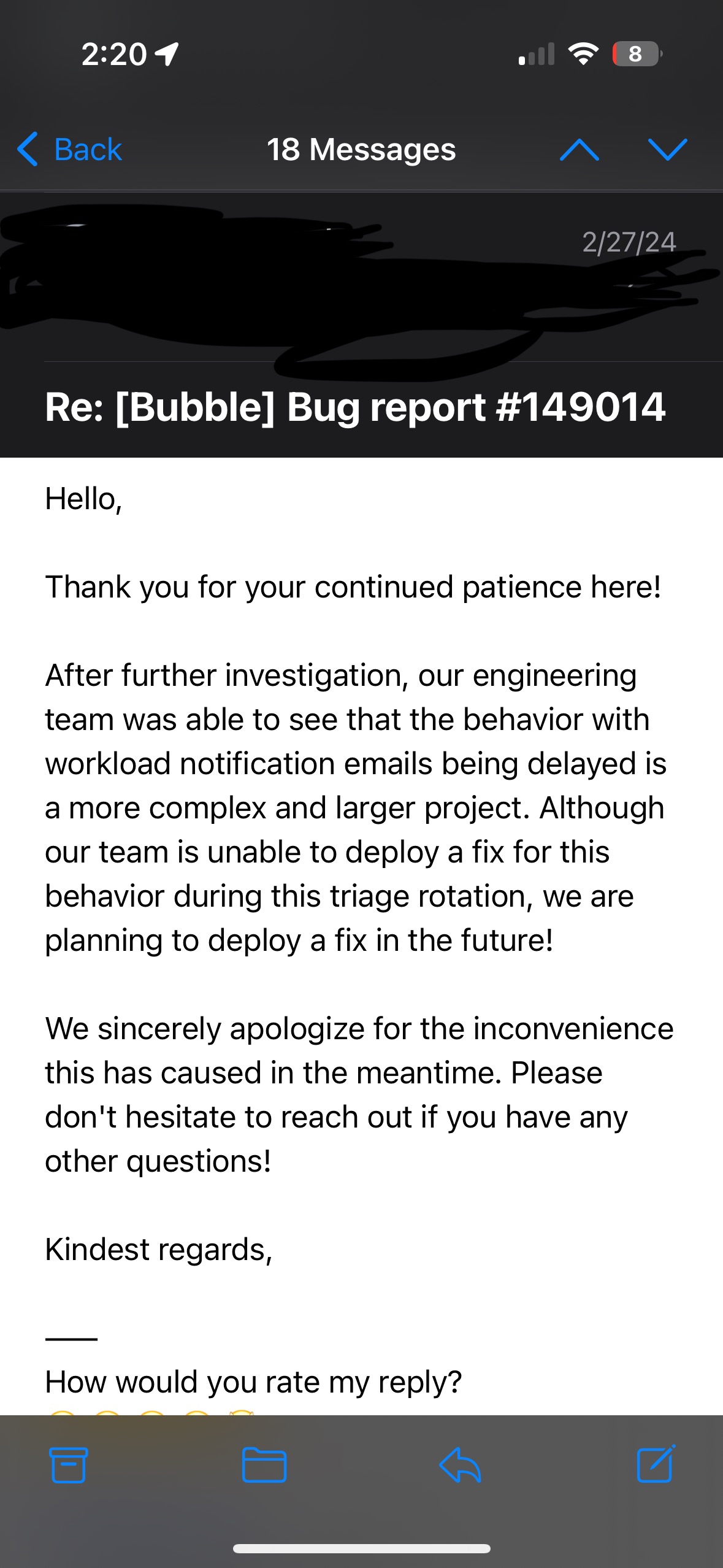
The app is used every day by a few customers of mine each day…maybe 3 or 4 per day for less than 2 minutes each. It has been working fine for over a year. Here is the email: Hello,
We are sending this email to let you know that your application xxxxxxxxxxx has hit its maximum capacity usage for 57 minutes over the last 24 hours.
You can add more capacity for better performance and to prevent your app from being rate-limited. You can also test how your app will behave with a capacity boost for free (up to three times a month) in the
You can also analyse your application’s capacity usage and control the threshold for these automated email notifications in the
Don’t hesitate to reach out if you need help in scaling your application.
Yup, as I suspected, it’s the capacity email. I am not going to try to dig it up, but Josh mentioned a while back that folks were getting those emails in error. So, as long as it’s not affecting your bill or the ability for your users to use your app, it is probably safe to ignore the email, but it probably couldn’t hurt to reach out to Bubble support, too.
At a rate at least five times higher than the average of the previous week? Why not keep that as the default and also allow me to decrease it? Can you imagine if I receive the alert but don’t notice it for some reason (travel, illness, personal problems)? The intention is good, but it falls short of what we need to feel secure!
The Bubble team doesn’t need to reinvent the wheel; companies like Amazon and others offer options to limit spending, and we need that!
Thank you for the effort, but I would be happier with a more efficient solution, for example: an option to automatically shut down my application in cases where it exceeds X times (defined by me) the WU average I establish or the daily WU amount! I prefer a temporarily disabled app over it being permanently inactive because I couldn’t pay a debt of hundreds or thousands of dollars.
Recently, I sent a message to support seeking to understand what would happen if my application received significantly high traffic or became the target of a denial-of-service attack (DDoS). The response I received was surprisingly generic, which only heightened my concerns.
Currently, I am in this situation: I prefer to lose clients than to launch the application under the current unsafe conditions. It’s not out of stubbornness, but out of precaution. I simply wouldn’t be able to sleep peacefully if my income depended solely on development in Bubble.
When does the notification get hidden/suppressed? It would be good to be able to dismiss this when you have resolved a spike so that it doesn’t linger. I had a 49k% spike yesterday (yes thousand) and it’s resolved. But I am still seeing the warning which raises blood pressure! I need to dismiss it so I don’t ignore it (in case I get a fresh spike).
(edit: time has shown me to believe the answer is 24 hours)
Is the email meant to be sent quickly? I did not get it. I had such a spike that I didn’t get the 75% capacity email either, just the 100% app limit > Overages enabled > $ one.
I am refining some of my processes to ensure I don’ t have naughty recursive workflows - and need to know the tools I’ve got to help me are as good as they can be.
You can always disable overages if you want to limit your spending - that’s what I would recommend if you have concerns. And yes, I think there’s more we can do here but my goal in this was to get something out for customers that would be helpful but to not blow up our roadmap over-building this feature. We can always add more but if this basic implementation is a win for most customers, I’d rather know that!
The email is real-time. If you didn’t get it, please drop a note to our support team. I will say that we can see when an email gets sent out on our side but once it leaves Sendgrid, we don’t have visibility into if it gets into your inbox! But we can check if you’re concerned you aren’t getting emails.
I’m curious now - was the alert helpful? Is that how you noticed that you had a spike?
Thanks for the reply - my guess is I spiked pretty hard and it jumped directly to the 100% email but I’ve asked Eduarda in Support to check this.
In this situation the alert has been more troublesome than helpful. I noticed the email first, and alert came about 30-60 mins later (after I’d resolved the issue). It was not instant. Because it hangs around, without the ability to suppress, it then caused mild panic within me for the past 24 hours as each time it popped up I checked the logs to see if it was recurring or yesterdays’ fault.
WU usage/overage and any sudden traffic growth or spike is my top concern (fear) with using Bubble.
+1 on this. also a custom timeframe for the alert to be generated.
@laura.oppenheimer - the notification email is def needed and it is def appreciated. Unfortunately I also received the ‘you hit your WU ceiling’ a minute after i received the ‘workload usage spike detected’ email - I was then over 5M WUs at that point. both emails were received ~24 hours after a runaway loop was triggered. i think it’s fair to say there’s room for improvement in this respect to guard against runaway situations, enable quicker responses, and to reduce the risk of unplanned (significant) costs appearing. Given how quickly the costs can pile up, it would be great to have a text msg feature to underscore the urgency of the situation. Like @TipLister pointed out - a workflow with “if WU > X, send text / send email” would be huge. I can think of some more manual ways to track the number of times a workflow runs, then get an alert email, but a more high-level WU status / alert would be fantastic.
re-opening this thread… We really need a custom alert, this is the second time we have an infinite loom wf with a notification 4 hours later @laura.oppenheimer please you need to make it something to do asap ping @josh
My clients are mad at Bubble…
Totally. 4 hours is better than 25! @laura.oppenheimer another case in point.
I set up Zapier to set off alarms on my phone for any significant overages on all my apps. However, when I had a runaway WF on March 21st, (other than an email early on that didn’t capture the issue), I only received the WU Notification email on March 22nd at 2:28am!
So not only didn’t I actually get the notification email when I needed it (BEFORE the 5M+ Workflow Units), I got woken up in the middle of the next night when the issue had already been resolved for 16 hours!
Is there any reason we can not simply throttle the overages and allow through X amount per hour? Most apps cannot disable overages, but they can also not be billed $1,100 because no notification was received!
They are very aware of this notification error as well as other potential miscalculation errors.
They are still using people’s “one time forgiveness on WU overages”. You’d expect after a year of WU pricing being out they’d have the basics worked out.
7 months until everyone is forced off legacy plans
Looks similar to a response I got from a bug I lodged for the table element. Except mine was more of a don’t have any plans in the near future type of deal
Bubble will spend hundreds of dev hours to roll out a higher-converting, revamped pricing page, but draws the line at TWO little inputs that allow us to specify a soft limit where we’re notified, and hard limit where our app is stopped
Add a soft-limit and hard limit like every reasonable web services provider, and the problem become pretty much solved… wild…
Hi @georgecollier - I’d love to hear more about what you envision with soft and hard limits. For example, we’ve tossed around the idea of giving customers a way to set a cap on WU consumed. But then the inevitable question is: What happens when you git the cap? Does your app go offline? What would you want to see happen? (And, how would setting a cap differ from having a workload tier you feel comfortable with for your app and then disabling overages)?
I ask out of genuine curiosity as we’re working on improving the tools people have to manage their workload consumption and are exploring a range of ideas. What’s ideal to you?
Laura here - I’m the PM who owns this feature and it’s definitely not a goal that it not work or miscalculate. Not good at all. We just rolled out a fix that should fix some of the issues with timeliness on the notifications going out. I’m not aware of other miscalculation errors though; if you feel comfortable sending me a DM with what you’re seeing I’d be happy to take a look.
We updated these alerts this week so they should go out more frequently and alert you sooner. One thing we heard is that the current default for the notification comes too late for larger apps (i.e. apps already consuming 50-100K WU/day). So we’ve now updated our definition of a spike to send these notifications out sooner.
I also (in reading and responding to this thread since August) know that the notifications have not always been going out in a timely enough manner. When I get reports about this our team looks into it. I understand the frustration and how scary it can be to see a big number pop up and we’re exploring ways we can improve these in the near-term.
If you have ideas or want to share feedback on what you think would be ideal, please DM me and I’m happy to brainstorm or set up a call.
A soft limit occurs at X WU (or possibly $Y, either is fine). Once that’s hit, an email notification is sent (and it’s important this isn’t delayed).
A hard limit occurs at Z WU. At this point, the app can either 1. stop running backend workflows or 2. stop the app entirely, based on the app admin’s preference (Presumably the latter option would send active users to the Bubble ‘this app hasn’t paid for live version’ or whatever it is page. A maintenance page feature would be a nice add here - allow us to create a page with no workflows / dynamic data that can be shown when an app is at its limit, or when it’s enabled from the editor for instance when I’m running backend workflows to modify data after deploying new logic live)
This differs from getting WU tiers with overages disabled because not all apps require the workload unit tiers - some need to be on starter plan with overages to remain cost-effective. Most of my client’s apps are just on starter/growth with no WU tiers added.
Soft limit/hard limit means liability for any recursive overruns falls on the customer, rather than Bubble as the customer can always limit the maximum amount they’re able to spend (better for Bubble).
There are other options that are pretty good too, but I guess they’d be more technically difficult to implement:
allow us to limit WU/hour or WU/day. This doesn’t need to be checked by Bubble every time something happens. Just once every 10 minutes or so for the WU/hr limit and once every hour for the WU/24h limit. Understandably, checking if we’re over the WU limit every time a Bubble operation occurs would be unreasonable.
allow us to set a backend workflow scheduler rate limit (X workflows per minute/hour/day). If the limit is hit, they’re just queued (so at least the rate of recursion would slow down).
A big part of it is this community trust thing… it does (even though I don’t believe it’s true) feel like Bubble is preying on new (and sometimes experienced) users who make one mistake, with that one refund per account policy. You can fix that by providing common sense tools like manually settings limits that avoid all of that.