
Hi Community!
I am having trouble making this function work, were I want my users to select wich one of the “template words” they want to use, and when they click on of the 4 choices, the choice name automatically filled in the input, any ideas for this?


Hey @jona
I had the same use-case recently. The workaround I found was to copy the value to clipboard on click, and then paste it into the input manually.
Having the value immediately be added in the input without needing to paste is (to my knowledge) only possible through a bit of JS work.
Hi @jona 
This should be really simple with the Insert at cursor position plugin. 
hi @rpetribu,
Thanks for your reaction! It is kinda working, but not really like I want it to work, because you need to select an option in order to insert the text, but then the cursor is at the selecting option, so the value is also pasted at the wrong position (not after the text you wrote)

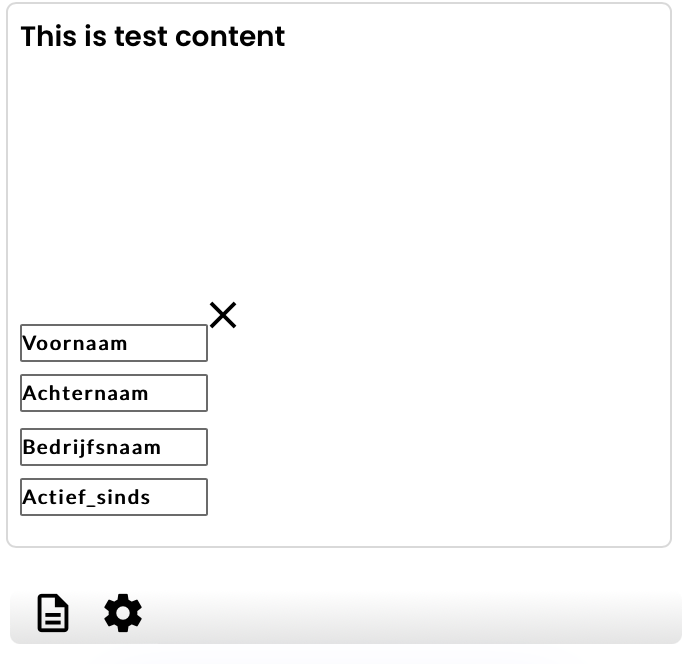
@jona why don’t you set those variables outside the multiline input? IMO that’s better UI, and this will most likely solve your issue. Killing 2 birds with 1 stone 
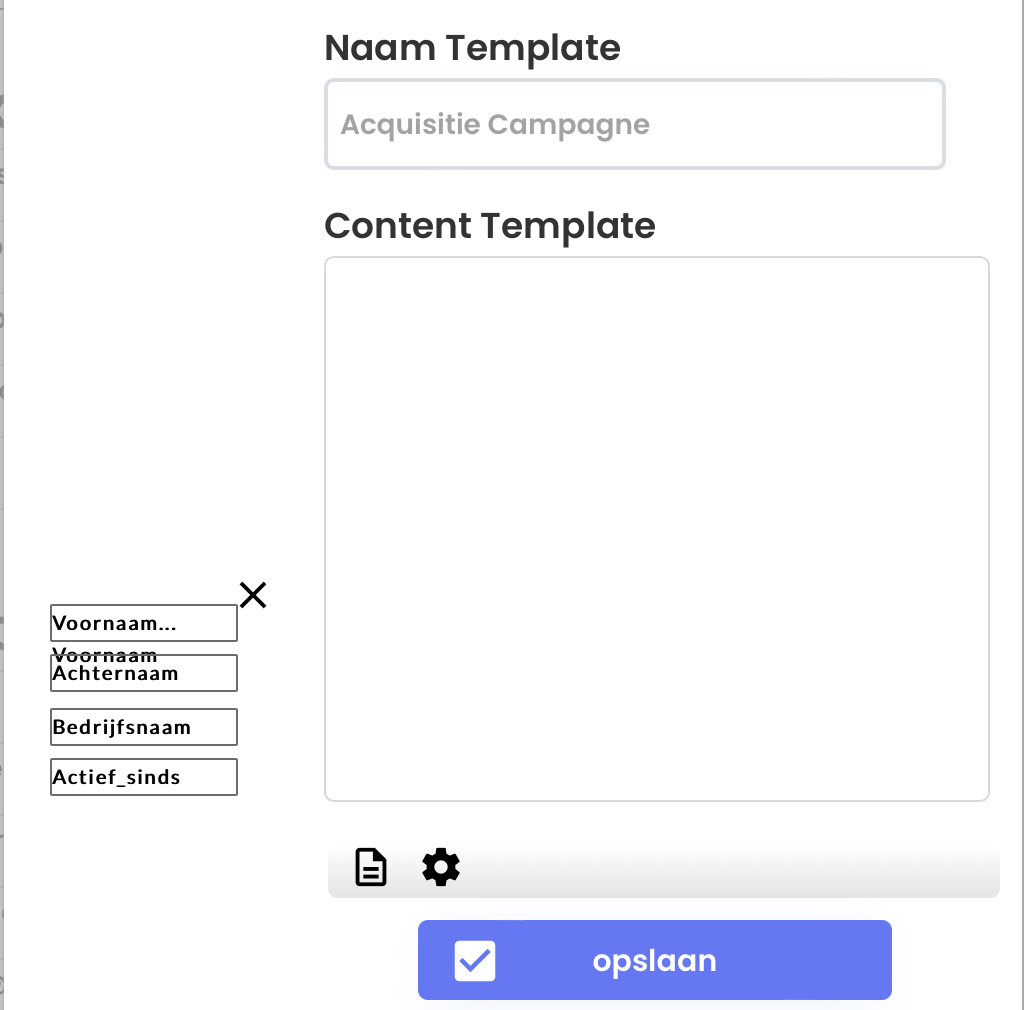
Are those input fields & did you perhaps give them the same ID attribute?
No, the idea is you select one of the values from te boxes e.a.g “Voornaam”, then it automatically get pasted at the line you were writing in the multiline input.
Please, what do you specify with ID attribute?
@jona - Have you read the plugin instructions in the first place?
It seems to be working correctly for me, here’s how I’ve set it up…
DEMO: play-app-player
EDITOR: play-app-player | Bubble Editor

I don’t see the option for the Attribution iD in my app, were I see you have the option to add the ID
There’s another action that comes with this plugin, you should use that one instead. 
Ah ok, i see. Thanks, and how can I specify / create the attribute ID?


Great! Thanks for the solution @oliviercoolen, really helped me today!
Also thanks to @rpetribu!
And a other question @oliviercoolen
I want certain words be colored, for example the word; “Voornaam”, but when I try to set a condition for this, the whole multiline input font color is changing, do you know a way to just color a specific word within the input?
That’s not possible I’m afraid, at least not without some custom code.
What you can do instead is have a “preview” button. This button can open a popup, for example, that displays a repeating group where the Data type = text and the Data source = multiline input ... 's value:splitby( ) → (so split the words using a space)
Then on the text within that repeating group, you can have a conditional that says, "when current cell’s text is Voornaam → Change font color to…
