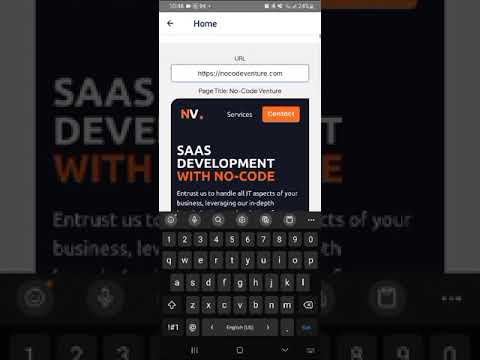
hi @nocodeventure,
I’m using your WebView plugin (Bubble Mobile)( Webview (Bubble Mobile) Plugin | Bubble ) to integrate an HTML page into my native application. I have an important question regarding receiving messages sent from the WebView.
In my HTML code, I send a message to the parent element via:
window.postMessage(JSON.stringify({ status: “success”, asset_id: “123” }), “*”);
or possibly:
window.parent.postMessage(…)
window.top.postMessage(…)
However, in Bubble, the event
“Webview A — Message Received”
doesn’t receive my JSON message. The received_message field always displays automatic messages like:
type: DOMChanged
timestamp: XXXXXX
Therefore, I would like to know:
 What is the exact channel your WebView listens for to receive messages from the HTML page?
(For example: window.top.postMessage, window.parent.postMessage, window.ReactNativeWebView.postMessage, or something else?)
 What format should the message be in for Bubble to correctly capture it in received_message?
– A JSON string?
– A simple string?
– An object?
 Is there a specific configuration in the plugin to enable/retrieve messages sent from the HTML page?
My goal is to trigger a Bubble workflow as soon as my WebView sends:
{ “status”: “success”, “asset_id”: “…” }
Thank you very much for your help.