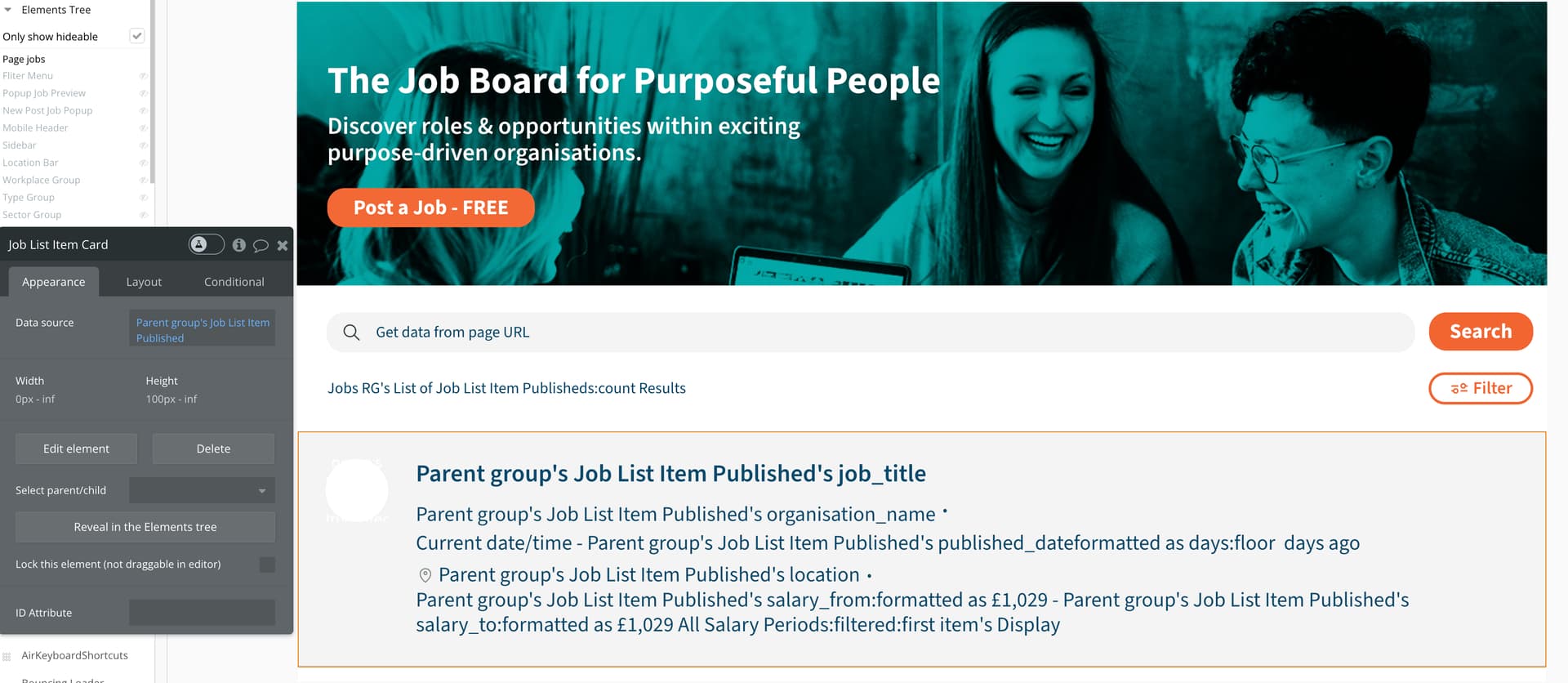
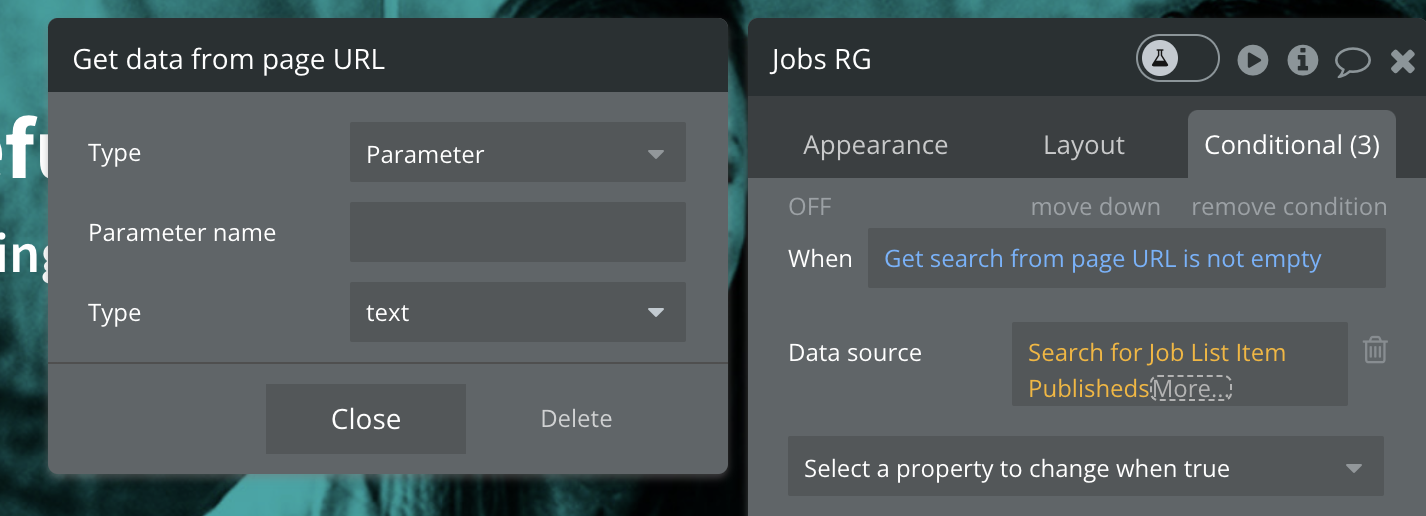
I have been going around in circles trying to fix this bug with no result - I would really appreciate your time / thoughts on this filter bug on the following page:
As you can see there are a few filters working with each other. The one that does not work is the first - ‘Search’
Searching any word will generate the string in the url:
search=(then whatever you have typed in)
but it never brings back a result.
Everything ‘looks’ correct in the back office and all the other filters work / work with each other. This is what is triggered when you type in the field and the search button is clicked in the workflow:
You’re not in your repeating group. Your in a group inside the repeating group. Go to your repeating group. Click on the data source expression and send a screenshot.
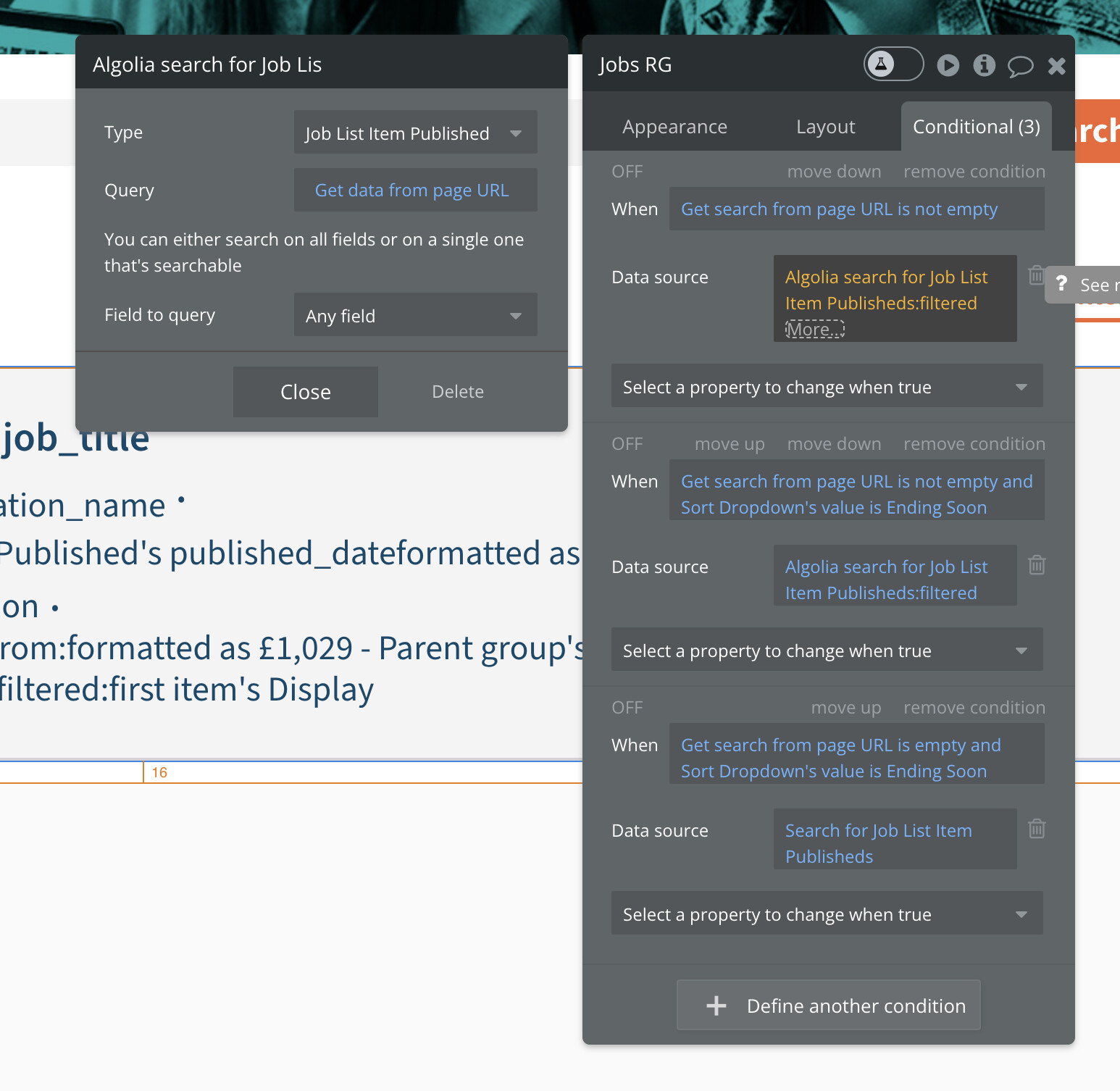
Are you actually using Algolia search? I don’t mean that in a disparaging way I’m just making sure you’re not trying to use Algolia to search the Bubble database because that’s not how it works.
Oh my oh my so sorry - this must of been from a previous development that I was unaware of (before my time). I have not used ‘Algolia search’ before but that plugin does seem to be in the system… What should I change it to?
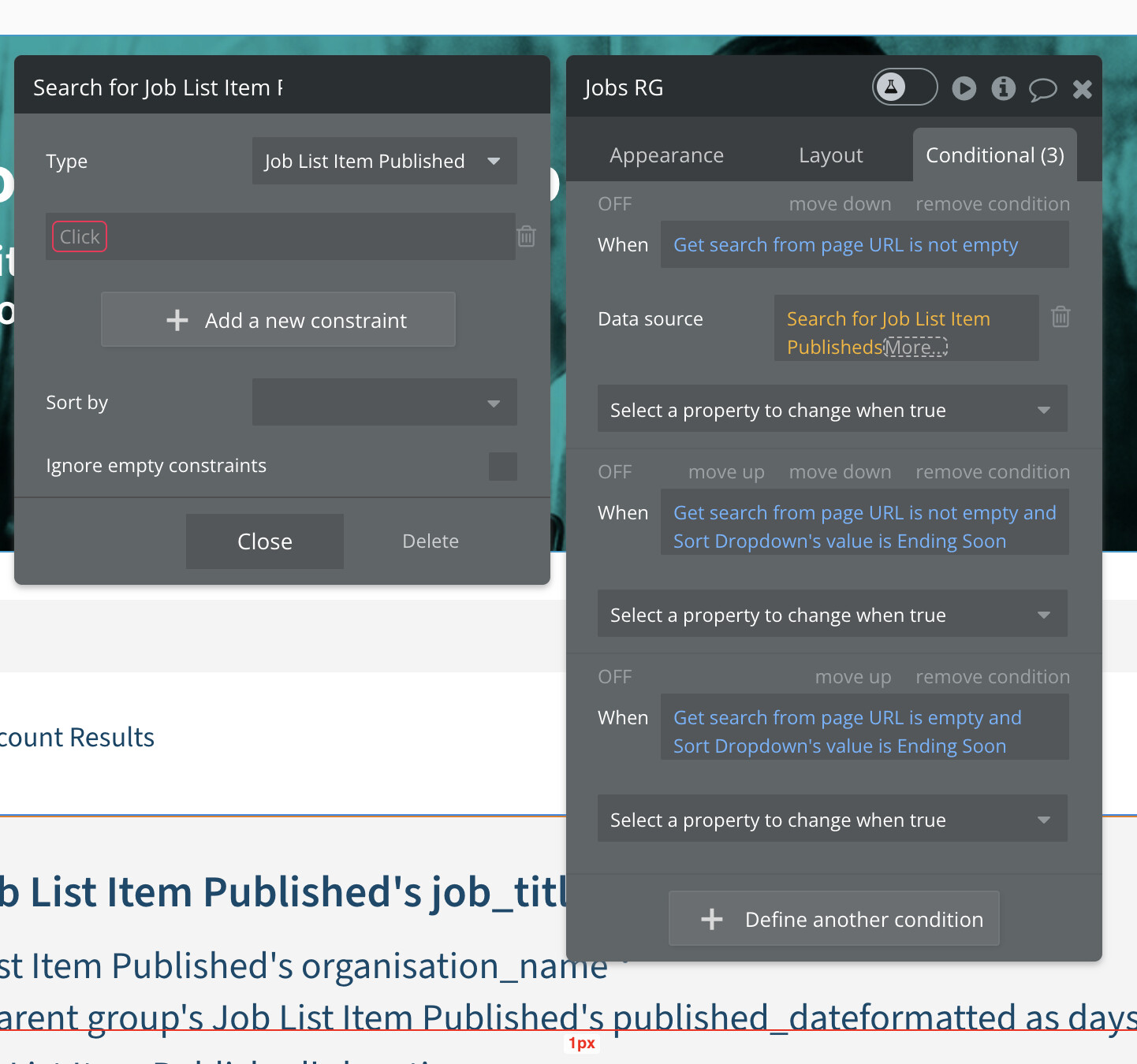
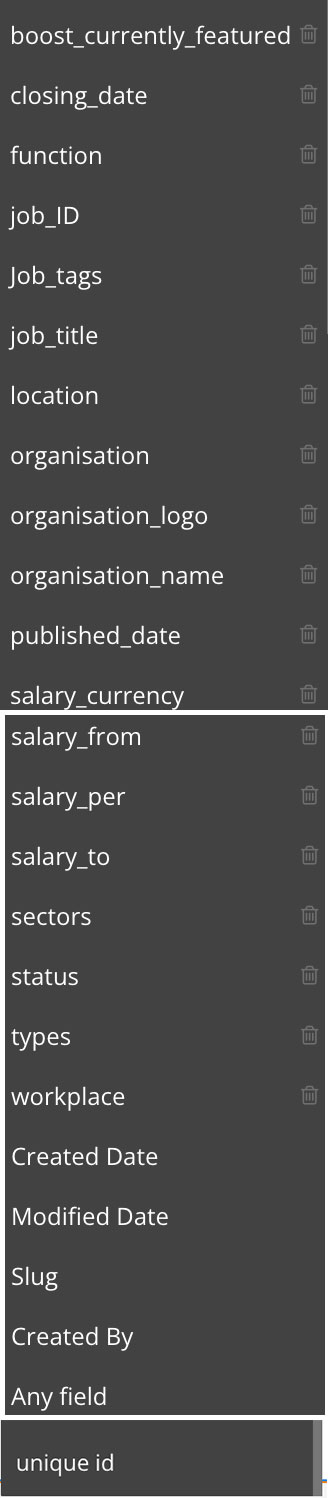
Just delete it. Change your data source to do a search for Job Listings with a field constraint of Get search from page URL. To search multiple fields, you can merge multiple searches that have one constraint for each field.