
I have a RG with images.
When I click an image a pop-up appears where the pictures can be viewed bigger.
Problem is when I click any of the pictures in the RG I always get shown the first picture.
How can I immedialty see the clicked picture?
Make sure you set the Data to Display as the Picture (or parent thing) you want to show.
This is the first RG with the pictures:

This is the pop up:

This is the RG inside the RG
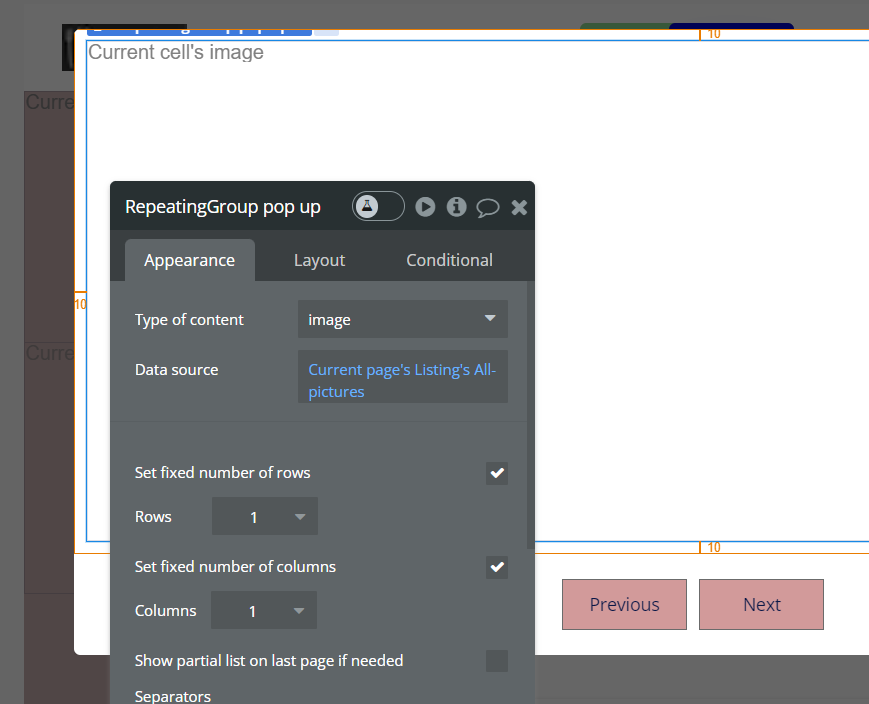
This is the image in the RG
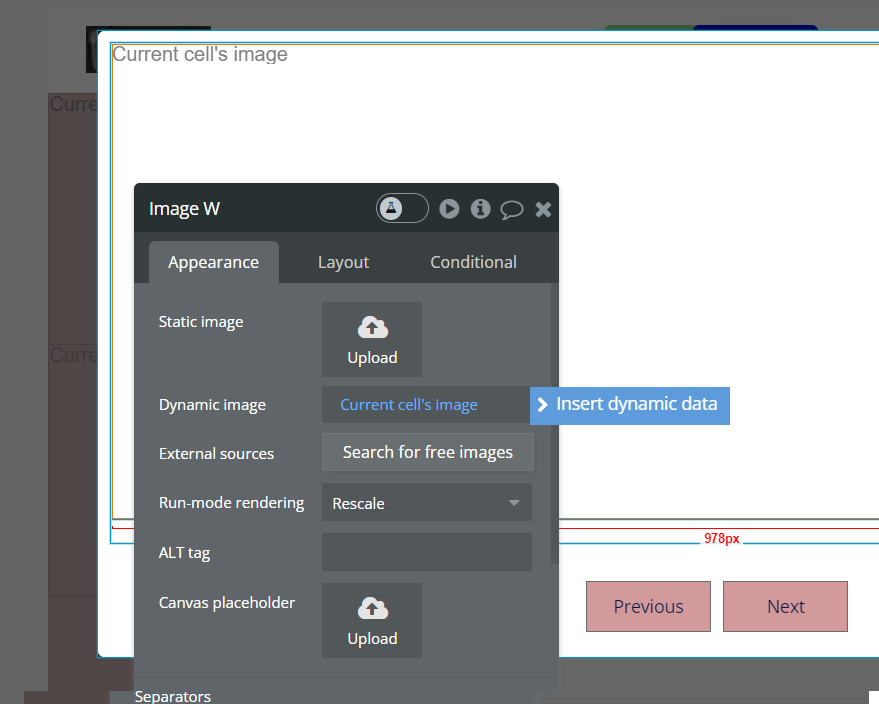
This was the only way I could figure out to display the same pictures.
So the goal is to dispaly the clicked picture from the RG in the first picture.
Well, I’m not sure why you’re using a RG in the popup if you only want to show one image?..
So I’d start by getting rid of that, and just using a single Image element.
Then you need to set the popup content-type to Image (or to the Type that the Image belongs to).
Then just use a ‘Display Data’ action to display the current cell’s image (or thing) in the popup when it’s clicked.