A Repeating Group is, by definition, for holding and (usually) displaying lists of items…
Therefore its datasource must be a list of items (in this case ‘files’)…
A file uploader’s value is only ever a single file…
Hence the error issue you’re getting (“the datasource should be a list of files, but right now it’s a single file”)…
So, you need to define a datasource that is actually a ‘list of files’…
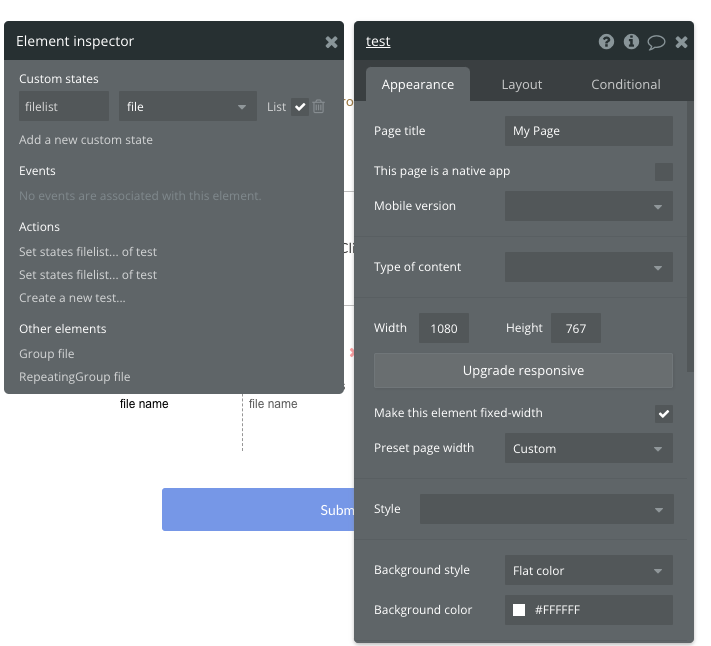
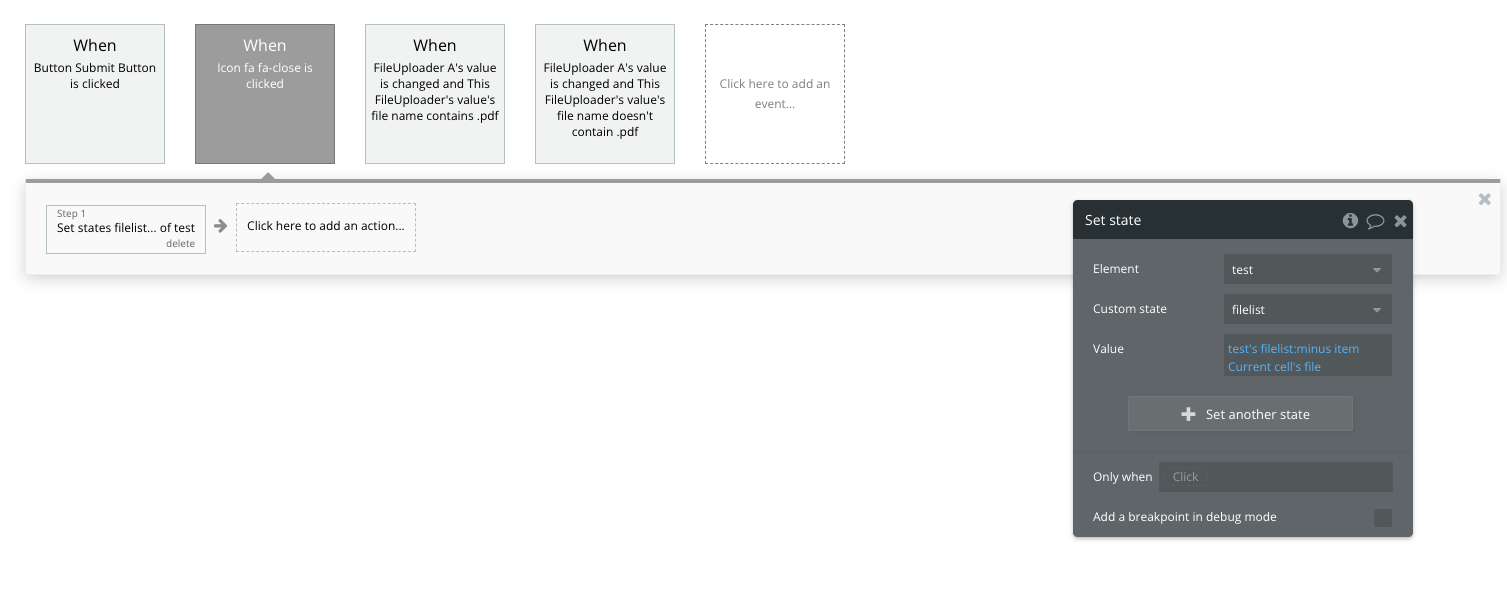
You could create a ‘list’ of files comprising of only a single file (the one uploaded in the file-uploader), by setting a custom state value (list) to its existing (empty) value, plus item: file-uploader’s value… and the set the RG datasource to that custom state list…
But that would only show you a single file… so would rather defeat the purpose of using a repeating group…
From what you say in your post, it sound as though you’re trying to show all the files uploaded by the User in the RG…
There are a couple of ways to do this…
The first one is to add a field to the User Datatype that is a list of files… and then ‘add’ each file to that list when they are uploaded.
Then the RG datasource can simply be Current User’s Files…
That will be fine if the number of files is small (up to a couple of dozen maybe)…
But if users can upload more files than that it will cause performance issues…
So, a better way is to create a new datatype of File, with a field for ‘File’ (of type 'file), and a field for User (which may, or may not, just be the system Created By field, depending on your needs)…
Then, when a file is uploaded, create a new ‘File’ entry in the database, and set the File field to the uploaded file…
Then your RG datasource can be ‘do a search for files’ created by the Current User.