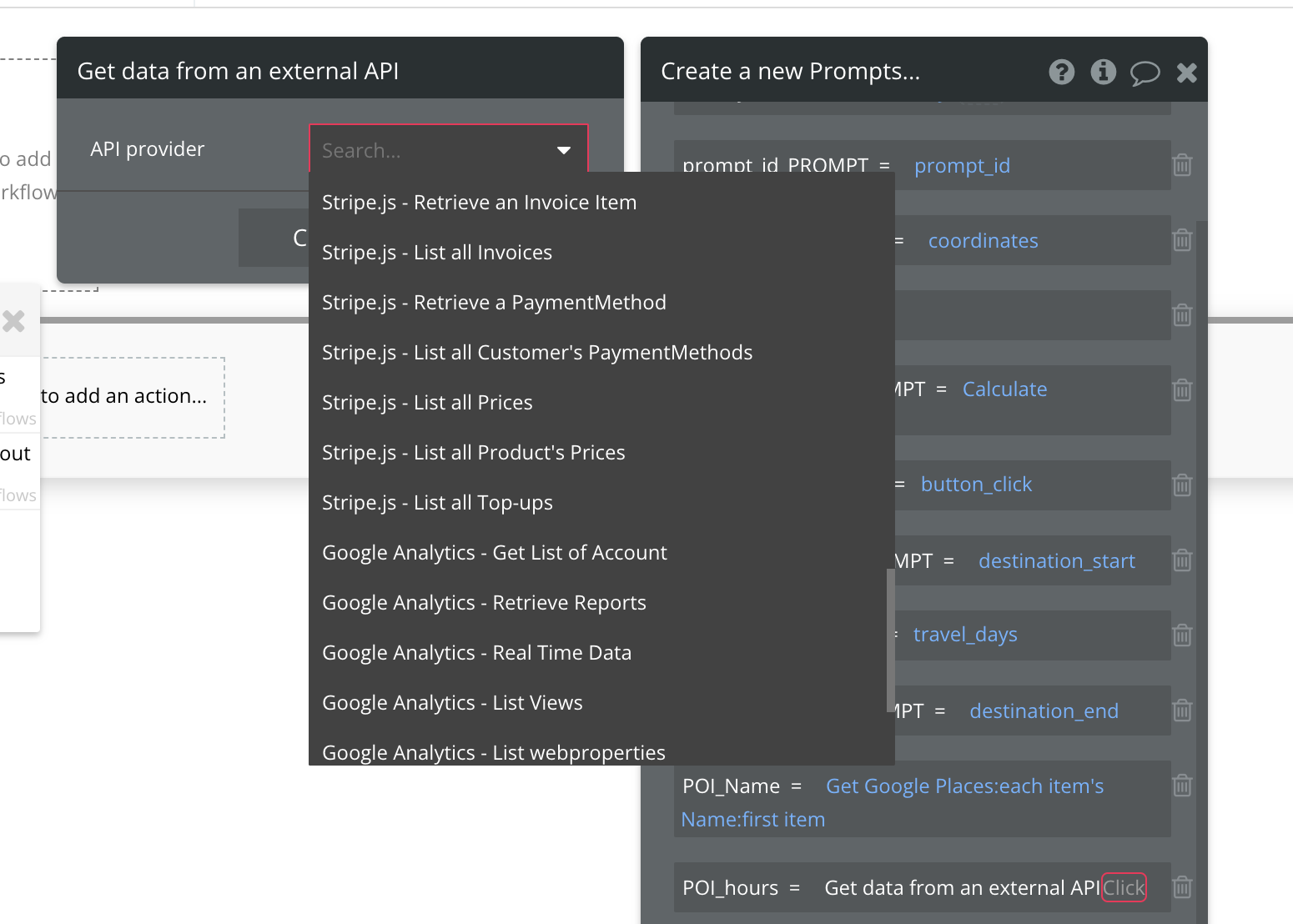
I have created a input field where a user inserts a tweet URL. Then a button to create that tweet. The button also is supposed to take the tweet URL and save it ina data type called Tweet, field URL (type text). The probelm is that I also want to fecth data from the Twitter API when the button is clicked. But if I add an additional action to the button the option “Get data from an external API” isn’t available.
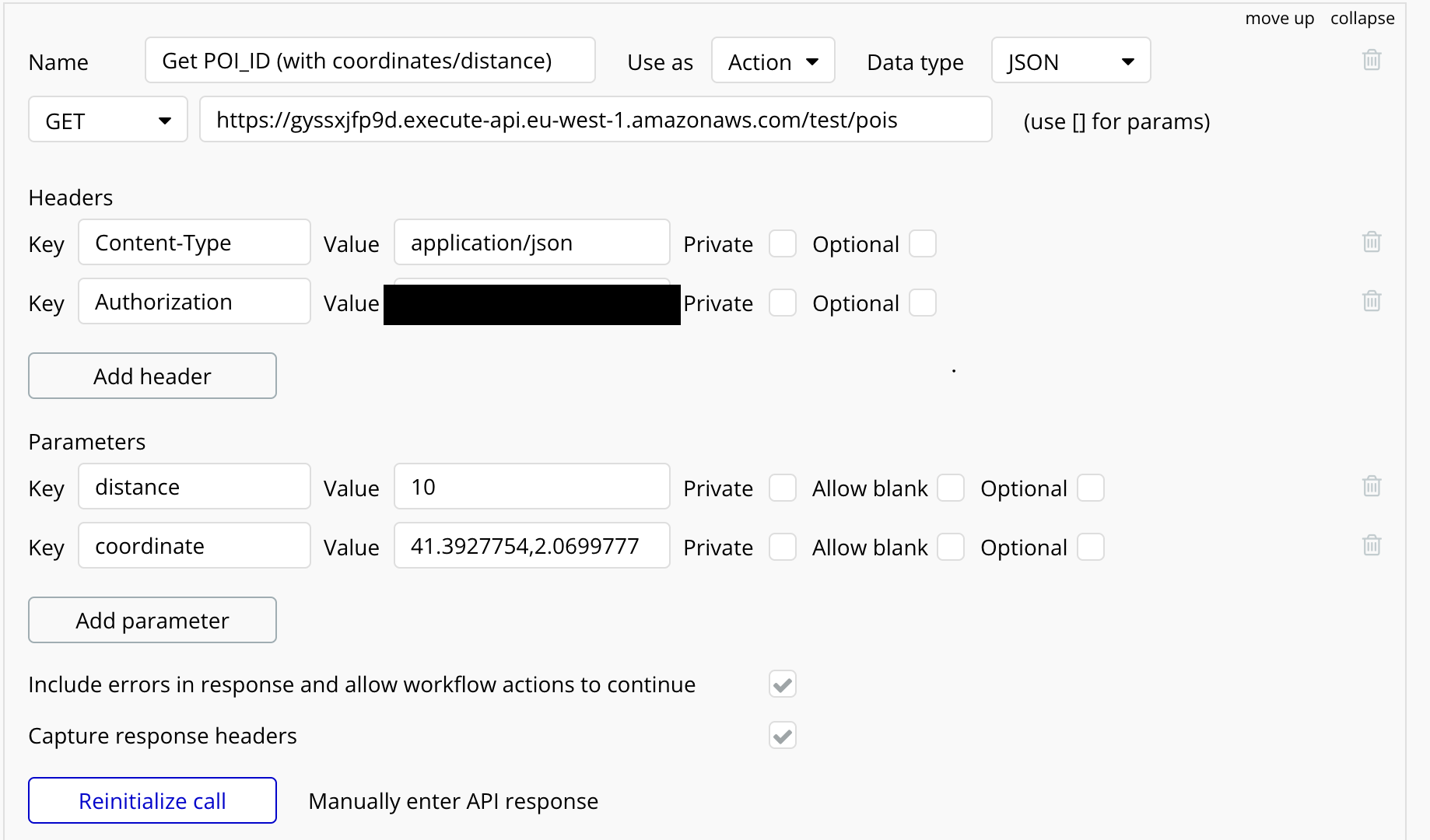
as @kazimdgoni surmised: Look at the “use as” setting: your api call is set up only to be available in data operations (it will appear in the dropdown for insert dynamic data → external api). You need a version of the call which is set to ‘action’ and then you will be able to use it in workflows.
I’m not sure why this setting exists, I’m sure there’s a reason somewhere in the bubble back end but it does cause some amount of confusion!
Hi all - I am having the same issue and none of my API calls are showing up. The only ones I see available are from installed plugins. All my API calls are set to “Action”. All calls are initialized also.