
 Audio Recorder Plugin for Bubble
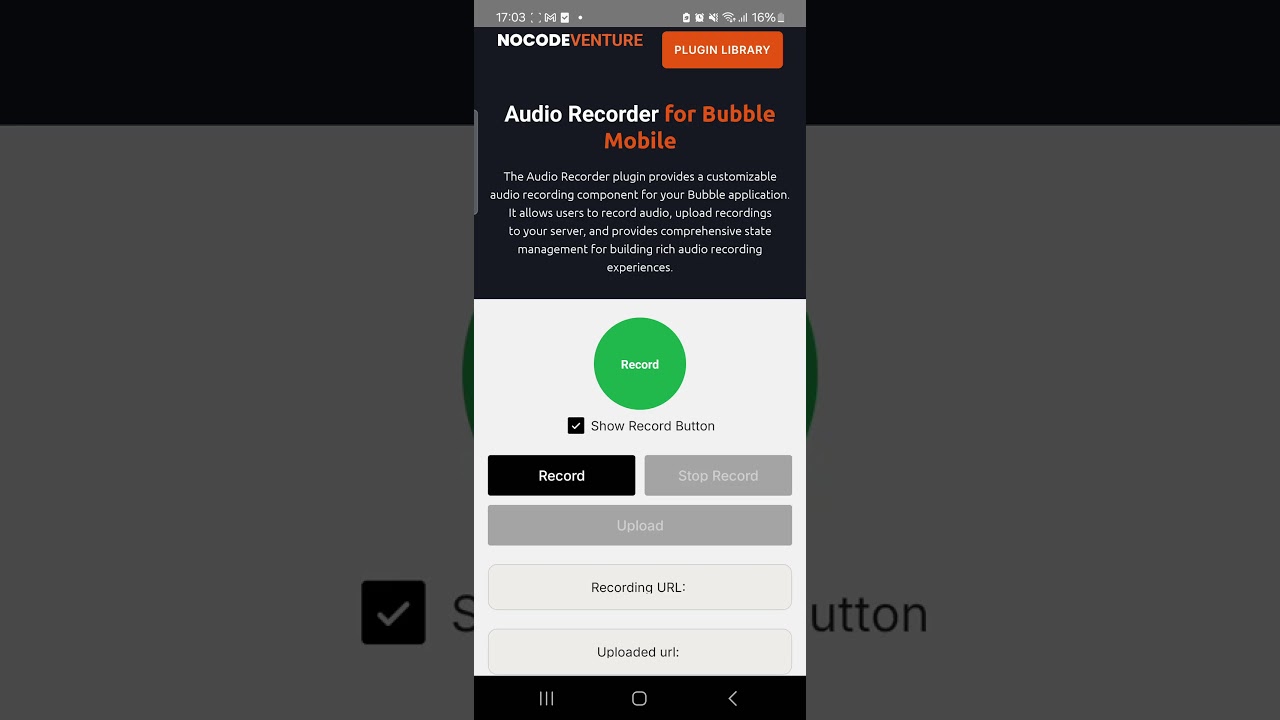
The Audio Recorder plugin provides a customizable audio recording component for your Bubble application. It allows users to record audio, upload recordings to your server, and includes comprehensive state management for building rich recording experiences.
 Features
-
 Audio Recording
Record high-quality audio in AAC format. -
 Auto-Stop Timer
Set recording time limits with automatic stop functionality. -
 Upload Integration
Upload recordings directly to your Bubble backend. -
 Full Customization
Customize appearance, text, colors, and sizing. -
 Cross-Platform Support
Works on both iOS and Android devices. -
 Permissions Handling
Automatically handles microphone permission requests. -
 State Management
Real-time status updates for UI integration and dynamic workflows.
 Watch Demo
Plugin link: Audio Recorder Bubble Mobile Plugin | Bubble