Hello, @robert.
Unfortunately, there’s still no update. Our team is working on the plugin in order to find the best way to refactor and improve its functionalities, and also to fix the appeared bugs. Be sure that I will inform you asap we have any update. Thank you for understanding
Hello, @janiskropp. Thanks for reaching out.
I presume the probable reason for this can be:
not exact parameters of the Custom Target format field - You need to indicate the exact w/h of the page you want to see after conversion into PDF file.
For example, if the parameters (Custom format) of the element/page you want to convert are 1080x3960, and your actual 1-page content is about 1050x1300, you need to set the Custom Target format respectively, adding a few px for the spaces between your pages.
I’d like to suggest you use Custom formats for Target/Sourse parameters - preview | PDF | setup.
using pagebreaker element together with the active Break content into pages checkbox.
It can cause now some troubles with the display of the converted PDF file. Please refrain from using this element until we fix it
improper use of the Target formats (not Custom). It may appear that the Source format of your page does not correlate with the Target formats you choose. This inconsistency may probably cause display issues such as content stretching, etc.
This can be caused by the Pagebreaker element. This moment is under investigation of our team. Please refrain from using this element until we fix it.
I’m afraid, there is no way to increase the converted page quality for the moment.
Thank you for your questions and understanding
Regards,
Zeroqode Team
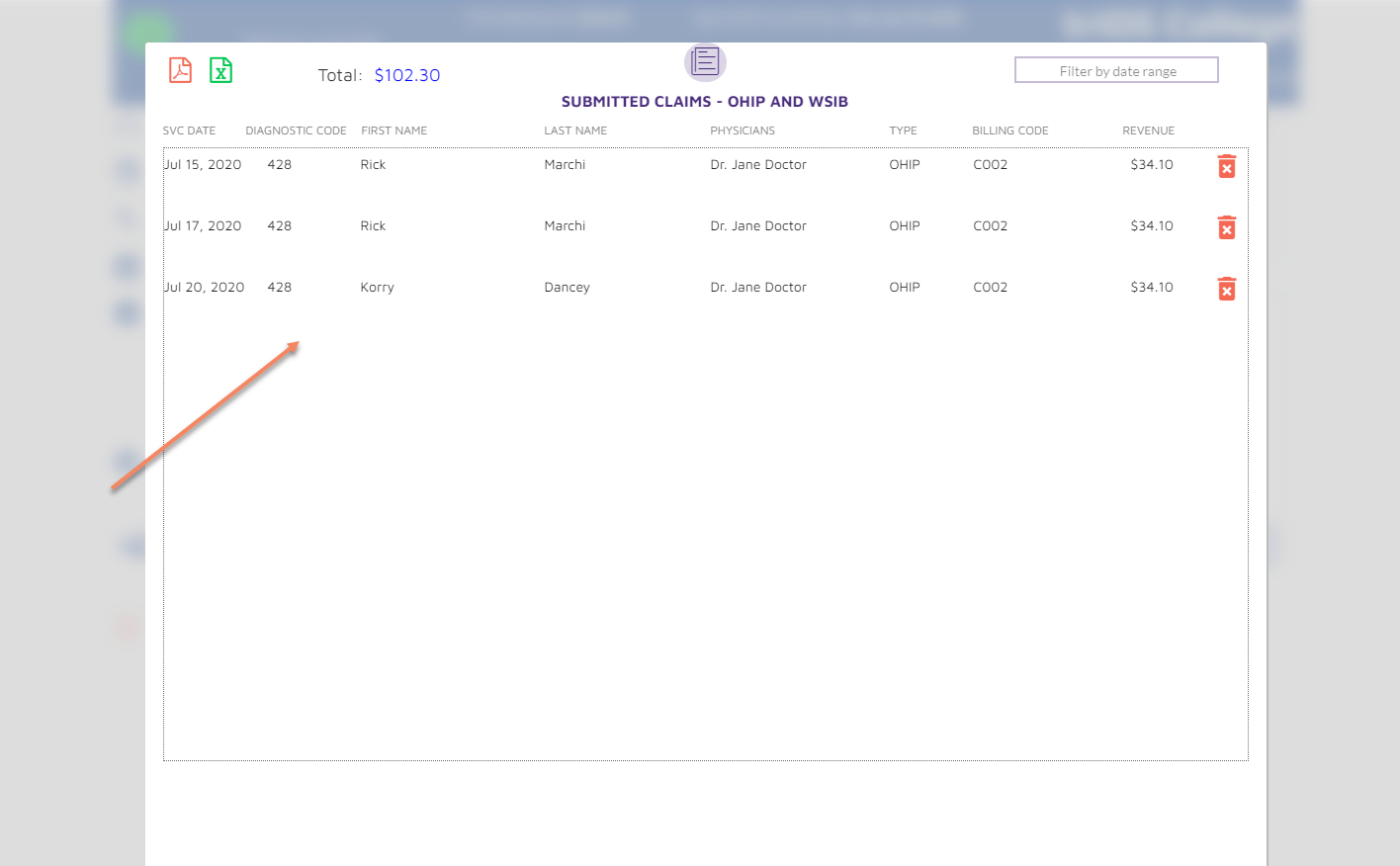
On the latest version of the plugin, when I PDF a page with just three rows (entries), the PDF is repeating the same page multiple times. Here is the original page:
Can you please show the page properties (w/h), workflow (convert to pdf, full list of properties) and tell if your page has any pagebreakers on it?
I tried to convert a single page with 3 entries and it converts just fine if the following conditions are met: (+ I did not have pagebreakers on the page)
Please try to set the action parameters the same way as I, remove pagebreakers, and let me know if it worked for you. In another case, I’d like to as you provide access to your app our support@zeroqode.com email. I will investigate the page conversion and plugin work within your app.
Thanks for getting back to me. I’ll provide you access to my app and PM steps to get to the report if I can’t resolve per your suggestions above. I’ll take a look at your screenshots and make the change on my end. Here are screenshots of the properties:
I wasn’t able to solve the issue. I’ve sent you an invite to my app and an e-mail with more details / video on the issue. Please take a look and let me know what I’m doing wrong.
Okay, sure. Thanks for sharing the access to your app. I will take a look at it, create a test page (if it will be needed), and let you know the result of the investigation asap.
I have checked your application. Indeed, my suggestion didn’t work for your case, unfortunately. As a temporary workable solution, please downgrade your plugin to the previous version (1.27.0), check and confirm.
Regarding the Google Charts elements, the Page to PDF plugin is not able to convert them, unfortunately.
But we have made a major plugin update and added the new plugin element. You can use it for converting HTML charts elements. Also, it is a bit more stable, as for page breaking feature, PDF page scaling, etc.
You can take a look at this test page to see how the new plugin element can be used:zeroqode-demo-01 | Bubble Editor
We will announce this major update soon, so you can test it our right now. Thank you for your patience
As @gilles has advised you, can you please make sure that you have enabled the “Upload PDF to bubble AWS” checkbox? This checkbox determines whether the PDF file will be saved to the File Manager of your application after conversion.
Hey Bubblers.
we have an important update for all users that already use this PDF plugin:
We’ve recently rolled out a new release of the plugin where we added a new plugin element rewriting most of the code. We tried to optimise the code, improve plugin’s performance and fix any issues that we were receiving from users.
However, please note that the newly added element is not compatible with previous workflows actions. Existing users may use current version of plugin as is, however if they’ll upgradea the version to the latest which offers new element and will require adjustments in workflow and design once it is used"
Please note this when you decide to keep the plugin version or upgrade.
Thanks for informing us about this error message. Can you please tell the exact steps on how we can reproduce your issue ? Also, please attach the plugin action screenshots.
I have replicated the design/workflow of your case. Created a group with the ID users_export, placed there the text element (with the static, and dynamic text value), used a new plugin element and set the following action properties:
And there is no error message. I’m afraid, I can not reproduce your case. Can you try to remove the workflow for the “convert” button and recreate it again?