Hello @lesscodeio team,
I’m experiencing a significant issue with your Mobile App – Video Player PRO plugin in a Bubble Mobile Native application.
Problem:
The video is not displaying at the correct size on mobile devices.
On a desktop computer, the player initially appears at half height and then resizes correctly once the video metadata is loaded.
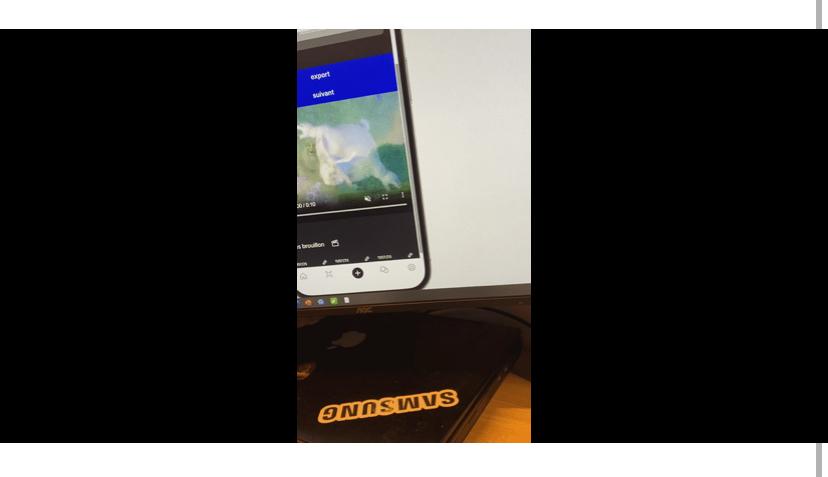
However, on mobile devices, the player remains stuck at half height and never adjusts to the height defined in the layout. The only exception is when I click on “full screen,” at which point it seems to try to resize to the size I’ve specified.
Context:
I’m using this Mobile App - Video Player PRO plugin ( Mobile App - Video Player PRO Plugin | Bubble )
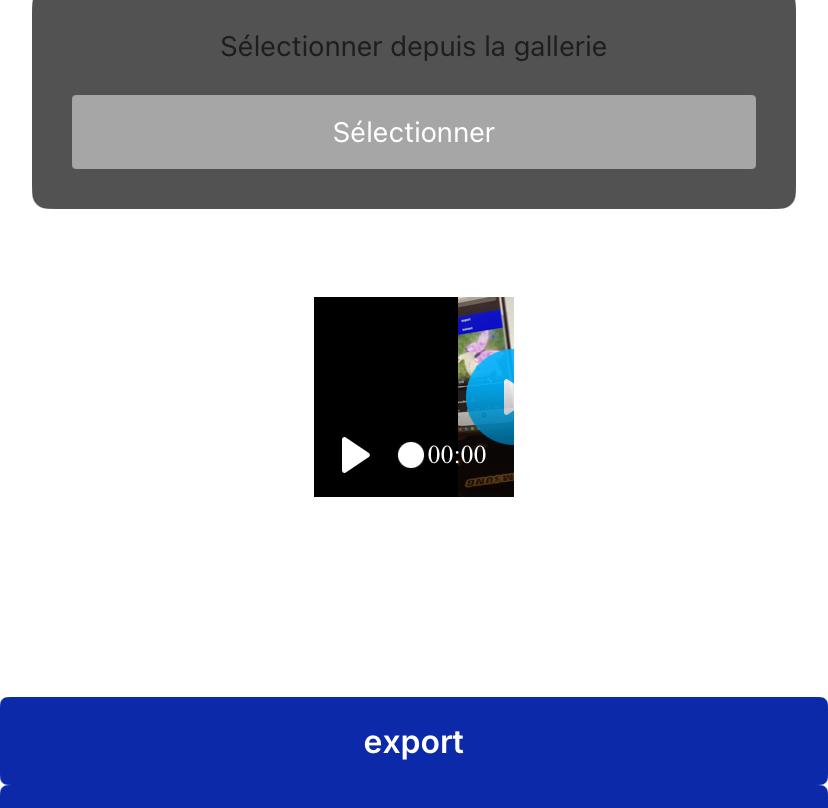
When I play the video, it doesn’t adjust. I set the video player to a minimum width of 100px and a minimum height of 200px. For example, when I don’t adjust the settings, as you can see in the screenshot, the video is displayed in the center of the player, and you can see the black borders on the sides. Note that it doesn’t take the height into account. When I set the height to, for example, 100px and 200px, the video seems to extend beyond the player.
When I set the height to, say, 100px and the height to 200px, the video appears to extend beyond the player. When I click on “Fit height to content,” it doesn’t change anything. Note that on a computer, the video preview appears cropped, then it resizes to the height and width I specified, but on mobile, nothing changes, as you can see in the screenshots. You can also find my video player settings in the screenshots, but I’ve tried everything and nothing works. I think it’s a bug in the video player pro.
Could you please check and fix this problem?
Thank you!