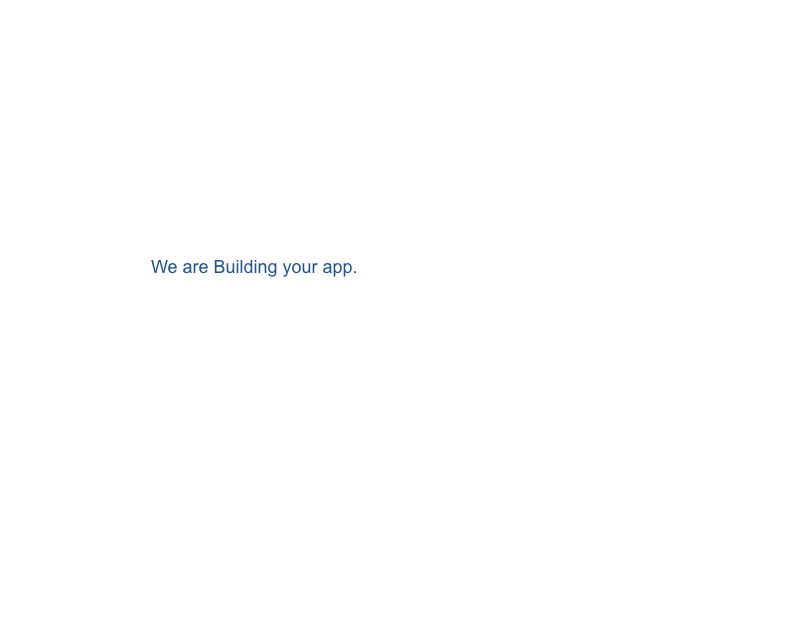
Recently Bubble started showing a “Were building your app” screen during page load.. not very attractive on the index landing pages etc… anyone an idea how to bypass this built in page loader?
Thanks!
Recently Bubble started showing a “Were building your app” screen during page load.. not very attractive on the index landing pages etc… anyone an idea how to bypass this built in page loader?
Thanks!
What is that can you explain more
this image. imo very bad UX
This is already loading when navigating between the simplest pages in the public space, with just a handfull of groups, a bit of text and hardly any data..
I accept that the app is very slow, but calling it an App when it is a simple contact page..
is this mobile ?
Nope this is happening on the web version.
Which page load editor,live, test ? Are you on free paid ?
Happens on published (live) pages paid plan but also in test versions
I dont see it on my end, how can I recreate this ?
I have no idea it is just happening when the loading time is like longer than 2 - 3 seconds
But how did this come about? Were you the one who made this loader?
I’ve never seen this type of native loader, unless you didn’t make it there’s something strange.
Is your app generated by the AI Bubble Agent?
Found the issue..
In a branch I once added the loader script. Apparently I merged it into main due some kind of legacy change. Hence my own fault..
<script> // 1. Emit loader HTML+CSS immediately during HTML parse document.write(` <style> #preloader { position: fixed; inset: 0; display: flex; flex-direction: column; justify-content: center; align-items: center; background: #ffffff; z-index: 9999999; } #preloader img { width: 80px; height: 80px; /* Tint spinner to #285E9E */ filter: invert(29%) sepia(55%) saturate(424%) hue-rotate(196deg) brightness(97%) contrast(88%); } #preloader p { margin-top: 12px; font-family: Arial, sans-serif; font-size: 18px; color: #285E9E; text-align: center; } </style>
<div id="preloader">

  <p>We are Building your app.</p>
</div>
`);
<script*>
// 2. Remove loader once the full page (Bubble JS+data) has loaded
window.addEventListener(‘load’, function() {
var pre = document.getElementById(‘preloader’);
if (pre) pre.parentNode.removeChild(pre);
});
</script*>
If this solved it, mark the thread as resolved starting from your response.
This topic was automatically closed after 70 days. New replies are no longer allowed.