I have four buttons at the top of my page. Let’s take the example of A, B, C and D. When I press button A, I want the background of the button to change color and the text underneath to be the text corresponding to A. When I click on B, I want its background to change color and the text B to appear. But when I do this, the A text has to disappear and the background of the A button has to become normal again.
Well, there are different ways to do that, and for the right answer I would really need to hear what is the exact thing that you are trying to do. Because it can be done with custom states, URL paths, variables… We can hop on a discord call or just send me more details in DM.
There are several ways to do this. You can use conditionals on elements saying that “if something is true, then the color should be X or Y.” And you can use various ways to store the variable that will define the color, such as custom states, URL parameters, and data in the database. In the case of using a custom state, you will do the following:
1 - Create a custom state on an element 2 - Create a Workflow with the action “set state of an element” and set the value to what you want 3 - On the element you want to change the color, create a conditional saying that when custom state X is Y, change the background color property to the one you desire.
You can do the same thing with URL parameters as in the image below:
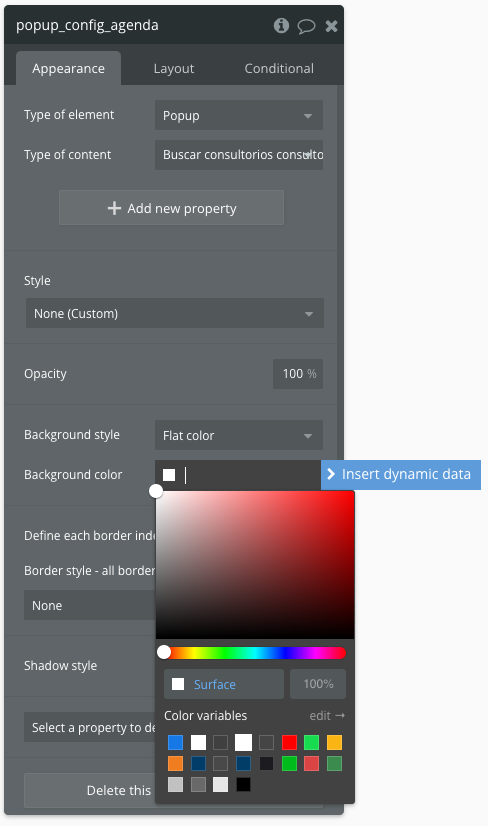
Another way to do it is by defining HEX colors in the database or in option sets, and when defining the element’s color, you use text as dynamic data color.
The first solution is simpler and will work for specific cases, while the second solution is more robust and works better for more scalable cases, such as the need for the user to define the application’s theme color.