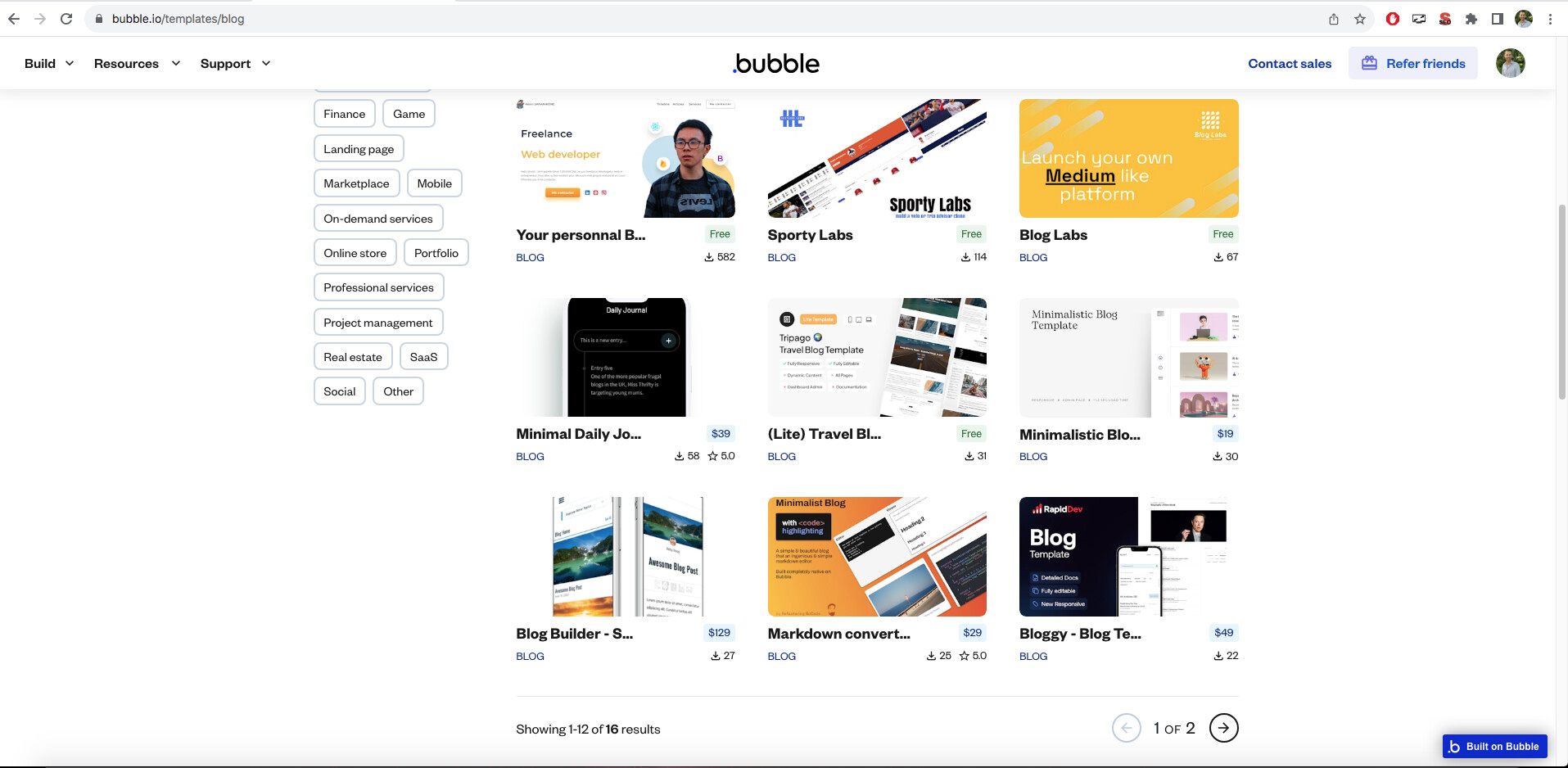
I’m testing out-of-the-box blog solutions for Bubble.
Has anyone here used Blogstatic.io to create a blog for a Bubble app?
I want to create a subfolder for my Bubble app e.g. epicmoviequotes.com/blog/… using Blogstatic.
Not sure how to set it up.
You don’t need to use 3rd party services to do so…you can simply create your blog in your Bubble app…there are some templates available that already have the setup, some are better than others. Integrating a blog template into an existing Bubble app should take no more than 3-4 hours depending on complex the blog template is.
The free ones are usually very simplistic and mostly offer no SEO or customization on how the blog article looks (think a simple single image at top and a block of text)…some others have built in SEO as well as a builder to allow for customization of how the articles look so that each could be different (think multiple images with captions that can be placed between paragraphs or section titles etc.)
Yes, you absolutely can run your blog in your domain’s /subfolder. We have a ton of users who use a website maker like Bubble, Carrd, etc. and then use blogstatic to run their blog. And in blogstatic you can easily customize any theme to match your Bubble website.
Feel free to ping me if you have any other questions: Support — I can help you personally.
Personally I wouldn’t use Bubble as a Blog if my life depended on it. If you rely on SEO, page load, and overall performance, I wouldn’t use it. Bubble is made to be a tool, not built for SEO (even though it supports it at a small level).
BlogStatic seems like a good alternative, but something like Contentful or Sanity, or GhostCMS (which is what Bubble uses) are your best bets to incorporate a Blog with proper SEO, and load speeds (and if you host the content correctly). With those options, you’ll be able to pull your data from API and render it much faster. However, I like how BlogStatic takes care of your hosting for you, and you just have to assign it a domain, change your theming a bit, and you’re good to go. If you’re not able to code at all, BlogStatic is a good one to work with.
POC: Bubble doesn’t use their own software as a Blog Renderer. They use Ghost. Why? Cause they know. They know.
If they had 100% across the board, I’d agree, it would be a good alternative, which is actually why I reached out to them to request examples of blogs hosted by their service, since for me, the only thing I can not do in Bubble built blog is attain a performance score higher than 60% (I still have not implemented some new strategies that should improve that further)…otherwise in Bubble I can achieve 100% on Accessibility, Best Practices and SEO.
But, yes, I am looking for a solid alternative that can hit at least 90% on performance to make paying the fees for a 3rd party hosted blog worth it…needing to also weigh the costs of WUs for page load in Bubble may make it more likely the 3rd party fees are negligible and so the main thing to focus on is the Performance metric.
Maybe Bubble should eat their own dog food a bit more, things like page load, SEO and backend workflow error handling would have been improved/implemented already.
The last score I saw that Bubble support provided when looking into the page insight scores was 70 for performance on desktop…I’ve got some ideas on how to improve that further. Mobile is usually 20 points lower on average.
Generally it is to build optimally, a more detailed explanation would take a couple of hours. If you are interested you can book a paid training session and we can look at how you have things configured so it can be improved.
General ideas for building optimal
Reduce image file sizes to smallest size before losing SEO points
No unnecessary searches
Use structured data (not sure how much that helps with performance or not)
Use styles for every element
Optimize the data structure
There is a lot to it to build optimally to achieve performance scores above the 50ish level.