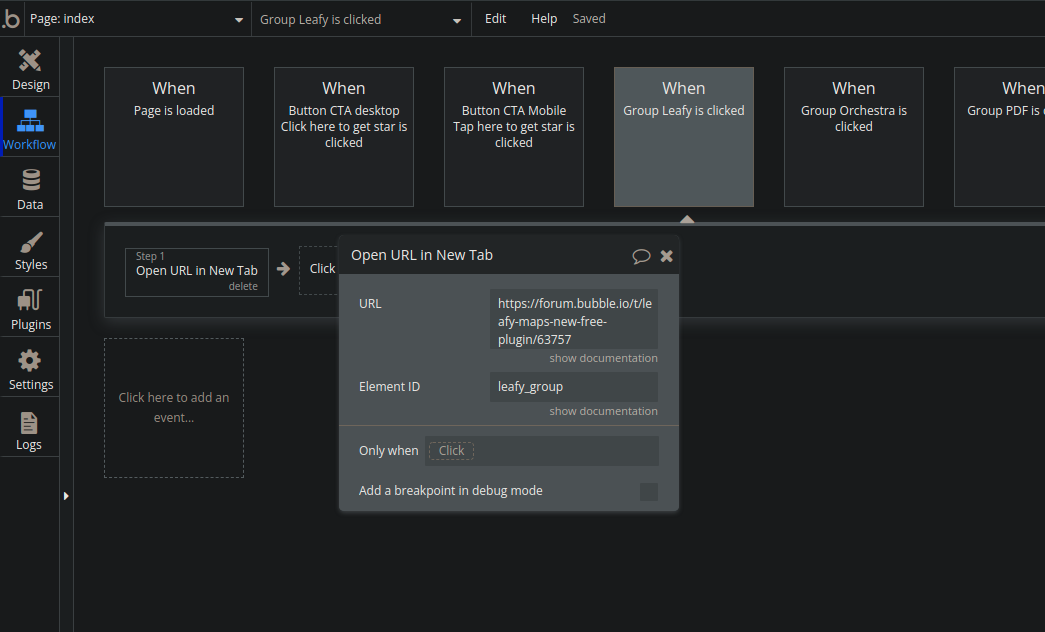
Just for a bit of fun today, I thought I’d try and create a “dark mode” for the bubble editor. So I put together some CSS, played around with it and came up with this, I don’t think I did half a bad job.
Check this out…
Open up the dev tools > console so it looks like this.

Now paste this in. Might end up tweaking it at some point since I’ve only tested it with Edge, although I’m sure it will be fine with other browsers.
// css dark mode theme


document.getElementsByClassName('main-tab-bar')[0].style.backgroundColor = "#626262";
document.getElementsByClassName('menu-bar')[0].style.backgroundColor = "#626262";
document.getElementsByClassName('toolbox-pane')[0].style.backgroundColor = "#626262";

var classOpenArray = document.getElementsByClassName('open');
for (let i = 0; i < classOpenArray.length; i++) {
    classOpenArray[i].style.backgroundColor = "#999999";
}

var tagNameArray = document.getElementsByTagName('h2');
for (let i = 0; i < tagNameArray.length; i++) {
    tagNameArray[i].style.backgroundColor = "#999999";
}

document.getElementsByClassName('element-picker')[0].style.backgroundColor = "#8c8c8c";
document.getElementsByClassName('grid-settings-panel')[0].style.backgroundColor = "#8c8c8c";
document.getElementsByClassName('arrange-panel')[0].style.backgroundColor = "#8c8c8c";
document.getElementsByClassName('version-dropdown-panel')[0].style.backgroundColor = "#8c8c8c";
document.getElementsByClassName('preview-panel')[0].style.backgroundColor = "#8c8c8c";

document.getElementsByClassName('tabs-1 tabcanvas')[0].style.backgroundColor = "#626262";
document.getElementsByClassName('tabs-2 tabcanvas')[0].style.backgroundColor = "#626262";
document.getElementsByClassName('tabs-3 tabcanvas')[0].style.backgroundColor = "#626262";
document.getElementsByClassName('tabs-4 tabcanvas')[0].style.backgroundColor = "#626262";
document.getElementsByClassName('tabs-5 tabcanvas')[0].style.backgroundColor = "#626262";
document.getElementsByClassName('tabs-6 tabcanvas')[0].style.backgroundColor = "#626262";
document.getElementsByClassName('tabs-7 tabcanvas')[0].style.backgroundColor = "#626262";

var style = document.createElement('style');
style.innerHTML = `
      .green-box {
        background-color: #999999 !important;
      }
      .opened {
        background-color: #626262 !important;
      }
      .right-pane {
        background-color: #626262 !important;
      }
      .tab-caption {
        background-color: #999999 !important;
      }
      .results-area {
        background-color: #999999 !important;
      }
      .token-box {
        color: #ffffff !important;
        border-color: #ffffff !important;
      }
      .pre-caption {
        color: #000000 !important;
      }
      .token-text {
        color: #000000 !important;
      }
      .built-in-field-name {
        color: #cecece !important;
      }
      .TextBox {
        color: #cecece !important;
      }
      .field-type {
        color: #cecece !important;
      }
      .style-box {
        border-bottom-color: #767676 !important;
      }
      .plugin-box {
        border-bottom-color: #767676 !important;
      }
      .property-editor-2 {
        background-color: #999999 !important;
      }
      .element-style-container {
        border-color: #999999 !important;
      }
      .top-menu {
        background-color: #8c8c8c !important;
      }
      .behind-live-text {
        color: #930707 !important;
      }
      .preview {
        color: #7fabfb !important;
        font-weight: bold !important;
      }
      .show-full-page {
        color: #bdc1f5 !important;
      }
      .blue-text {
        color: #0512a9 !important;
        font-weight: bold !important;
      }
      .add_element {
        border-color: #707070 !important
      }
      .res-preview {
        background-color: #626262 !important
      }
      .caption {
        color: #ffffff !important
      }
      .code-explanation {
        color: #d5e305 !important;
        background-color: #0c0a95 !important;
      }
      .switch-db {
        color: #e94d4d !important;
      }
      .warning-icon {
        color: #e94d4d !important;
      }
      .color-plan {
        color: #7fabfb !important;
      }
      .current-plan {
        color: #7fabfb !important;
      }
      .link {
        color: #7fabfb !important;
      }
      .good {
        color: #23f13d !important;
      }
      .property-editor-control {
        border-color: #999999 !important;
      }
      .field-caption {
        color: #ffffff !important;
      }
      .plugin-description {
        color: #ffffff !important;
      }
      .plugin-reference {
        color: #7fabfb !important;
      }
      .plugin-title {
        color: #ffffff !important;
        font-weight: bold;
      }
      .icon_text {
        color: #ffffff !important;
      }
      .display {
        color: #ffffff !important;
      }
      .view-title {
        color: #ffffff !important;
      }
      .tab:before {
        color: #f9f9f9 !important;
      }
    `;
document.head.appendChild(style);
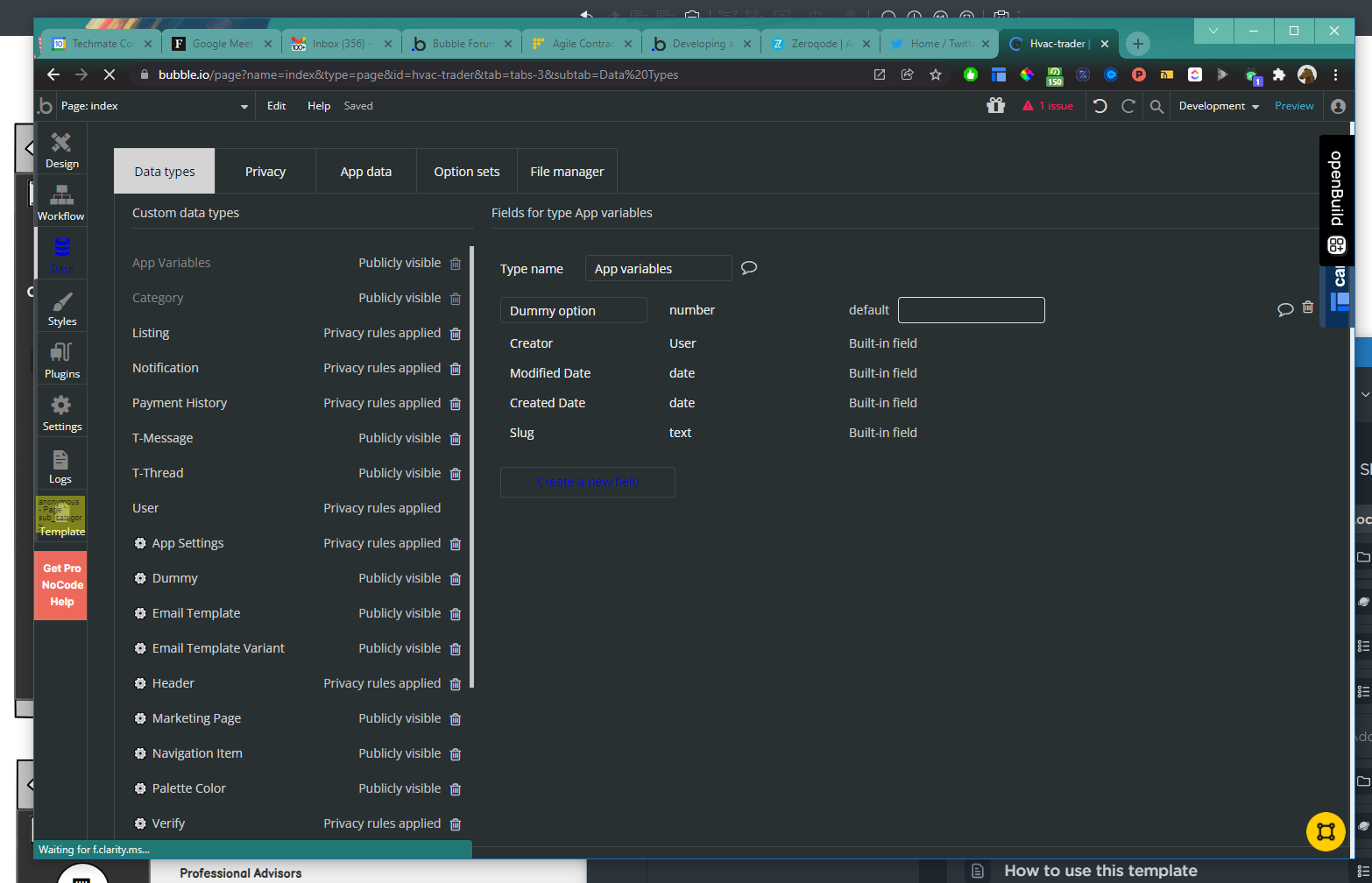
And you end up with this! 
Maybe it will suit some people, thought I’d share it for that reason. When the page is refreshed it all goes back to normal anyway.

Be great if Bubble could something like this into the settings.



 :
: