
Hello,
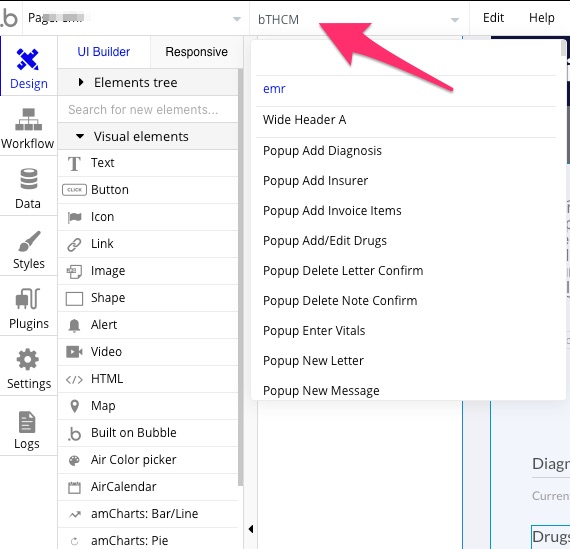
When I try to find an element within editor, I get a rogue text item in the field as illustrated in the attached screenshot. Hope this has been noted by Bubble developers and others and not just affecting my environment.
Regards,
KL
Hello,
When I try to find an element within editor, I get a rogue text item in the field as illustrated in the attached screenshot. Hope this has been noted by Bubble developers and others and not just affecting my environment.
Regards,
KL
Hi @kenlaji
This happens when you copy objects and there is no more reference. You can restore things to find out which part is responsible for this.
Thanks @JohnMark. After reloading the editor page things seem to be back to normal.
I’m having the same problem since days ago 
Same here. Not something I’ve seen before.
Another thing that may or may not be related is that the editor no longer auto-selects text when searching for a Data Type, as in the example below. Small, but annoying change that forces an extra click for every search. If I type something, I rarely want to keep the text already there.

We’re pushing a fix, should be live in a few minutes.
This topic was automatically closed after 14 days. New replies are no longer allowed.