I’m currently building an e-commerce app and trying to integrate Paystack for payments. I’ve set up the “Initialize Transaction” call in the API Connector, but I’m running into an authorization error when I run the workflow.
What I’m Trying to Achieve:
When a user clicks the “Place Order” button, I want to initialize a transaction with Paystack and navigate the user to the authorization_url that Paystack returns.
The Problem:
When I click the button in preview mode, I get a popup error from Bubble. The raw error from Paystack says:
(“status”:false,“message”:“Format is Authorization Bearer {secret key}”,“nextStep”:“Ensure that the authorization header follows the format: "Bearer YOUR_SECRET_KEY" Ex. "Authorization: Bearer sk_123456789"”)
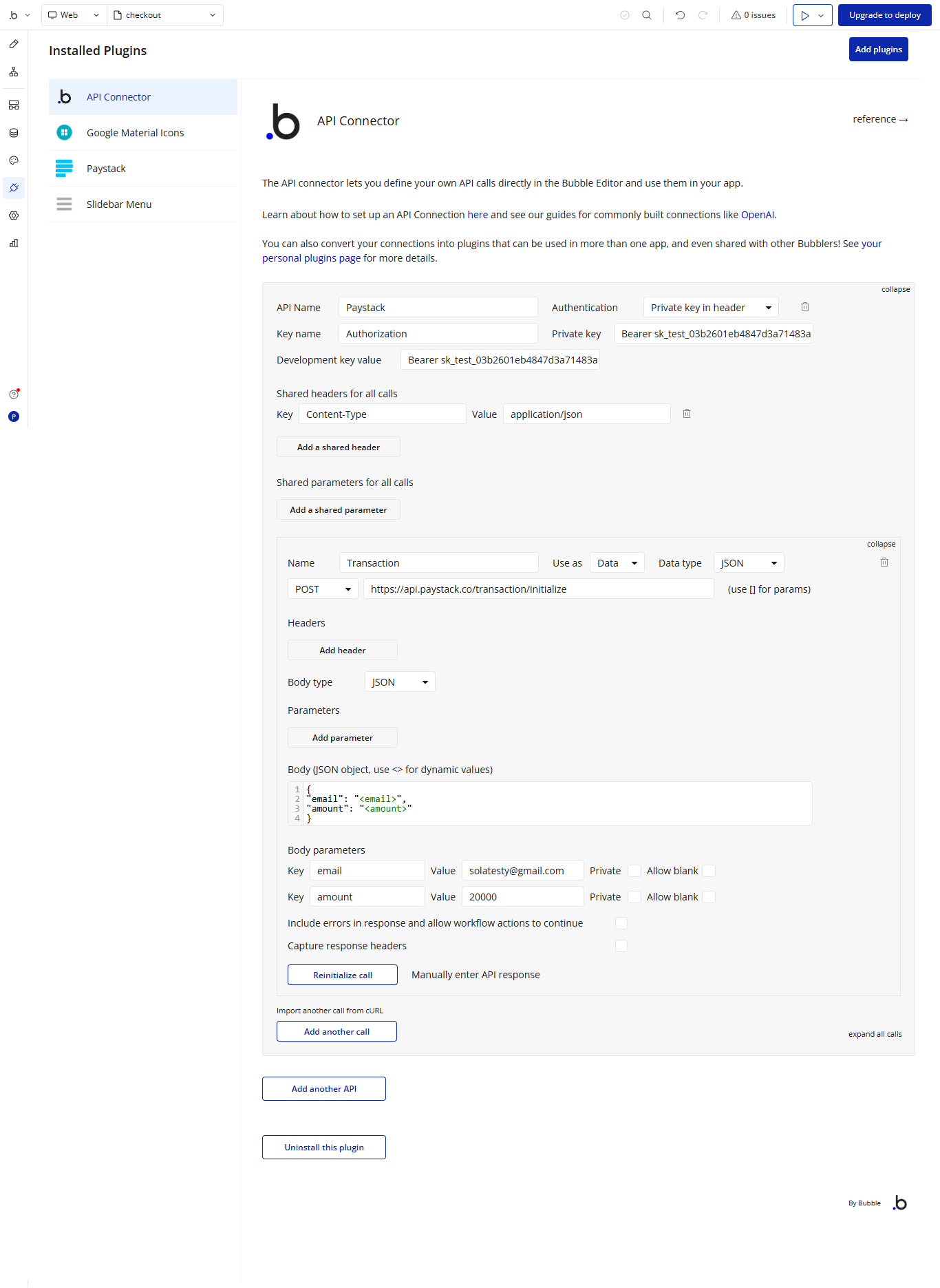
I’ve added the email and amount as JSON body parameters.
I’ve added a header for Authorization. I’m using my Test Secret Key from my Paystack dashboard.
My workflow for the “Place Order” button calls this API and then has a “Navigate to an external URL” step using the result of the API call.
Here are screenshots of my setup. I feel like the issue is in my API Connector headers, but I can’t spot the mistake.
My Question:
Could someone please take a look and see what I’m missing in my Authorization header setup? The error message mentions “Bearer,” and I have a feeling I’ve implemented that part incorrectly.
I think you are not using the correct call because in your screenshot, it just say “Transaction” in API connector but “Initialize Transaction” in run mode …
From what I can see also, your call is set to “Data” in API connector but this is the kind of call that should be set as “Action” instead
i actually thought one can name a call with “any“ name, so i just typed in Transation; but even if i change it to “Initialize Transaction“, the call still initializes
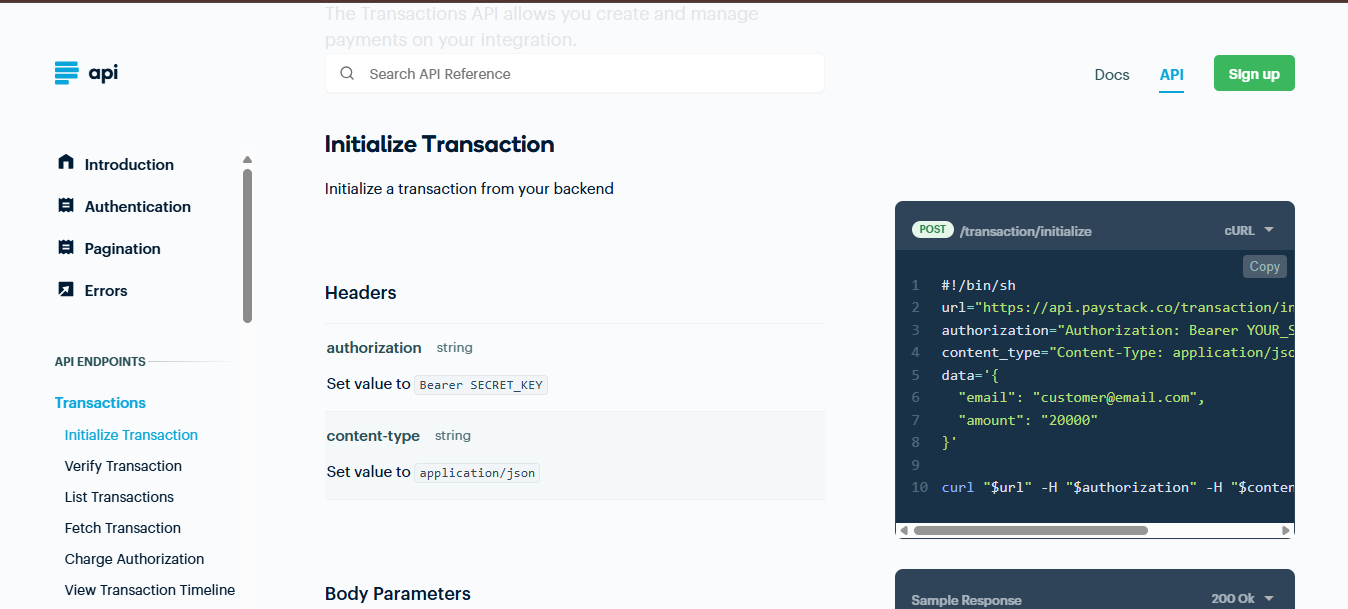
I chose “Data“ in API Connector folowing the Paystack documentation that I saw. I am still very confused.
You can give any name… but actually you are not using the correct call in your workflow! What I’m saying is that you have another call called Initialize transaction that is the one set in your workflow. The “Transaction” call is a different call. Check in API connector if you find another API Called “Initialize transaction” (or maybe you tried a plugin and this call is from a plugin?)
Data can be used with Get Data From API (mostly in RG or group) while Action can be used in workflows. Actually, you are triggering the API call using a button, so you should set this as action. Once it’s done, you will have access to this call in the list of actions in worflow. Nothing in paystack doc will tell you how to use it in Bubble. This is just telling you how to configure an API call
It’s working! I finally got it!
Thank you SO much, @Jici You were 100% correct about changing the API call to an “Action”. That was the first major breakthrough that I was missing.
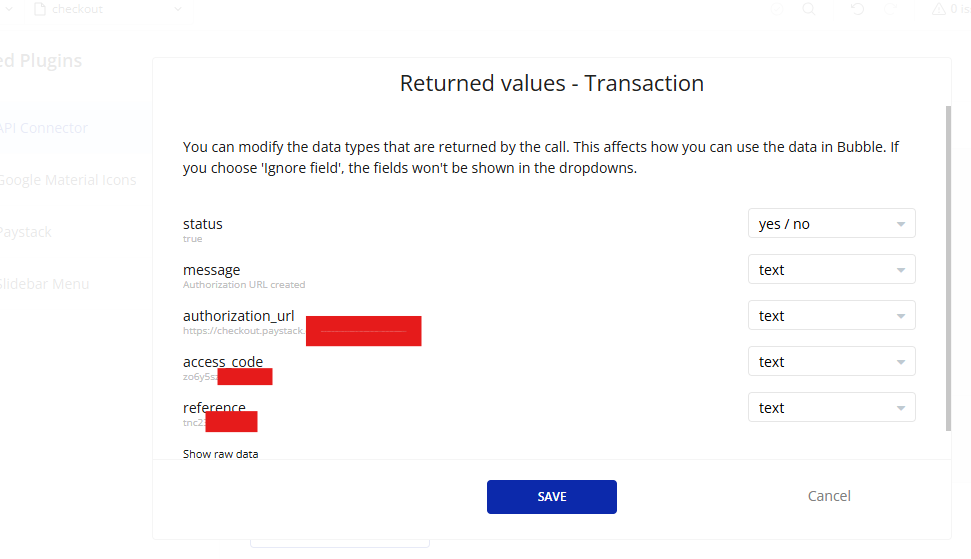
It turns out I did another mistake on my end. In the last step of the workflow, “Open an external website”, I had the wrong URL. So, I reset the URL destination to be the dynamic data from the API call: Result of Step 2 (Paystack - Initialize Transaction)'s authorization_url. Then retested and now the error is gone
I honestly couldn’t have gotten here without your guidance. Thanks again for your time and expertise!