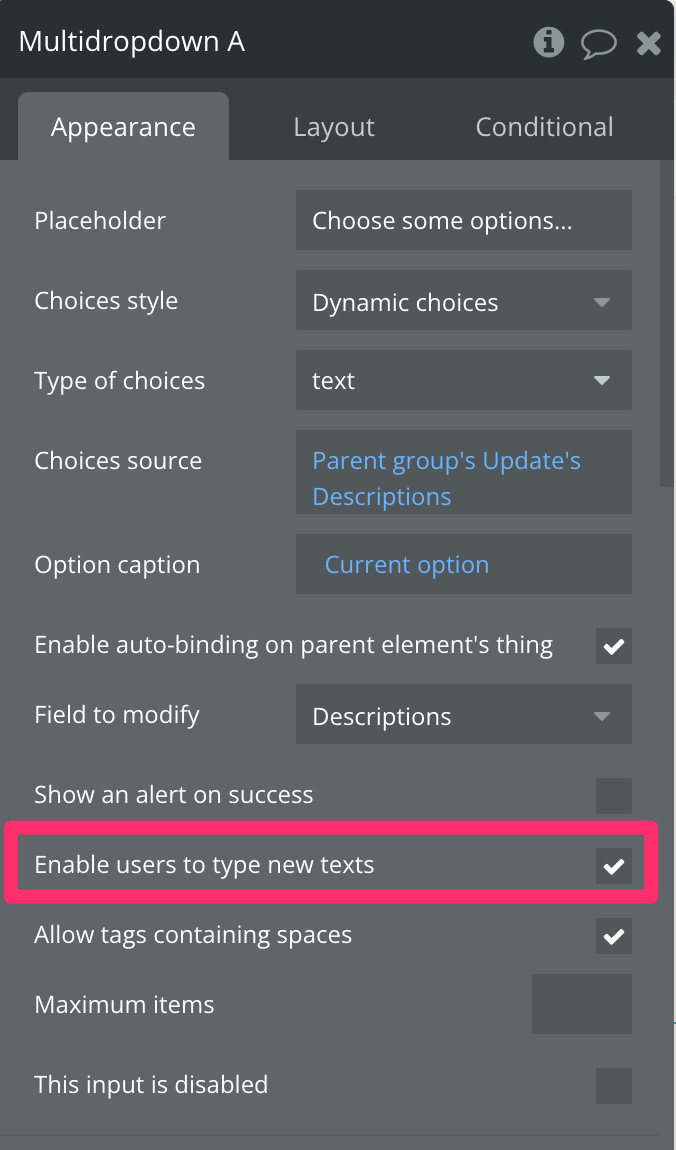
Right now, typing a comma splits the input into a new item — so it’s not possible to include commas within a single entry.
Is there a way to change the delimiter, or any workaround to allow commas in the input?
Right now, typing a comma splits the input into a new item — so it’s not possible to include commas within a single entry.
Is there a way to change the delimiter, or any workaround to allow commas in the input?
What type of input element are you using? A MultiDropdown doesn’t allow for typing. A normal input element does and is for a single entry and a multiline input element does and is for a single entry as well.
It’s the Multiselect Dropdown plugin by Bubble.
It does allow for typing:
The main reason for using it is because I want to auto-bind on a list of texts field.
(If there’s any other input element that can allow me to do this, let me know!)
Here’s what happens when I key in the following items:
The second item breaks up into two.

I can probably use a single input or multilineinput to implement this, but I won’t be able to use auto-bind and will end up having a few convoluted workflows just to save a list of texts.
My Bubble mantra is now Simplicity over Perfection lol.
In the video you shared I do not see that happening, but I guess you are saying it is broken up in two in the database.
Do not confuse ‘working’ with ‘perfection’ or mistake something that is ‘simple’ as ‘functional’…always strive to make sure the data is searched, displayed, modified and saved properly, that is the most important thing your app can do.
Thanks for the highlight on that checkbox to enable users to type new texts on that input element, I had never seen it before, or at least taken notice of it.
In my apps when I need to do something like this, and keep in mind, in my apps I do not use autobinding for almost anything and have not for the past 6+ years, I would set up a RG to use a list of numbers to allow a user to add new items to the RG with click up plus icon or add button and use a single input element in the RG to capture the single text value and save it into a custom state list or into local storage and then on a button click when the user is ready to save everything, save the list of text.
This is my personal preference for how to provide an intuitive UX, ensure ease of development/implementation of the feature and to reduce WU costs associated with the creation/modification of data.