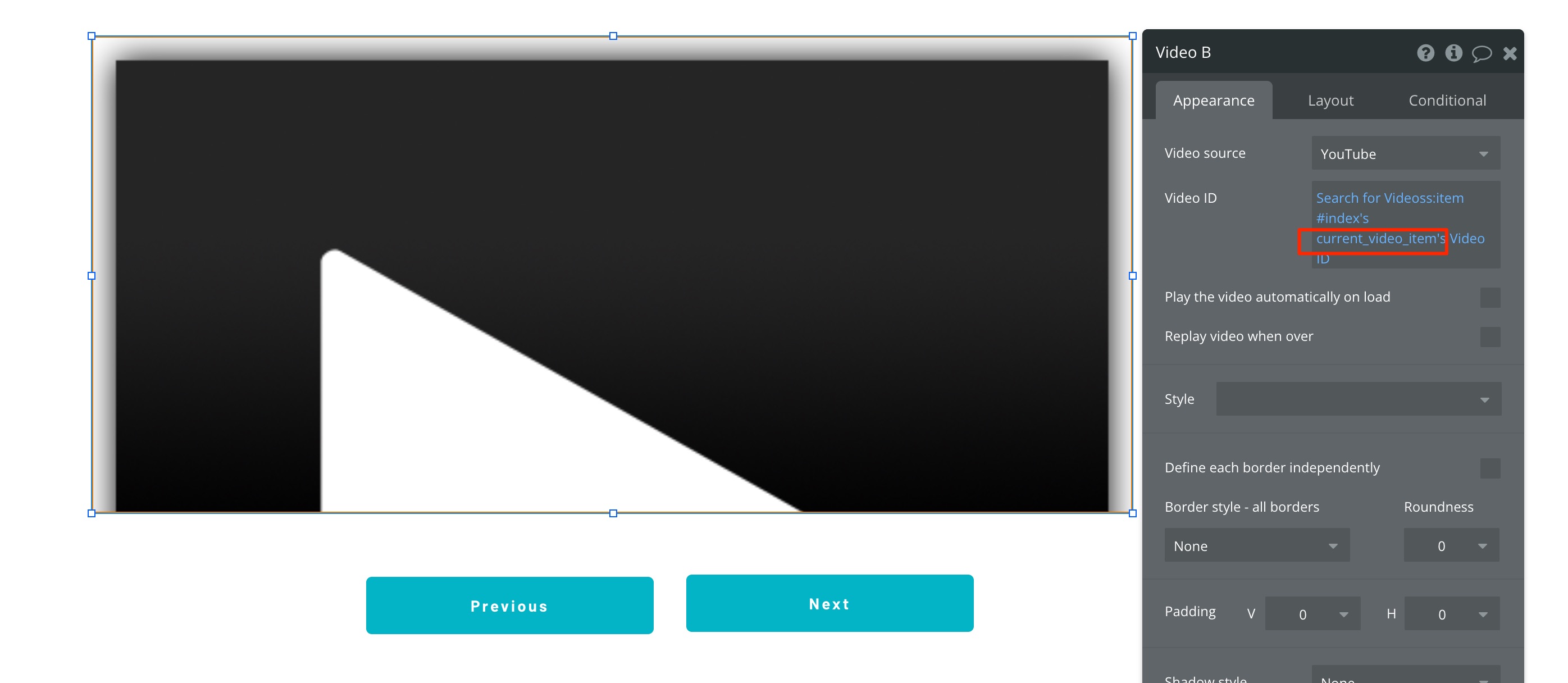
Hi everyone, I have a video player that displays videos from their category (repeating group) and I’m trying to create a button that will display the next video in the category when clicked but for the life of me I can’t figure out how to get the next item in the category. Random item works but i can’t seem to find next.
Here is the setting I have on the workflow

Any tips or ideas? Thanks for taking the time to read this.
Set your repeating group to be a fixed number of cells.
Then have a button with a workflow that is set to Show next of repeating group.
thank you @madvaultllc for the response, I tried that workflow. Unfortunately, it’s still showing the same cell from the from the repeating group. This is the setup I have. I’m I missing something?
Thank you
What do your repeating group settings look like? All the video player attributes are configured in the repeating group, not the workflow. The only thing in my workflow is ‘show next of RepeatingGroup Videos’ because changing the RG’s value updates all the player values.
@madvaultllc I see what’s happening. The repeating group is changing but the video player (group is not). I’m trying change what’s showing with data from a repeating group (next cell) not change the actual repeating group. This is set the setup I have on the repeating group.
Make sure that your video player group is inside your repeating group, then set its type of content to film and its data source to be parent cells film.
@madvaultllc hmm putting the video player group inside the repeating group is not going to work with my setup, unfortunately. You don’t happen to know that there is a way to change the parent group based on the next cell from the repeating group?
If you want to keep using a repeating group, I would suggest adjusting the layout/design to support the way I’ve suggested. You’d need to use a plugin to access the data in the RG outside it. This adds a bunch of complexity to your application that, unless you need to, seem unnecessary to me.
Custom state instead.
The other option is to not use a repeating group at all, but to use a custom state to track the current position in your film list.
-
Create a custom state for your page (current_video_item in my example)
-
Create an on page load workflow to set the custom state to be 1.
- Update your video player to use the item #: custom state to get the next one.
- Set a workflow to +1 the custom state when the next button is clicked.
- Set a workflow to -1 the custom state when the previous button is clicked.
@madvaultllc thank you for that detailed response. It took a while for me to get it figured out but it worked! Thanks again.