
Hi,
I had created a CSV file and download it from bubble
Now i am facing this issue (getting image’s url instead of photo)
please suggest me how to solve it.
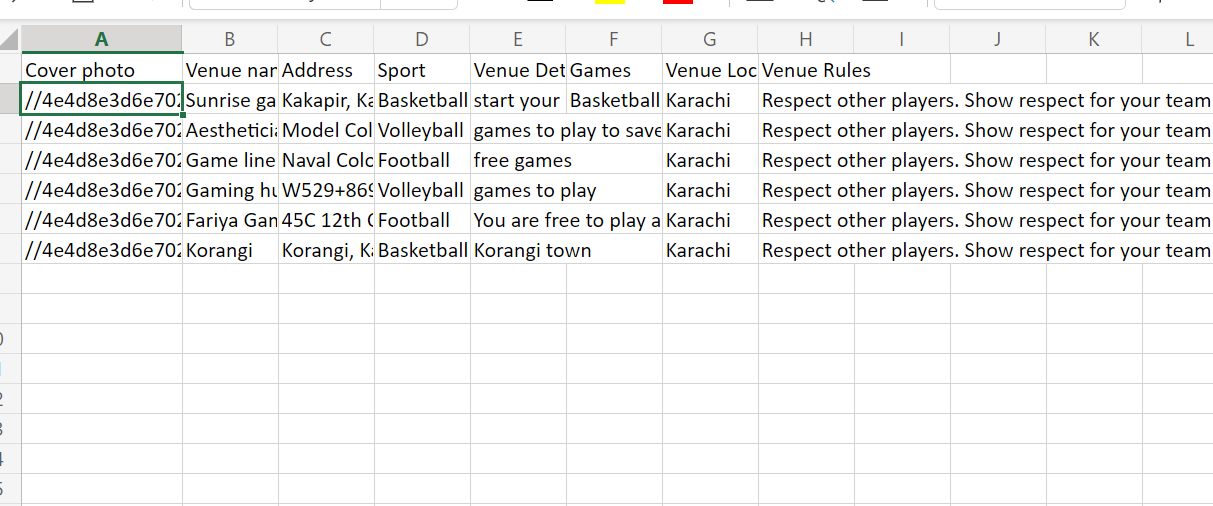

CSV files are just text, you can’t put a photo in the cell.
ok so how can i export images as well
is there any other way?

@lindsay_knowcode Would there be anyway to add images to the cell when exporting an XLSX via your plugin?
A CSV file is only text type of formatting - for Excel or Numbers or Google Sheets (or whatever is your preferred spreadsheet) you need to use a function to “tell” the cell to render the URL as an Image, not text. With G sheets its as easy as this:
=IMAGE('stick your URL here eg https://aaa.com/image.png')
Maybe you will also need to pre-pend the HTTPS: protocol in front of Bubble’ URLS that are missing the HTTPS protocol.
But as you said - function are not available with CSV format - you need your spreadsheet tool to interpret the URL as a displayable image.