Follow-on question:
I’m pulling my Markdown from another source (Airtable Rich Text Fields). I cannot set an “open link in new tab” from the Airtable interface. I’m wondering if there’s a way to force links inside of a Markdown box to open in a new tab? Not having much luck figuring it out.
Ah, this is an interesting one. Unfortunately, this touches on a downside of Markdown. It could be configured to have all links open in a new tab, or not, but there isn’t a way to specify individually. At least, using Markdown.
However, you could just specify HTML directly within the Markdown editor:
In order to work around the issue above I’m creating HTML links inside of my Markdown so I can open them in new windows. It’s a bit painful, but an OK workaround.
In doing so, I’ve found a bug of some kind in your translation of HTML links. Has to do with whether there’s an underscore in the URL.
Example #1 - Sometimes Fails
I’ve seen this work perfectly, and fail in the method below. Seems sporadic.
As a reminder, my source is a simple Airtable field.
UPDATE: More Info
Testing the JSON output from Airtable, I’m realizing they’re escaping any underline characters with “\”. This is in the case in both examples #1 and #2. It seems that your plugin may be taking example #2 and converting the “\” to a “/” (or the browser is) instead of removing the escape character. In example #1, it seems that sometimes you just pass the escape character through.
Are you maintaining this editor even now? I’ve subscribed to it and am considering buying it but is a little tricky to do it without knowing if there’s going to be any bug support at all.
I am facing some problems with the editor: the scroll in the editor is behaving irregularly.
Sorry to hear about the troubles with the scrolling. For me to look into this further, I would highly appreciate a reproducible example. Is there a link to the editor in your Bubble app, for example, that I could check out to see the issue? Or, even better, if you can create a sample Bubble app with the issue reproducible, that would be amazing
In regards to maintaining, I have shifted my focus towards other priorities as my Bubble apps were just fun side projects I started a while back. You shouldn’t expect new features but I do try to address bugs if I’m able to.
Hey Young - Could you have a look at the latest version, there’s a lot broken with the editor, or maybe it could be taken over from you as it’s really nice, but needs a bit of work.
Hi @yla, the plugin looks awesome.
Does it work with Slack markdown? I have a Bubble app which integrates with Slack, it pulls content from Slack and also sends messages and posts to Slack. I’m having trouble parsing the Slack markdown.
Thanks
Am i overcomplicating this or is it actually not possible to import markdown directly into a bubble text field. I’m using the Airtable plugin to pull data from airtable and render it into a group, and display text in a text box shown below. For the fields in airtable that are rich text, it shows up with bullets, links etc. and when I pull those into bubble it reads as the editor version basically. See below how the markdown text is rendered:
Please note that I have reached out to some of you directly with a DM to troubleshoot as having any back and forth conversation gets challenging in a single thread like this with multiple people.
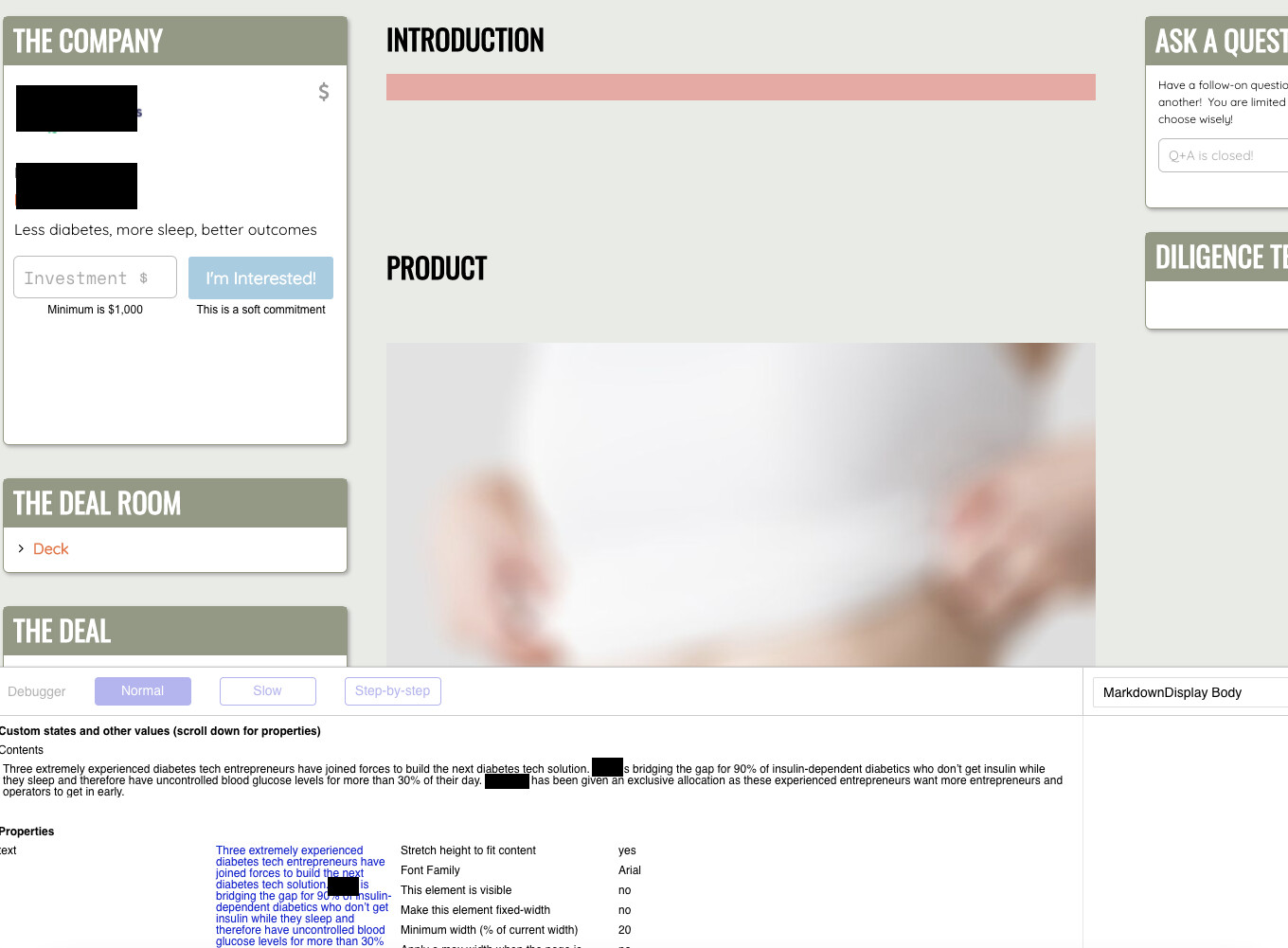
Hi @yla, hope you’re well. Something seems to have broken with my setup of this plugin. It’s been working fine, I haven’t made code updates for 2 weeks, then it simply stopped displaying text (even though the inspector shows the data). Have a look at the image.
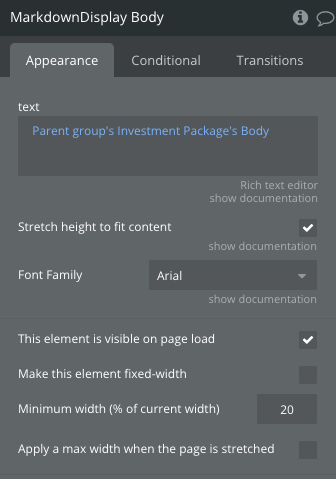
Also noticed that the inspector is saying the element is not visible, but that’s not how it’s set up in the Bubble editor. Nor are there any workflows that would disable visibility for this.
UPDATE: I unchecked and checked the box and now the inspector says it’s visible, but is still not showing text.