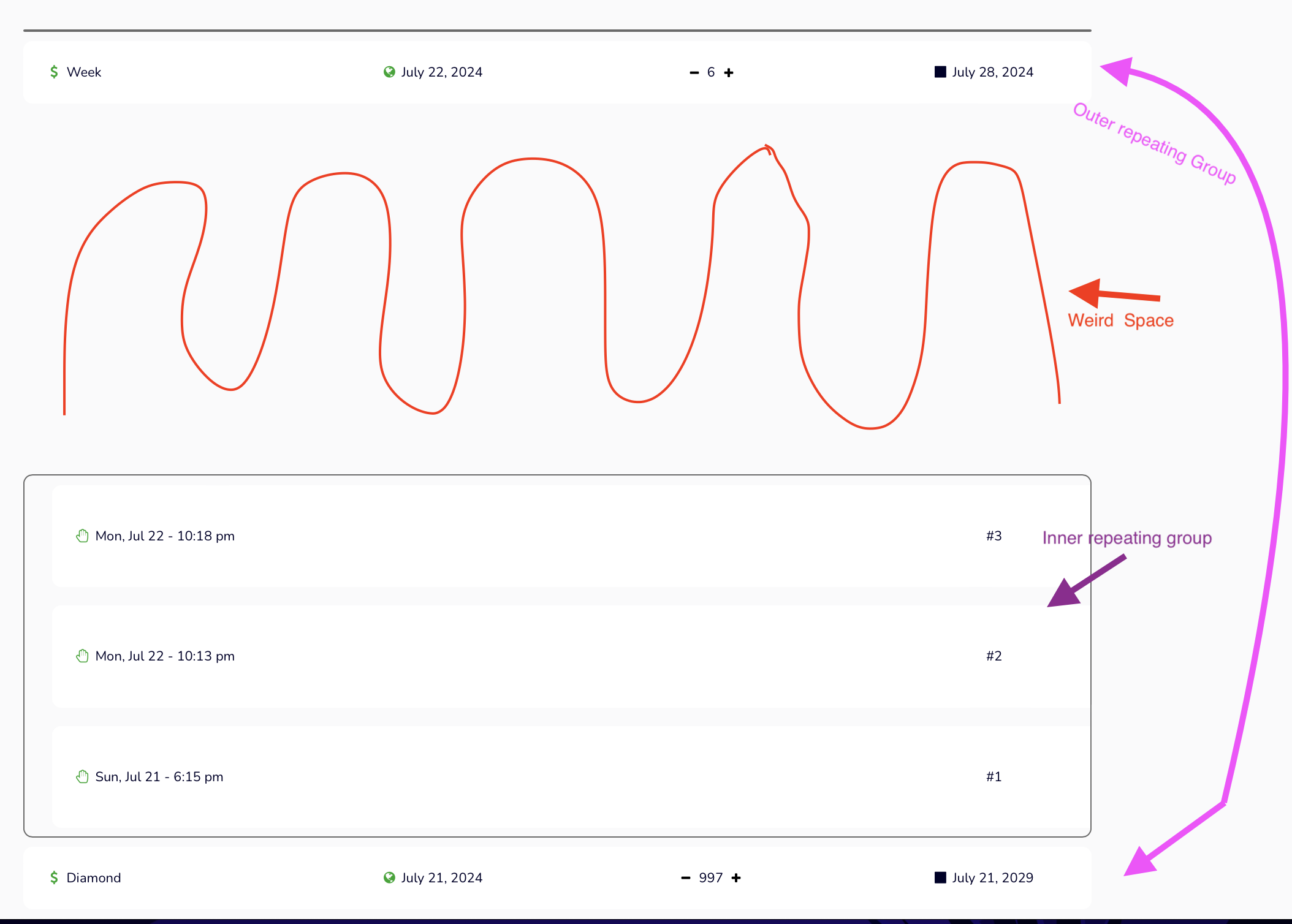
I have a repeating group nestled inside another repeating group.
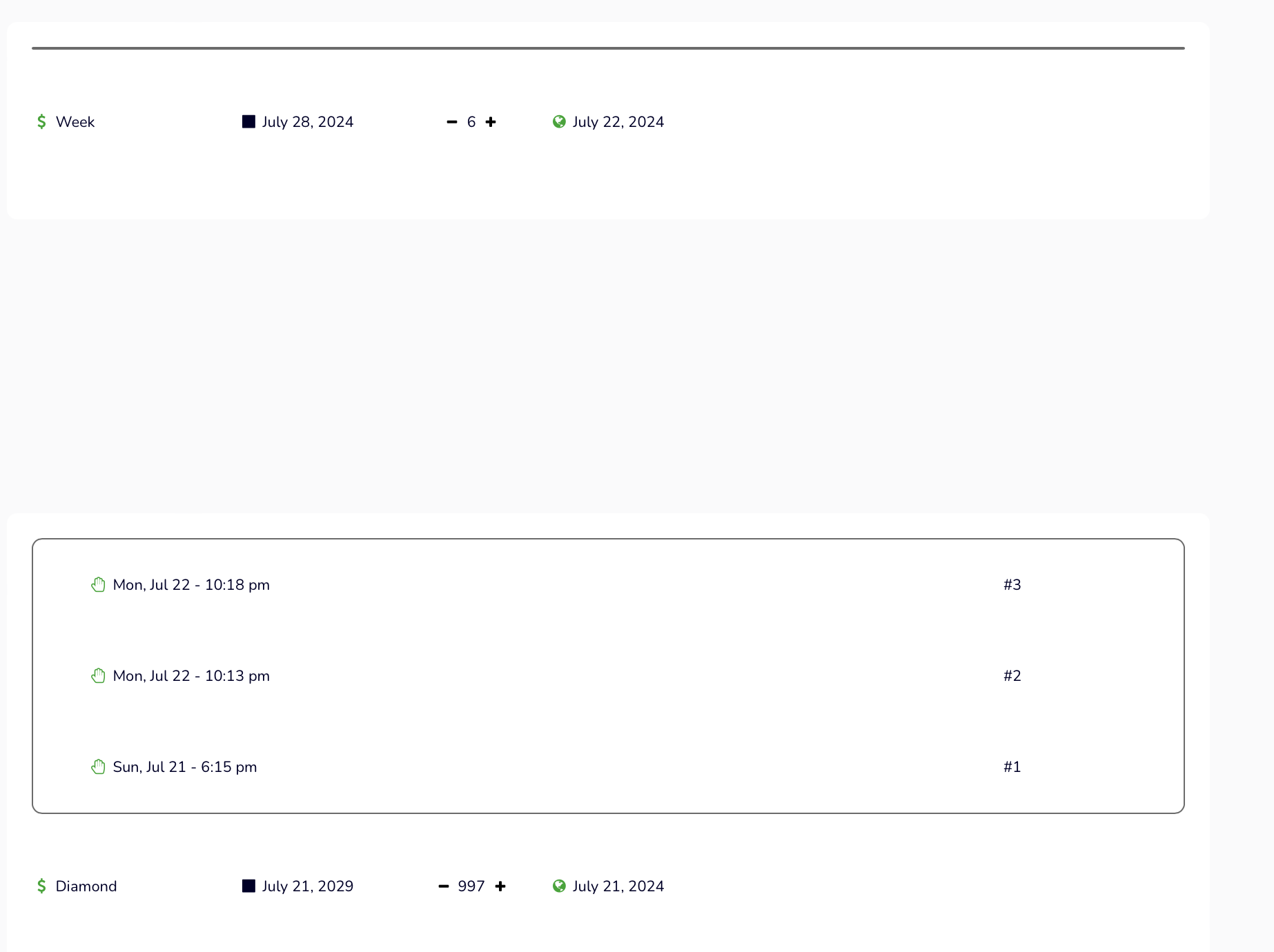
Somehow, top-margin(?) gets added on the “inner” repeating group.
I tried all settings on all groups and cannot get rid of it.
Does someone know what is causing this?
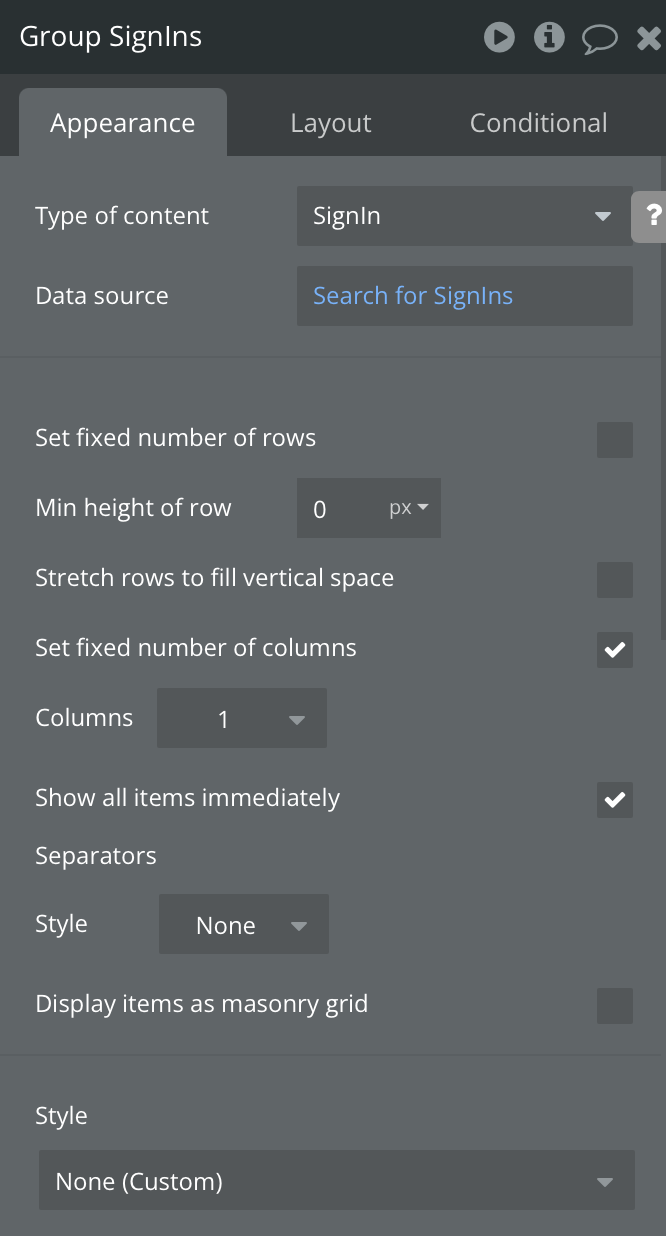
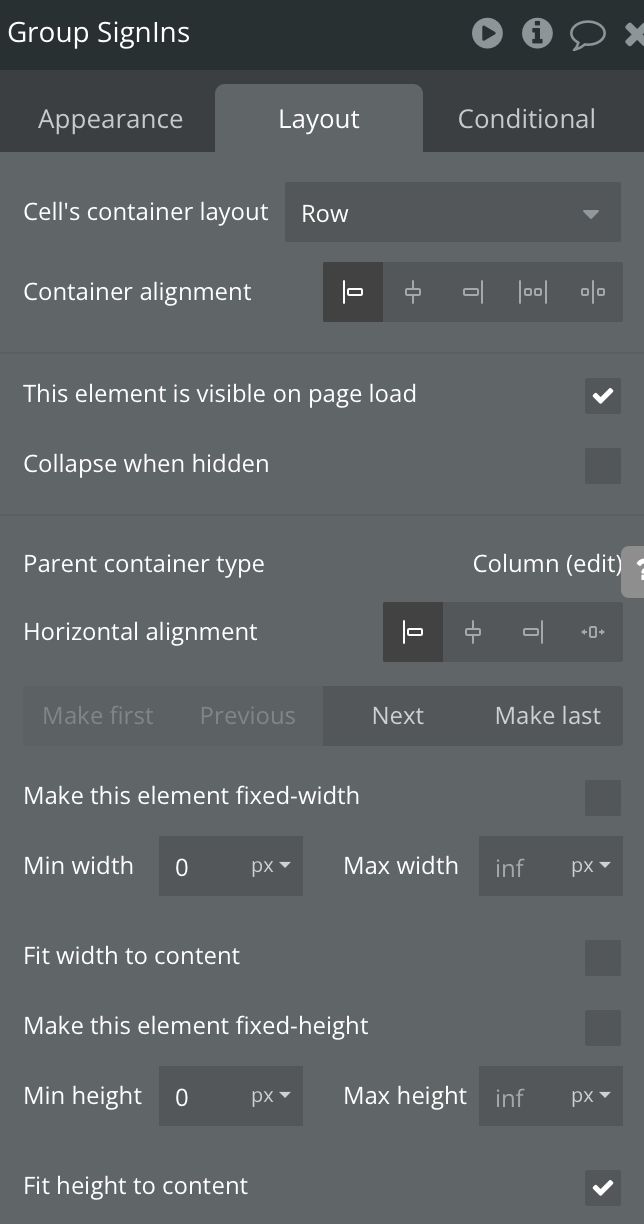
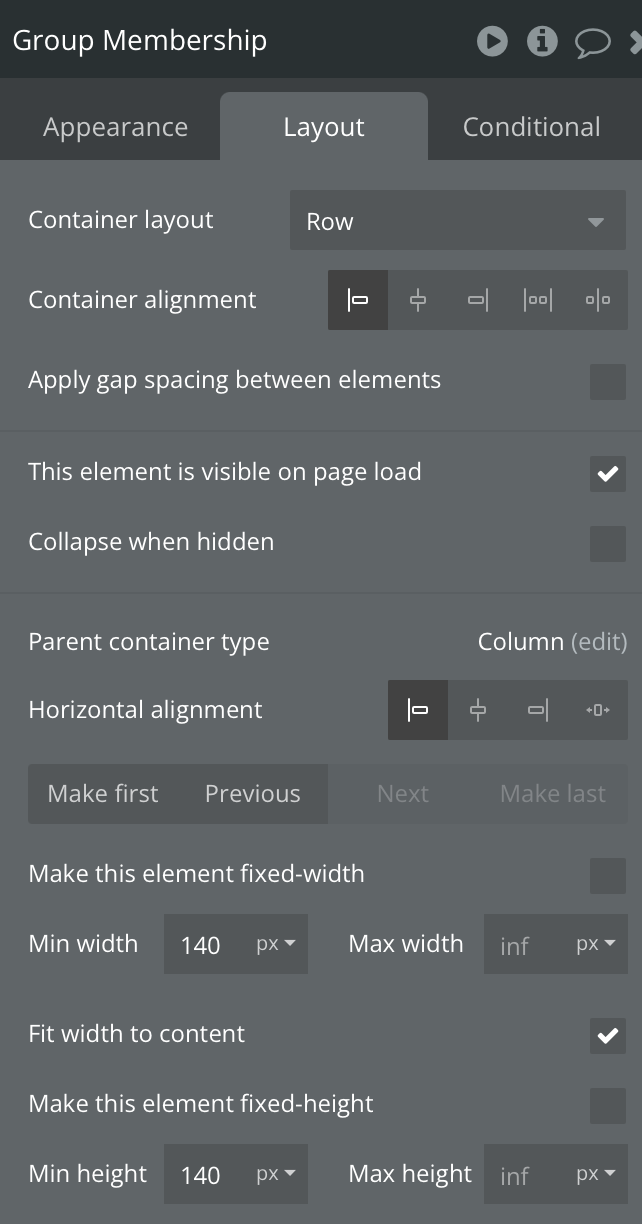
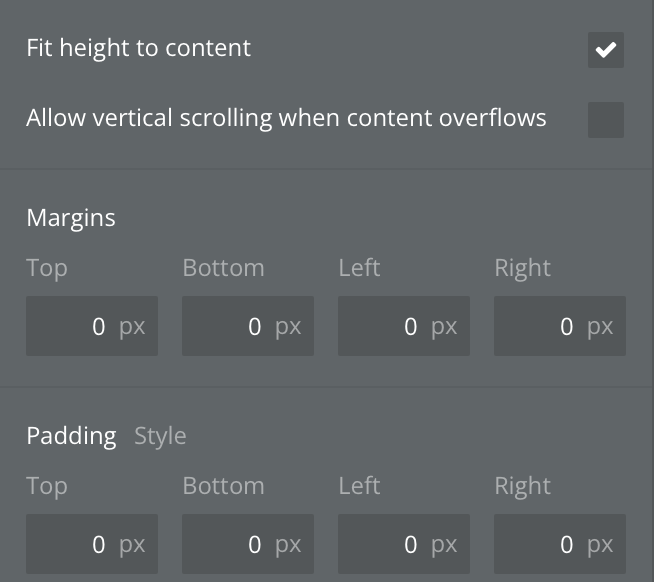
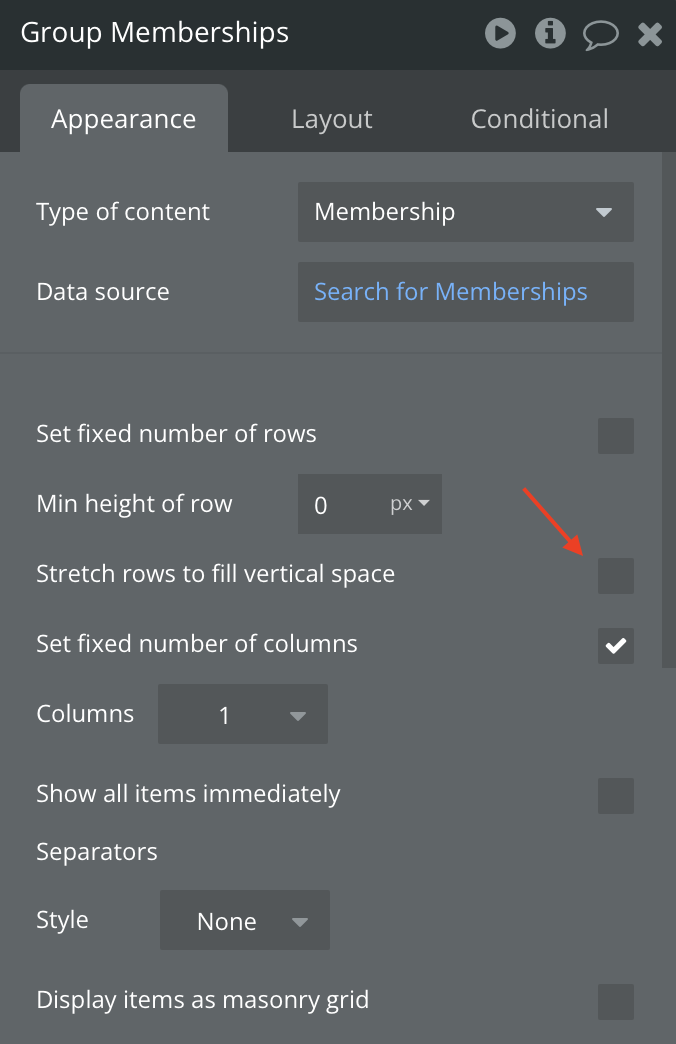
Here are my settings:
Appearance + Layout on inner repeating group:

Show me the repeating elements on the page and the group they are in and their layouts.
Dana 
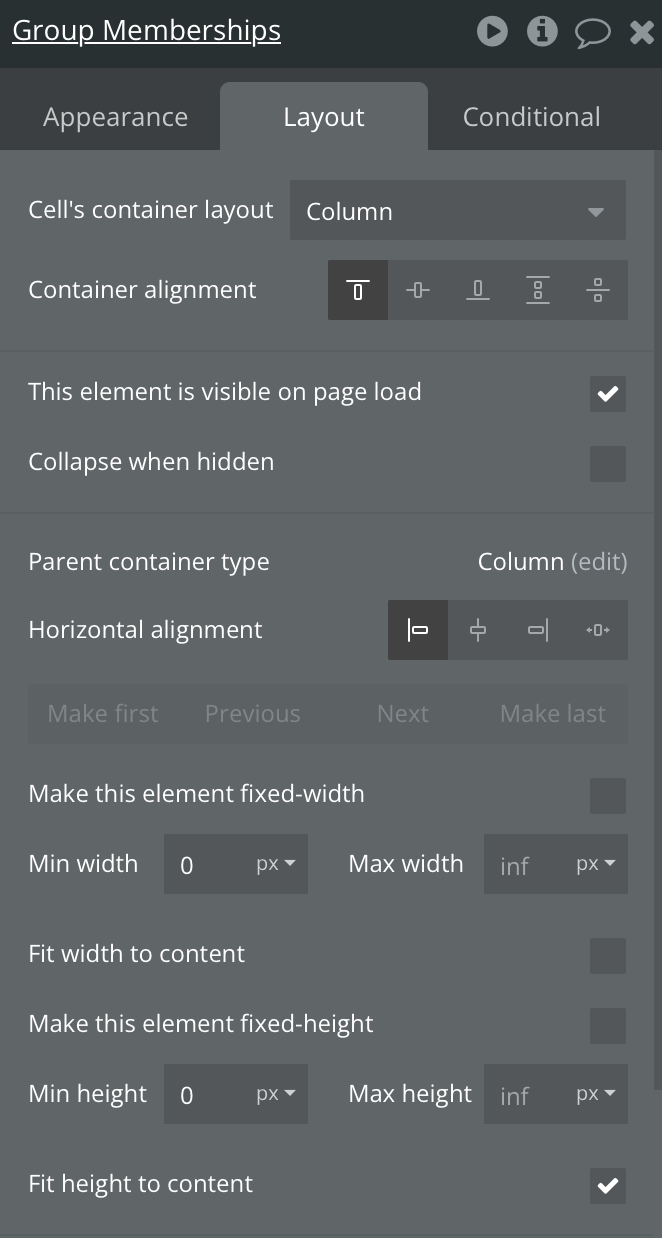
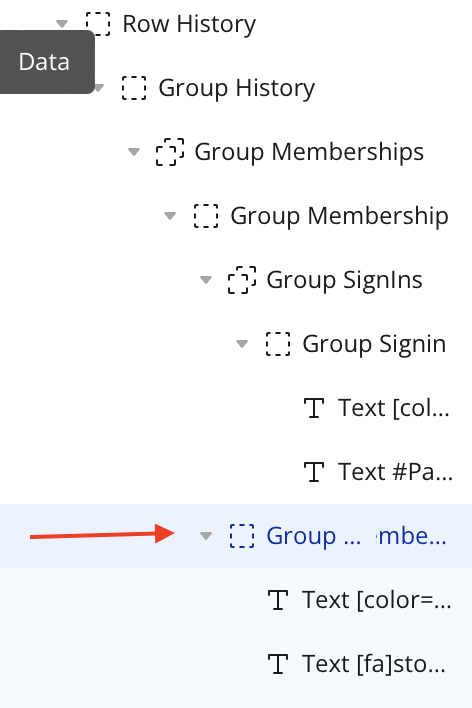
Everything is in this overarching group:
Then the outter repeating group


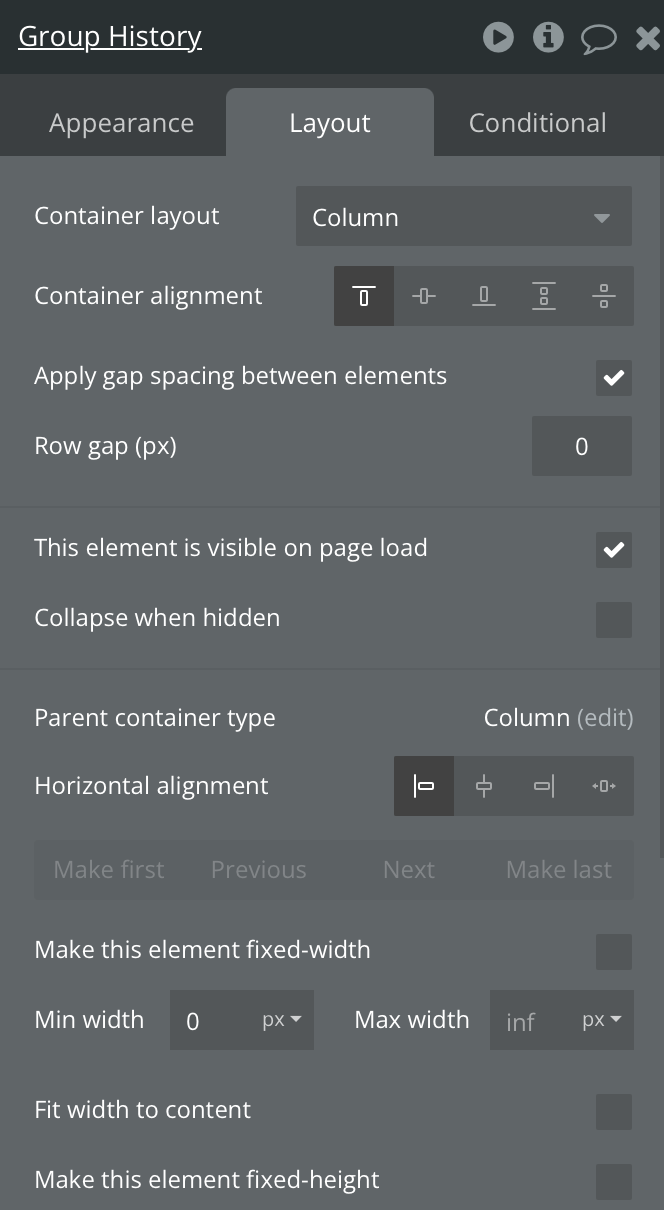
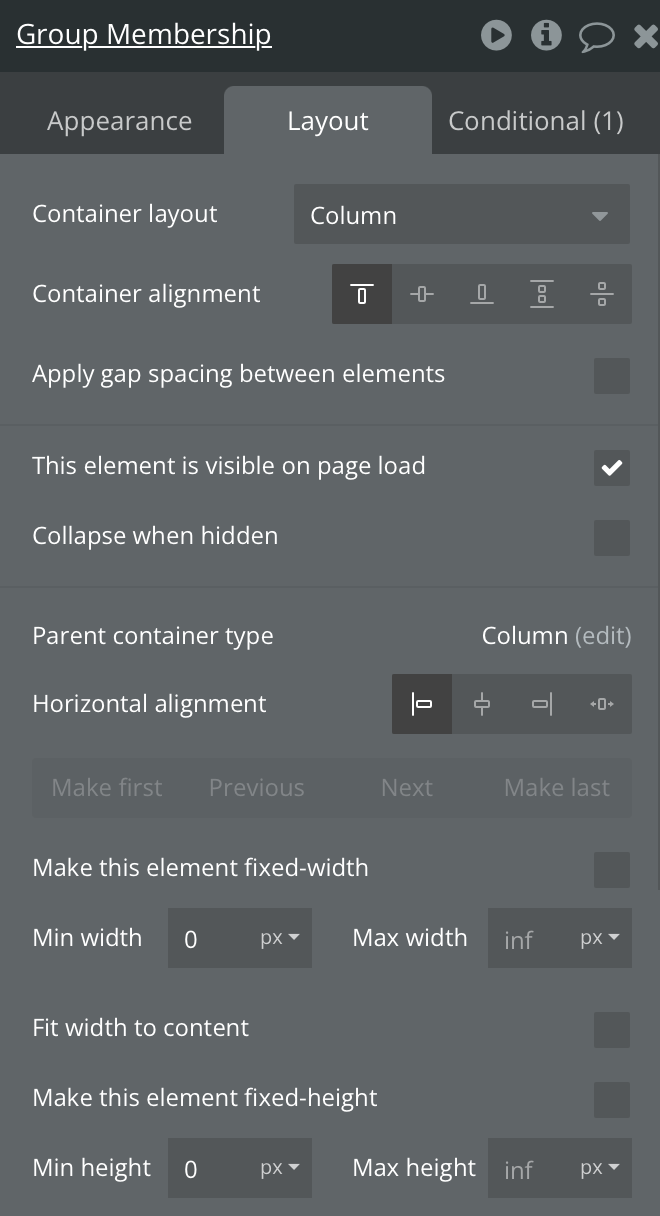
Then this group

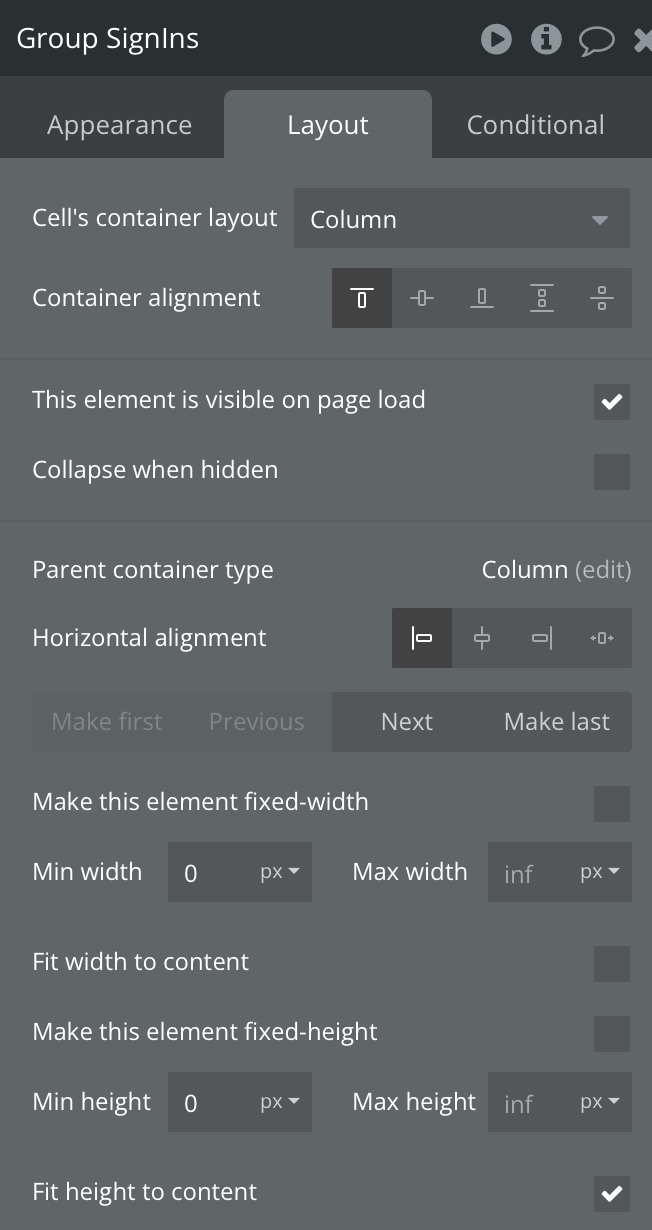
Then my inner repeating group


Inside my inner repeating group:
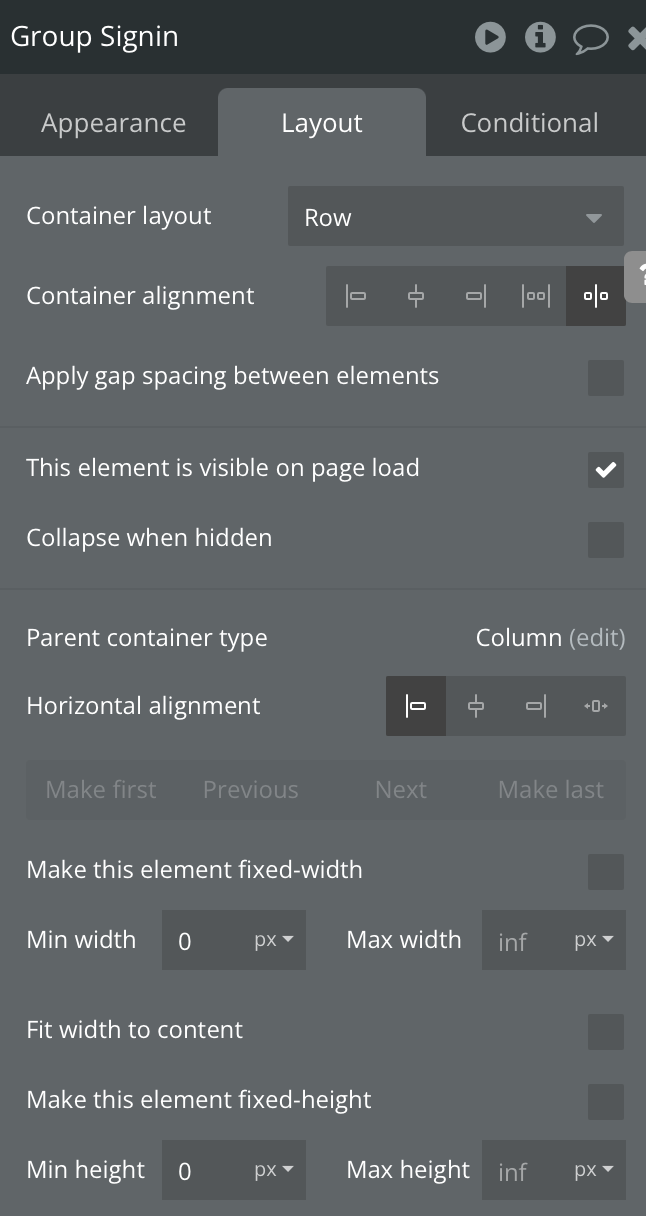
Last this group for the current cell of the outer repeating group
And it looks like this:
If you use the debugger, you can inspect the empty space to find out what element it is.
I can’t spot anything weird in the Debugger.
Could it be that Bubble tries to make all rows in a group the same height?
Becasue some of my rows have content and others don’t.
minimum height on the rg should be zero, minimum height of row should be 0
Ok, solved
I unchecked this option (on my outer repeating group) and that solved it.
Thanks for the help everyone!