AI Saas Boilerplate Pro
Launch your AI SaaS faster with a production-ready Bubble template featuring AI chat, streaming, AI tools, Stripe billing, multi-tenancy, and a full admin panel.

Live Preview
Use template
Template details
A complete, production-ready Bubble template for building multi-tenant AI SaaS products — powered by OpenRouter, billed with Stripe, and packed with the infrastructure most builders spend months wiring up themselves: AI chat with streaming, server-side tools, subscription billing, multi-tenancy, and a full admin panel.
 Build your SaaS:
 Documentation & Support:
Want us to set this up for you, for free? If you’d rather not go through the setup yourself, you can open a support ticket or reach out to us directly through the chat in the bottom-right corner of the screen. We’ll take care of the configuration for you at no cost.
https://ai-saas-boilerplate.tawk.help/
Who this is for
Founders, indie hackers, and agencies who want to ship an AI product without rebuilding the same foundation every time — chat interface, billing, teams, and admin tooling — and focus instead on what makes their product unique.
If you’re building an AI writing tool, a research assistant, a vertical AI copilot, or any SaaS with a chat-based core, this template gives you a working foundation on day one.
Core Features
 AI Chat, powered by OpenRouter
- Real-time streaming responses — answers appear token by token
- Access to hundreds of models across every major provider (OpenAI, Anthropic, Google, and more), synced automatically from OpenRouter’s live catalog
- Searchable, filterable model picker — grouped by release date, with provider logos and pricing info
- Conversation history with auto-generated titles, rename, and delete
- File and image attachments — multimodal input support
- Configurable chat memory (how much history is sent per request)
- Zero Data Retention toggle for privacy-sensitive use cases
 Server-Side AI Tools
Six built-in tools your users can enable and configure individually:
- Web Search — real-time information from the web
- Web Fetch — retrieve and read content from URLs
- Datetime — accurate current date/time awareness
- Fusion — multi-model consensus for higher-confidence answers
- Advisor — consult a stronger model mid-conversation
- Subagent — delegate sub-tasks to smaller, faster models
Every tool has its own settings panel, configurable per user.
 Subscription Billing with Stripe
- Full checkout, upgrade, downgrade, and cancellation flow
- Customer Portal integration for self-service billing management
- Usage-based token and seat limits, enforced automatically per plan
- Webhook-driven sync — your app always reflects the true state of every subscription
- Pre-configured example plans (Free, Plus, Pro) ready to customize
 Multi-Tenant Workspaces
- Users can belong to multiple workspaces, or work solo
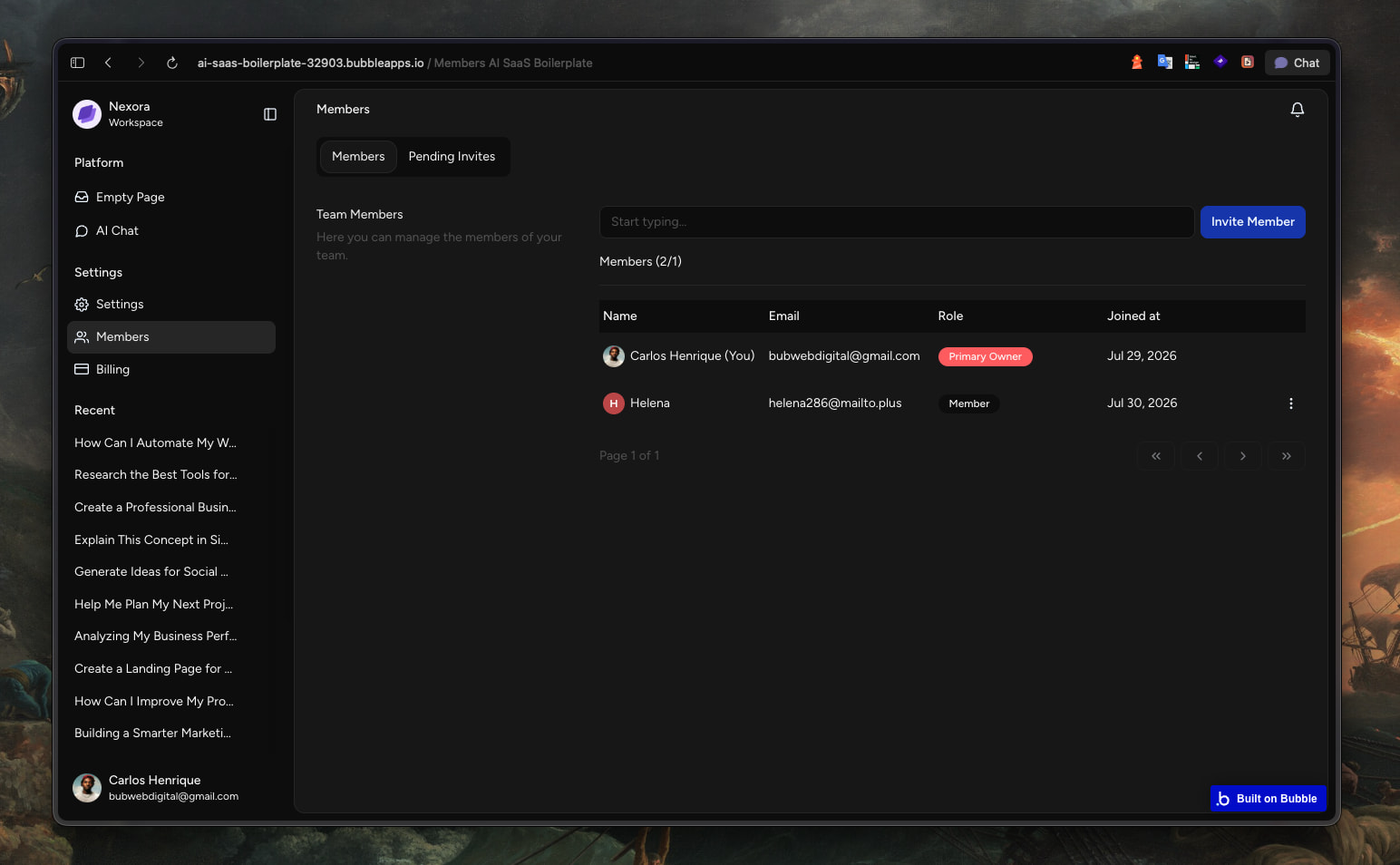
- Email-based invitations with role assignment
- Per-workspace member management, seat limits, and usage tracking
- Personal, per-user tool configuration within each workspace
 Admin Panel
- Central dashboard with MRR, revenue, AI cost, and customer metrics — all computed from real data
- Full user management: roles, account status, deletion requests
- Plan and subscription management
- AI model catalog management (enable/disable, sync from OpenRouter)
- Built-in blog with categories, tags, and scheduled publishing
- Newsletter subscriber management
- System settings: API key rotation, integrations, notifications
 Polished, Ready-to-Customize UI
- Light and dark theme support
- Fully responsive, mobile-friendly design
- Clean, organized editor structure — pages and reusable elements grouped by feature, so you can find anything in seconds
Why this template
Building an AI SaaS from scratch means solving the same handful of hard problems every time: how to stream AI responses in Bubble, how to structure multi-tenant data without leaking access between accounts, how to keep billing in sync with Stripe, how to let users configure AI behavior safely. This template solves all of that — tested, documented, and ready to build on top of.
Get the “boring but essential” 80% done on day one, and spend your time on the 20% that actually makes your product different.
Dark/Light Mode

Billing