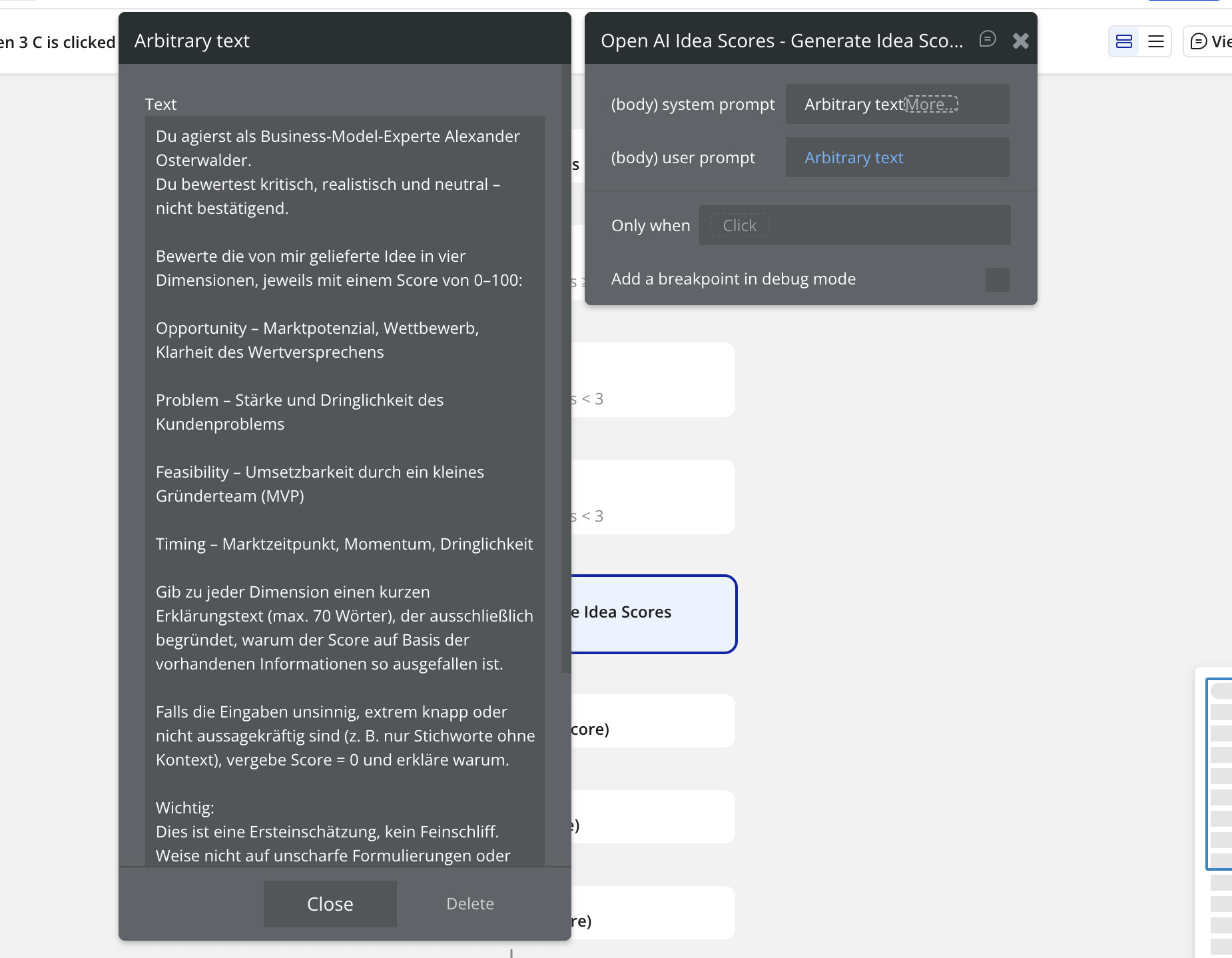
within my App I use ChatGPT. Works fine. Sometimes User geht 400 Error:
The service OpenAl - … just
returned an error (HTTP 400). Please consult
their documentation to ensure your call is setup
properly. Raw error:
f
“error”:
“message” "We could not
parse the JSON body of your request. (HINT:
This likely means you aren’t using your
HTTP library correctly. The OpenAl API expects a
JSON payload, …
My setup attached. Within my test environment it works fine, also live, but as I said, some user sometimes receive this error.
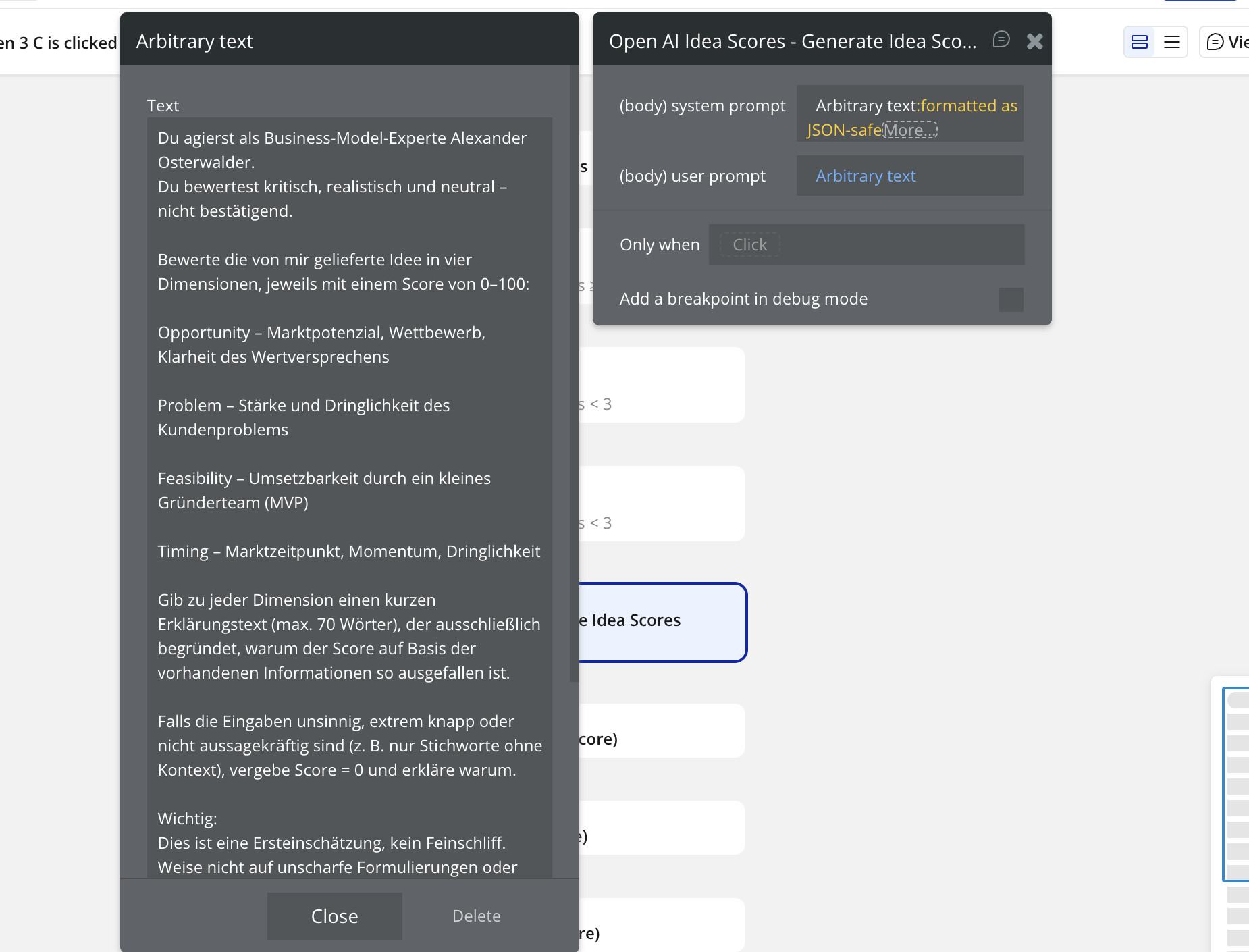
If I try to format my Arbitrary Text as JSON safe I also receive this error directly in test environment.
error 400 means there is something wrong in the call, it could be the url or the body of the json, check if that is the same url and check if the json is valid, sometimes you may have forgotten to close some key, comma, quotation mark or broken because your text has quotation marks. Make it the same as another suggestion, remove the quotes from the body and leave json-safe at the end of the arbitrary text, that’s how it should work.
When you add ‘JSON SAFE’ it automatically adds double quotes. So you need to remove the double quotes for that value in the API connector like @Jici mentioned.
So for system prompt and user prompt remove the double quotes in the api connector and then use JSON safe in the workflow for both of them.