@rentforsale9188 @kash1
Your issues should now be resolved in this update, please see below.
@jeffprewitt
I’ll get back to you soon!
----------------------------------------------------
v1.252.0
Fixes
I’m think I’ve now fixed the loading issue where the map would just freeze up, although time will tell. A minor change to a condition which checks the loaded map options on first launch was the culprit. This bug has been around for some time now, so hopefully this is now resolved. Let me know if you see it happen after the update.
New shiny things
There are 2 new settings added into the main map options, shown below. The documentation sections have been written so hopefully all is explained there.
Allow duplicate markers with the same position
Enable spiderfier
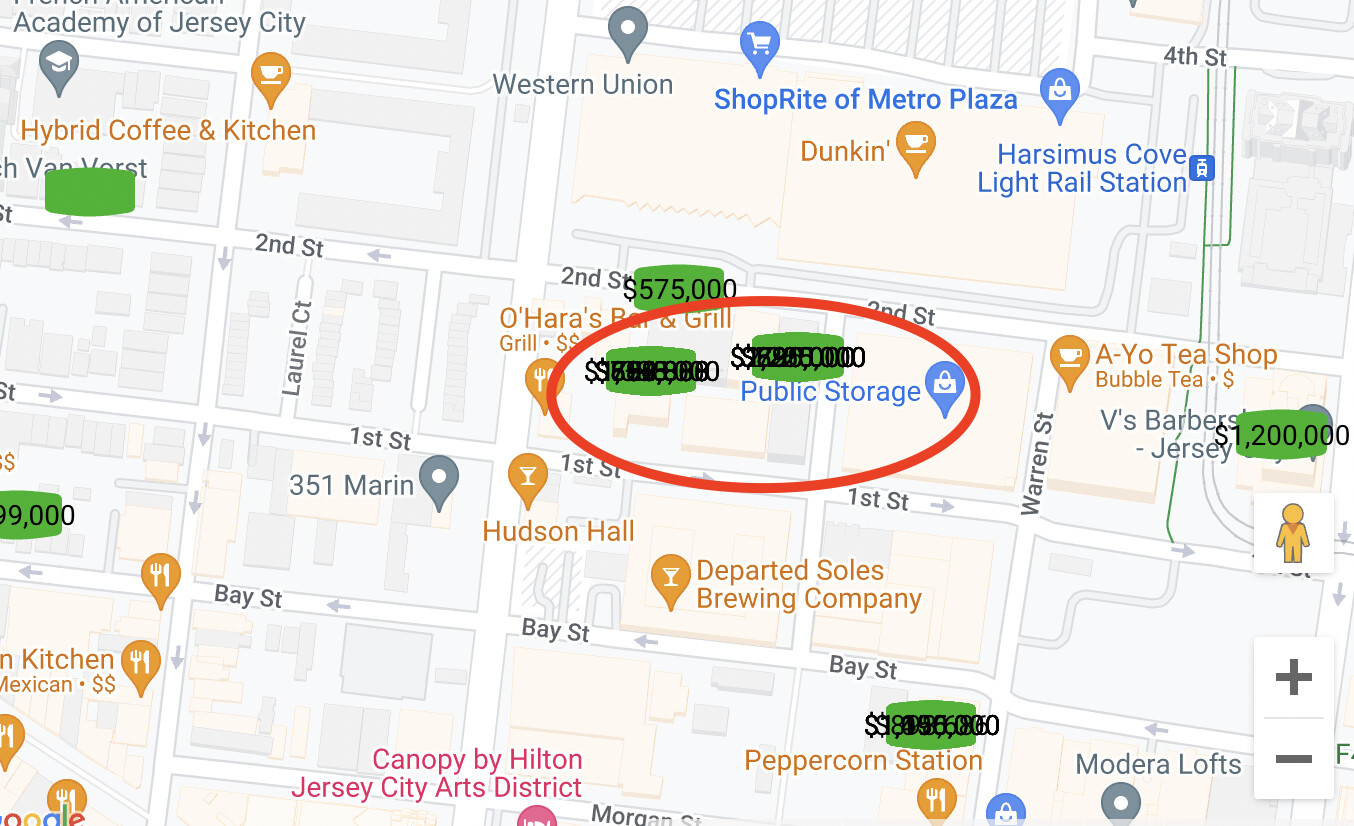
I’ve also spent some considerable time on how the clustering of markers works. There was a few issues here so it’s been revamped with a load of options and there’s now a new section sitting right at the bottom, shown below with all documentation fields updated. Take the time to read these and if you have any questions @kash just shout and I’ll help you out.
The “Cluster markers” action is still there and can be used on it’s own, but you can’t use it to set the info windows and tie in the data.
The info window section has some default HTML in it which generates a list of elements to represent the markers inside the clicked cluster. Each list item (or cell if you prefer) has a click event setup on it which updates a new state called “Current marker” and that will allow you to access all fields.
States and Events
Spider marker Ids
This gets populated upon clicking a marker which would expand to show others. If the marker doesn’t expand then no value is set.
Cluster marker Ids
This gets populated when a cluster is clicked. It will contain the marker Id’s that are inside that cluster only.
Current marker
Exactly the same as Bubble’s standard map plugin. It contains the data type of the marker which is clicked allowing you to get at all the fields for that particular marker. This is only set when you use the dynamic markers section in the main map options because that’s the only place which allows you to set the data type and fields.
One new event called cluster info window item is clicked which is triggered upon clicking one of the list items inside the info window.
Hopefully this all helps. Any issues, please let me know!
I know a couple of you mentioned about paying for some of these features etc, I’m happy either way but if you did feel you wanted to, then just PM me and we’ll go from there.
Paul