
Hi guys!
I never understood why Bubble doesn’t let customize the looks of the refresh bar. Sometimes I have a beautiful app and the bar just doesn’t match the style of my app. That’s why I built this plugin.
It gives you full control (like other bubble elements) over the visual style of the “new version available” banner that appears when your app is updated. Instead of sticking with the default bar, now you can make it look exactly the way you want.
What you can customize:
- Font size
- Font color
- Background color
- Border color
- Border radius
- Margins
- Padding
- Fit width to content
- Add animations:
- Slide in from right

- Vibration

- Heartbeat

Do you just hate the bar from the bottom of your heart? Just click on “hide bar” and that’s it
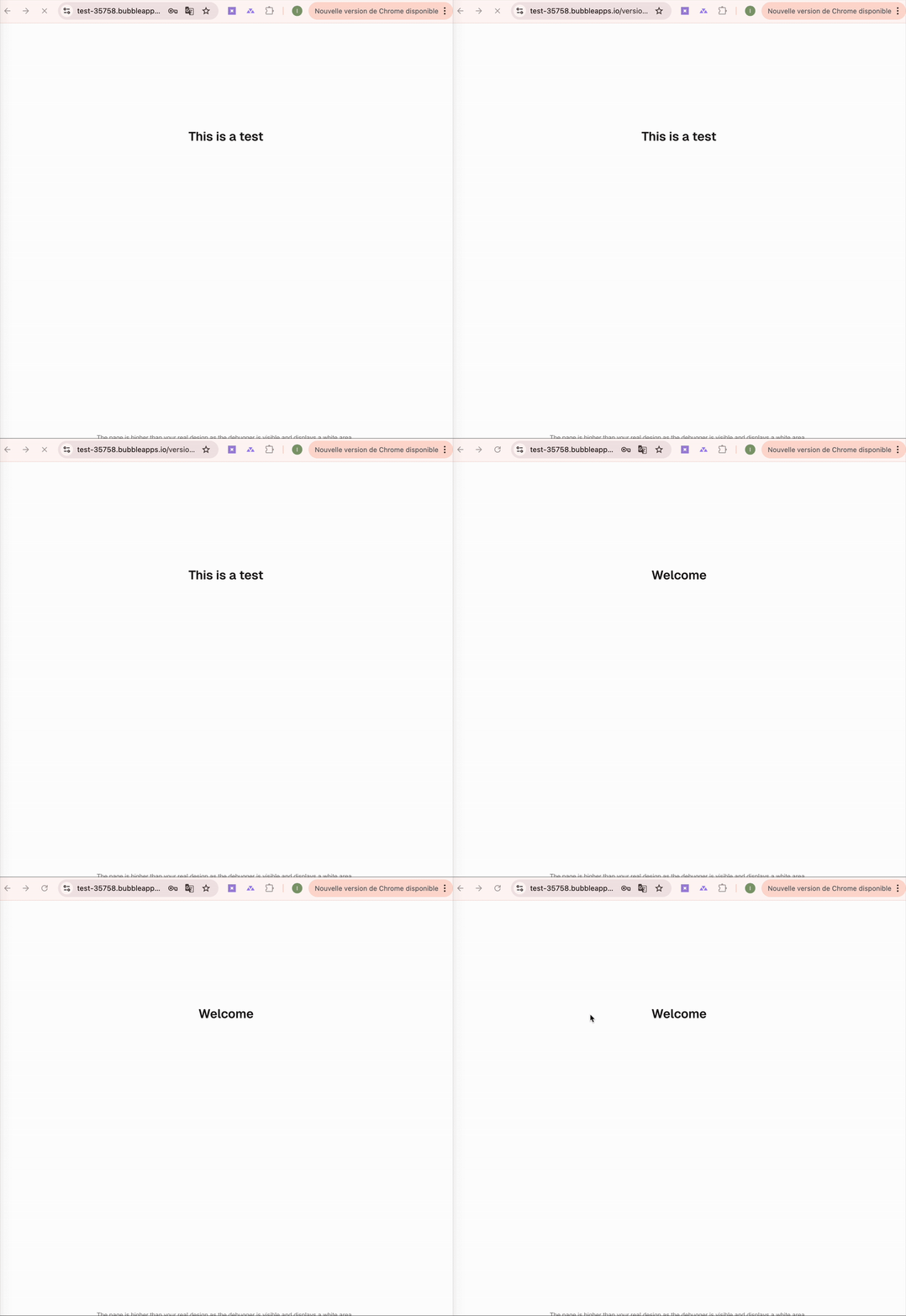
How it works:
- Install the plugin from the Bubble plugin store.
- Drop the “Refresh Bar Styler” element onto your page.
- Set your styles and animations directly in the Bubble editor.
- Done your refresh banner now matches your design.
Want to check it out yourself? 
https://bubble.io/page?id=refresh-banner-styler&tab=Design&name=index&type_id=user