Released my first app! Example app for Feedback/discussion

Hey everyone :waving_hand:

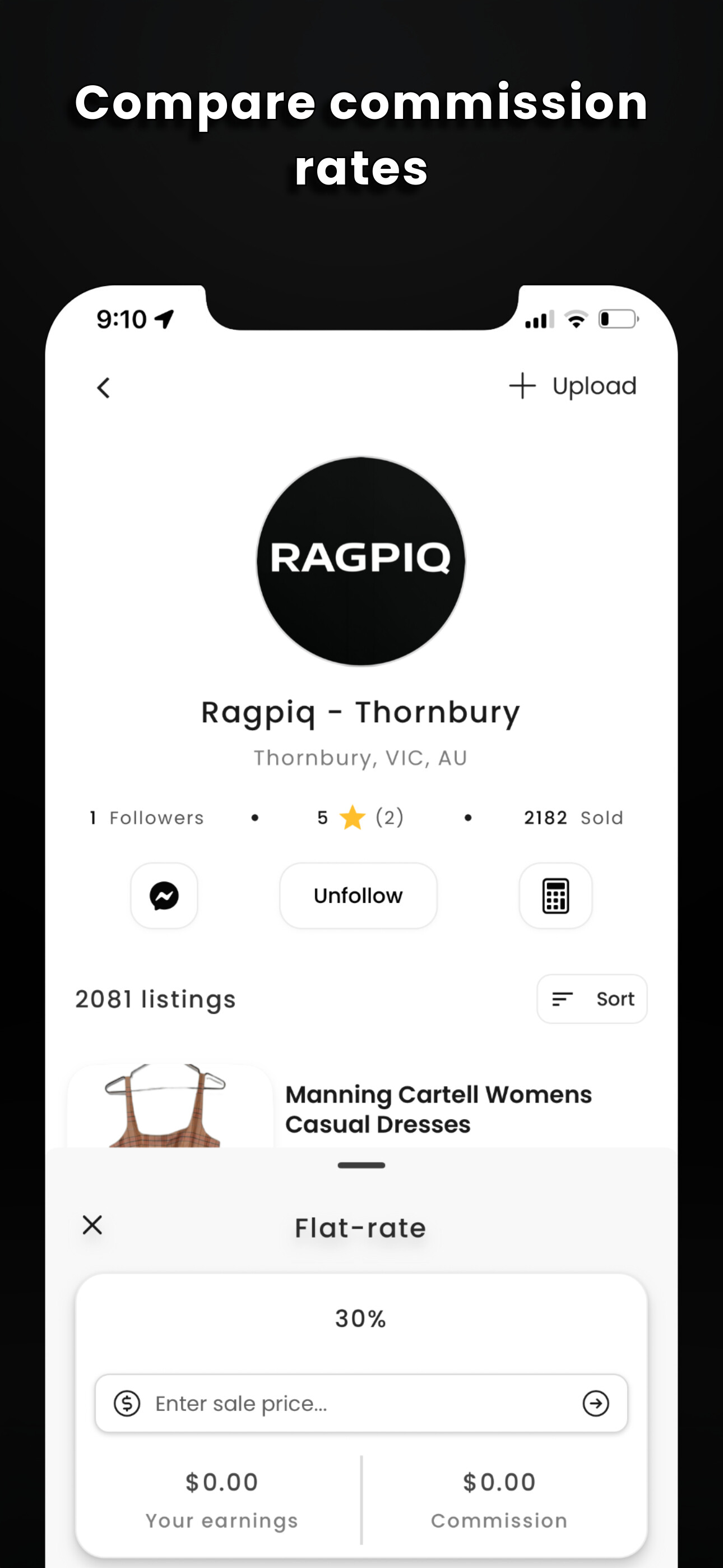
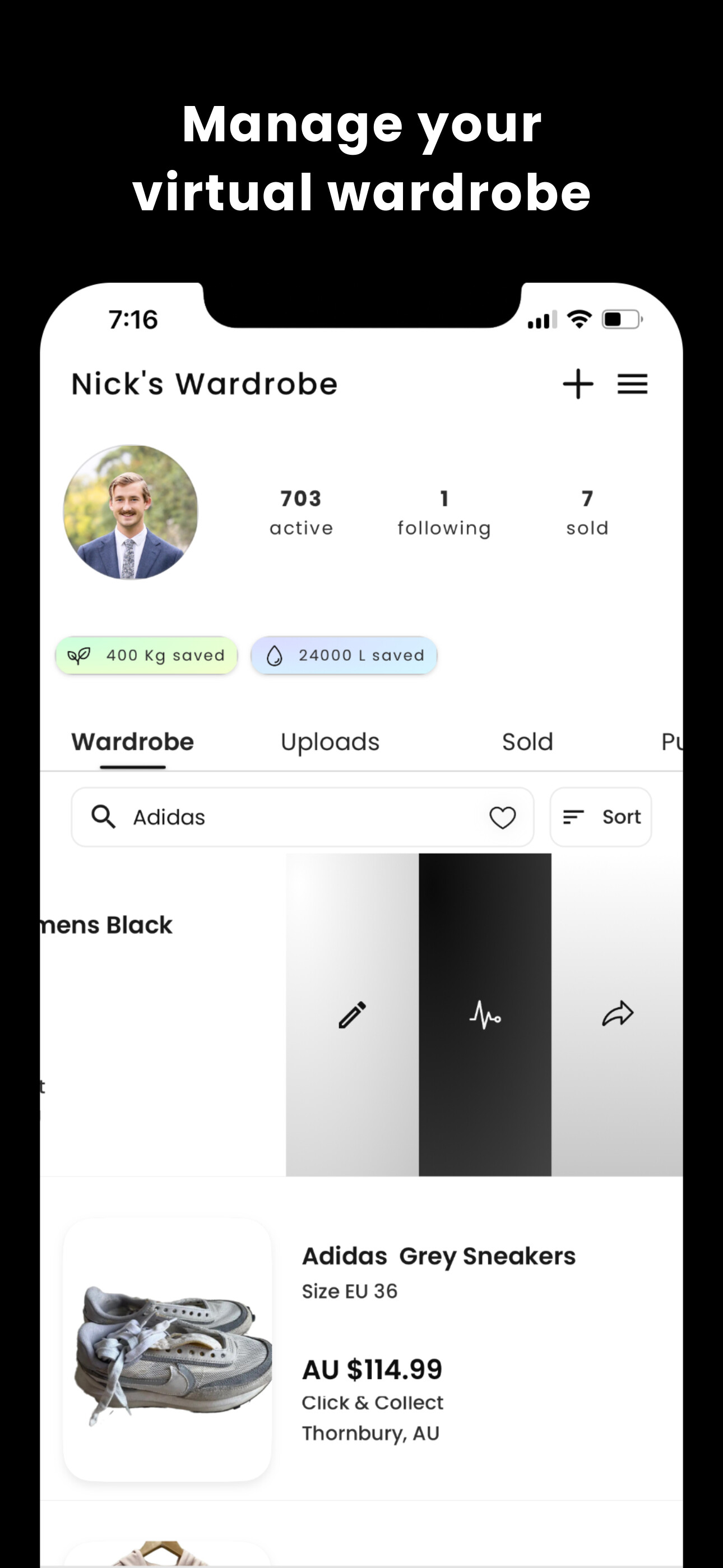
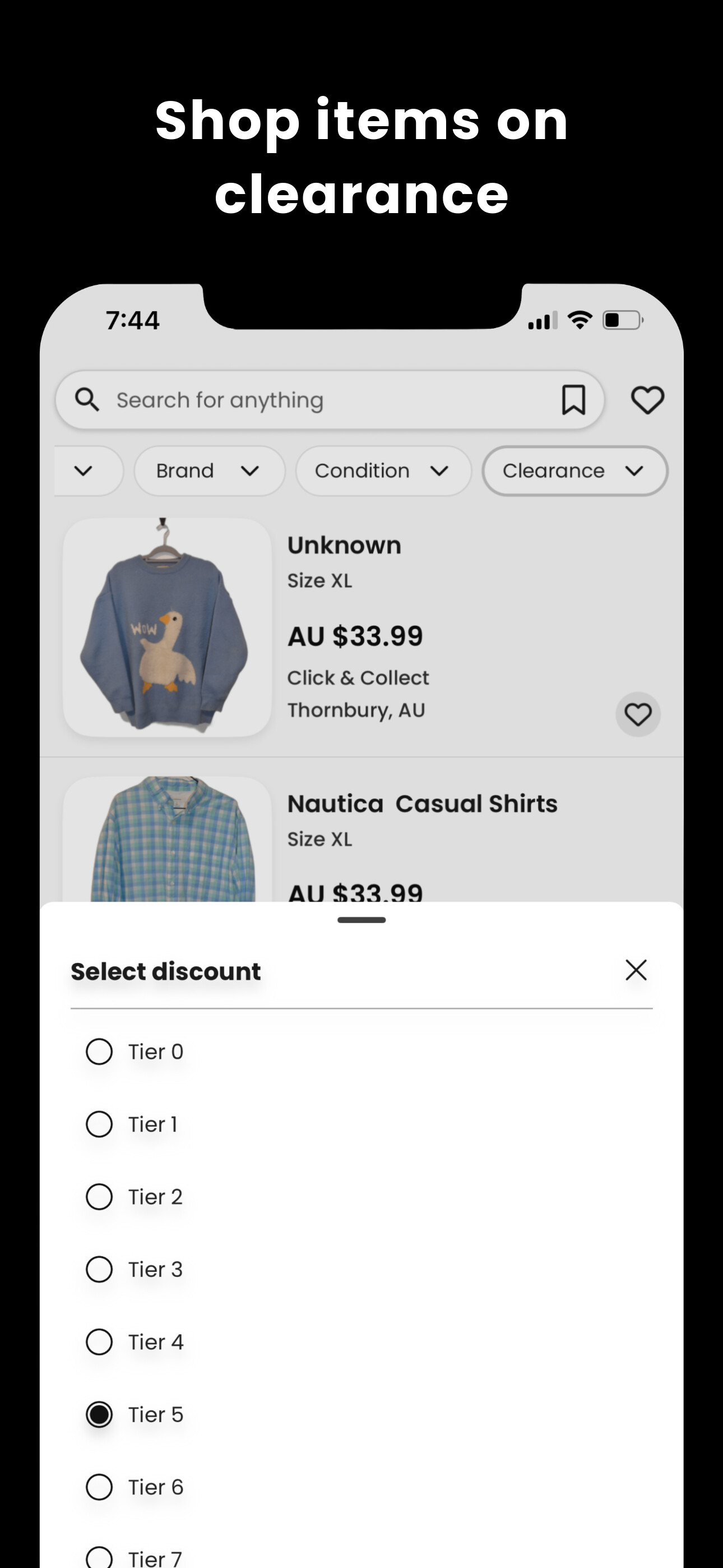
Excited to share that we’ve just shipped Ragpiq, a clothing consignment network that connects users with resellers who handle everything from listing to selling across multiple marketplaces.

The entire app has been built in Bubble’s native mobile builder. Time spent to build was roughly 2 weeks by myself, with only a years worth of bubble.io experience.

Happy to answer any questions about the journey.

You can check out our latest Instagram post here which has instructions to installing our beta testflight:

:camera_with_flash: @ragpiq on Instagram: "The new Ragpiq is live (private beta). 👾 You send clothes → Resellers list and sell them → You get paid. Now with: - Verified resellers with custom commission options - Delivery via courier, rideshare or drop-off - Dynamic pricing to sell items faster - Real-time sale tracking - Environmental footprint tracking - Resellers use our latest tools for instant listings + cross-posting Head to the link in our bio for access. Limited spots available."

We’re Melbourne-based :australia: so if you like what you see, chuck us a like or a follow — would mean heaps!

Appreciate the support and always keen to connect with other Bubble builders.


2 Likes

Great job @patrick.white !

I’ve installed the app and tested it, it’s great.

I had a hard time setting up a password though, would be great to let users know what conditions need to be met for a password to be valid.

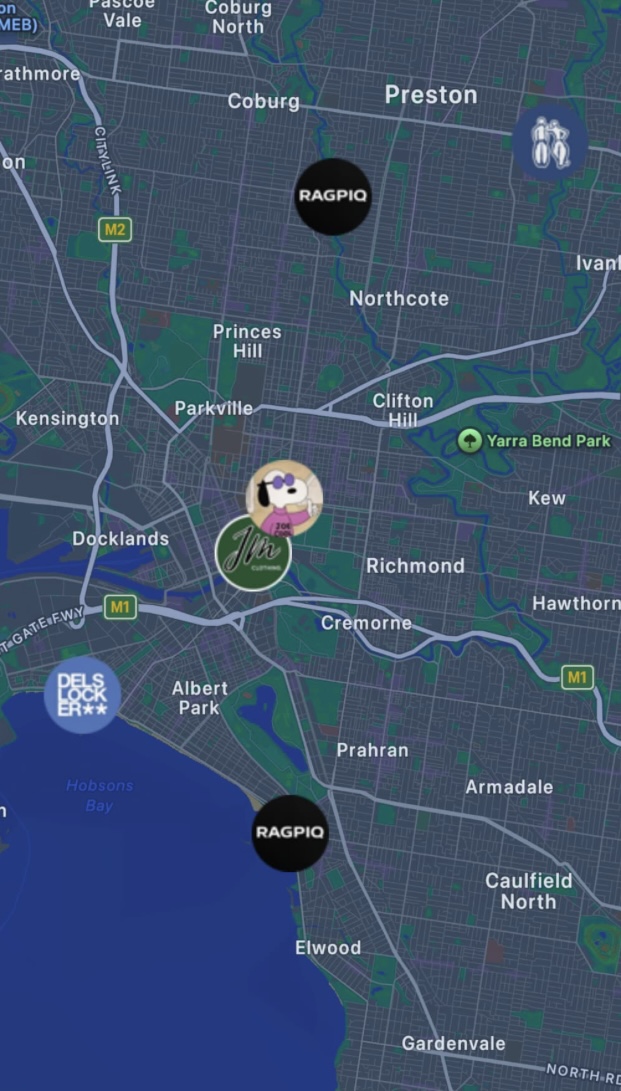
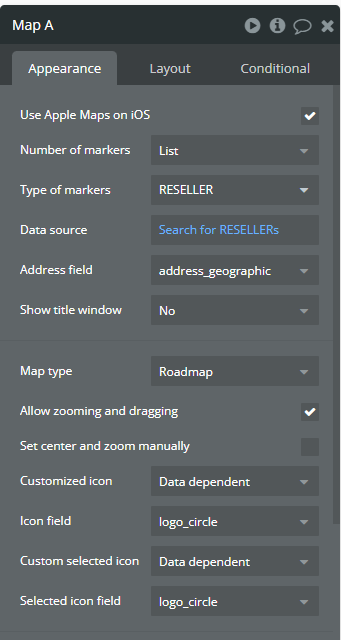
How did you put custom markers on the map ?

1 Like

Thanks so much @thibautranger for the thorough review! Honestly really appreciate it.

Will definitely make note of the password requirement settings and add more information to the user about this, think i’ve had majority of my users so far go through google oauth, that why it hasnt been such an issue.

As for custom markers, here’s my maps setup:

For displaying these “Example” resellers, I just use a “Get an option” and save some “mock” account info and images to there. I also have to make sure profile images are circle/png cut.

This is soo awesome @patrick.white !!! :fire:
Really cool slick design and usecase! :star_struck:

Blessup for the hard work and looking to vibe on it’s success!!! :clap:

1 Like

Seems like you setup payments!??? :thinking:
Everyone (and i.. :grin:) would love to hear what methods you used! :light_bulb:

1 Like

Ofcourse! Thanks for the kind words @donaldndim160!

I’m using the webview native plugin and stripe. Works a charm! Simply create a session via api, send the user to a modal page with that link as a parameter, then use a “when” condition to trigger returning to the previous page when the url = the success/return url of the stripe session. Works really well.

1 Like

Great job, man!

Great thanks for the headsup @patrick.white !!! :raising_hands:
Let’s keep creating great things! Definitely downloading it!

Thank you for sharing the setup !

It’s frustrating, because when setting up custom markers that are “Data dependent”, the markers appear correctly on the map.

But if you use the exact same image file and set the “customized icon” to “upload custom”, it doesn’t work.

@nick.carroll I submitted a ticket about this a few weeks ago, any update on how/when customized marker icons can work ?

I did notice this… however simple fix is to just create an option set with any images you want to have there manually, and call them specific to your needs :slight_smile:

How would you set that up to get custom map markers icons ?

Whoops i’ve thought this was possible but your right, there is only an image upload function and no ability to call data when custom. @nick.carroll custom image uploads aren’t working on maps.

Yep, we have a ticket to fix some of these lingering map bugs. Can’t give you a timeline right other than something we want to clean up soon

1 Like

This topic was automatically closed 30 days after the last reply. New replies are no longer allowed.