
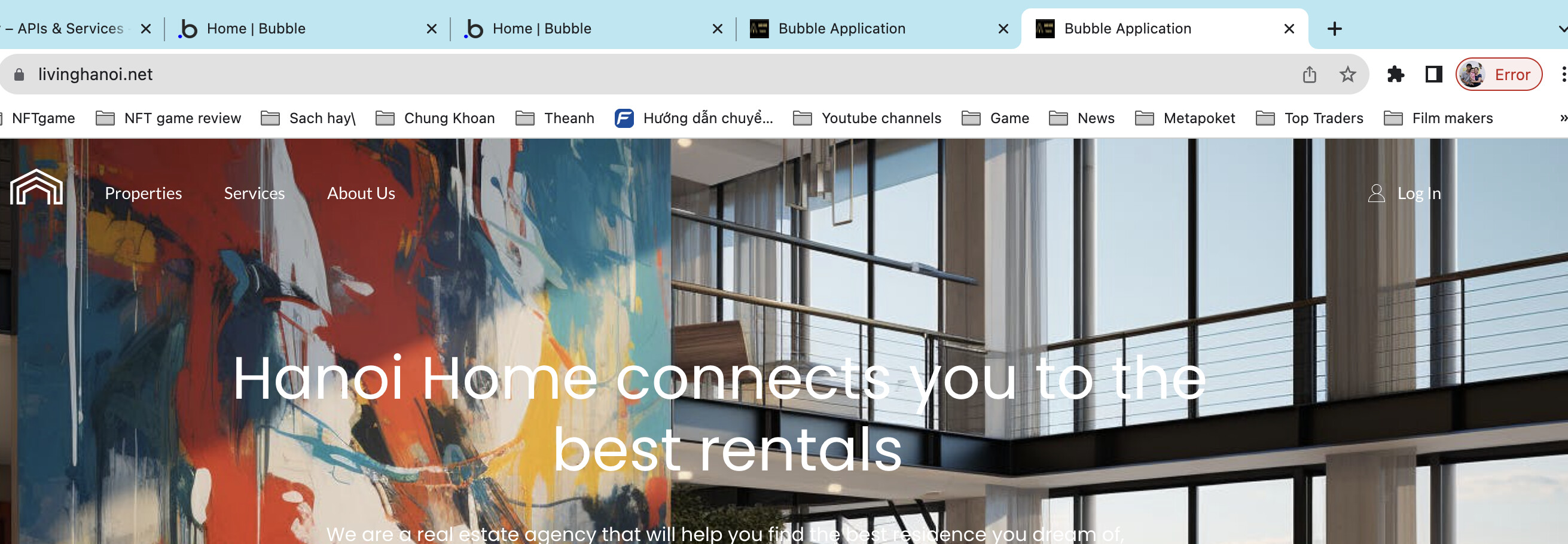
I try to remove bubble brand from the console when publishing the app but it still not work. My app alway show Bubble Application even i upgrade to standard level
Have you already deployed your app to live with these new changes to your favicon and the removal of the bubble branding?
I deploy it already with my own domain and favicon and option of remove bubble brand in the general setting!
Where’s this ‘bubble brand’ showing?
on the task bar of chrome, the title of the app use: Bubble Application. In term of SEO and branding it effect to the client business
That’s on your page element and the SEO / Metatags area in settings.
Sure! I change it but it still show Bubble Application with live deployment
Bubble default seo for theirself?
Go to the page, and edit Page Title
I did it and redeploy many times
Can you share your app editor in public view mode?

This is for SEO aprt. Now go to the page (each of them) (example index). Select the page itself. And edit title
it is my missedtake. Please help to optimize SEO with google analystic please
This is what we do. but you don’t seem to follow what we say.
