
i wonder if its possible to create something like this, a soundwave with bars bouncing up and down based on the video sound


You can create an HTML element with some code that takes the video URL and generates the soundwave based on the audio from that video. You just need to make sure the timing stays in sync with the video player.
Another option would be to create a plugin for this. I’m not sure if one already exists.
We’ve done this a few times in the code world with no problem.
It can be done with https://wavesurfer.xyz/ or other sites similar to that.
There are some plugins that can also do it from what I see. Can’t say how good they are because I haven’t used them.
Anyway, as I said, you can do it using an API, but I don’t know how technical you are
are there any plugins that can perform this?
It’s a nice simple visual effect but achieving it could well be fairly tricky and likely require a custom plugin (if there isn’t one already).
Wavesurfer.js is great but may not be needed for this. According to LLM:
“You can achieve the bouncing waveform effect using a custom Bubble plugin. The core technology is the browser’s native Web Audio API.
The key steps are:
Use the Web Audio API to process the audio data.
Connect the audio to an Analyser Node, which provides real-time amplitude (loudness) data.
Use an canvas element to draw the waveform, making the vertical lines taller when the data from the Analyser Node indicates the sound is loud.”
If you can’t find an existing plug-in, creating one yourself is certainly possible with the help of AI, or of course maybe there is someone in the community that would build.
Good luck 
You just AI slopped a response to hard here…
The answer is: You need a plugin, or custom HTML/CSS to create the Web Audio API service. It’s not built into Bubble by any means, it’s built into peoples browsers.
I was working on an audio wave plugin, utilizing wavesurferjs!! So it’s possible on Bubble (without a plugin requires more tediousness, making a plugin for it would be more ideal).
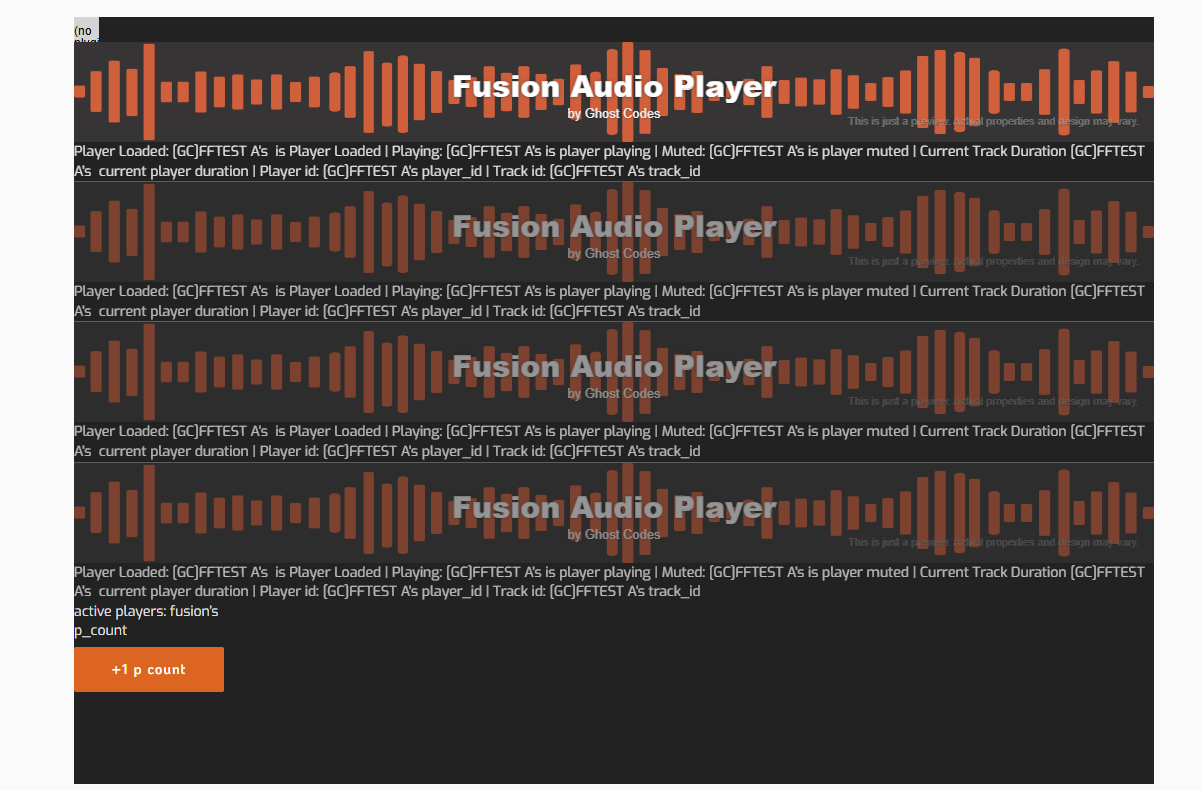
Here is a pic of my app using it on the editor, unfortunately the plugin doesnt work now cause I haven’t updated it in so long, so I cant show it actually working on the front-end, however, it worked pretty well. Although you may be able to get it to work here, I would recommend an iFrame approach and use a third-party for visuals, either upload a video, or use their system.
Yes I said it would require a custom plugin and that what I shared was from the ai response (suggesting it’s possible without additional js libraries).
The point is that I believe the OP is talking about the dancing/animated waveforms.
Wavesurfer.js is great, infact it’s the heart of my business and we have a powerful robust custom audio player, However I’m not sure that’s what is required for the animation aspect based on OPs original graphics…