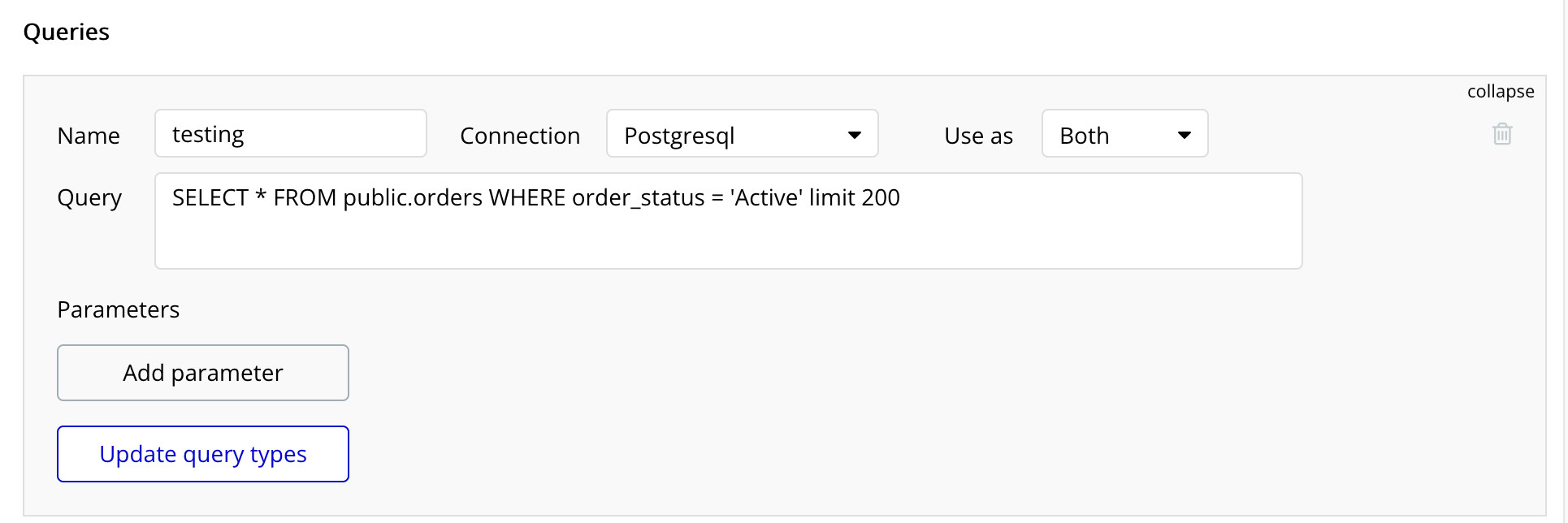
I have successfully connected my SQL database using the connector plugin. I have multiple tables with more than 200 records (Bubble’s limit) and I am able to bring those in using the SQL query with LIMIT but I can’t seem to use any other query to bring in all the records in batches.
This works just fine but I have more than 200 records. I have tried many different SQL queries but no matter what I try, I get the Bubble error saying there are more than 200 records.
So what I need to be able to do is query to get records 1-200 then 201-400, etc. How can I do this?
Ask and ye shall receive!! Just added postgres support for you! It’s brand new (of course) so please give us your feedback and let us know if you need anything else.
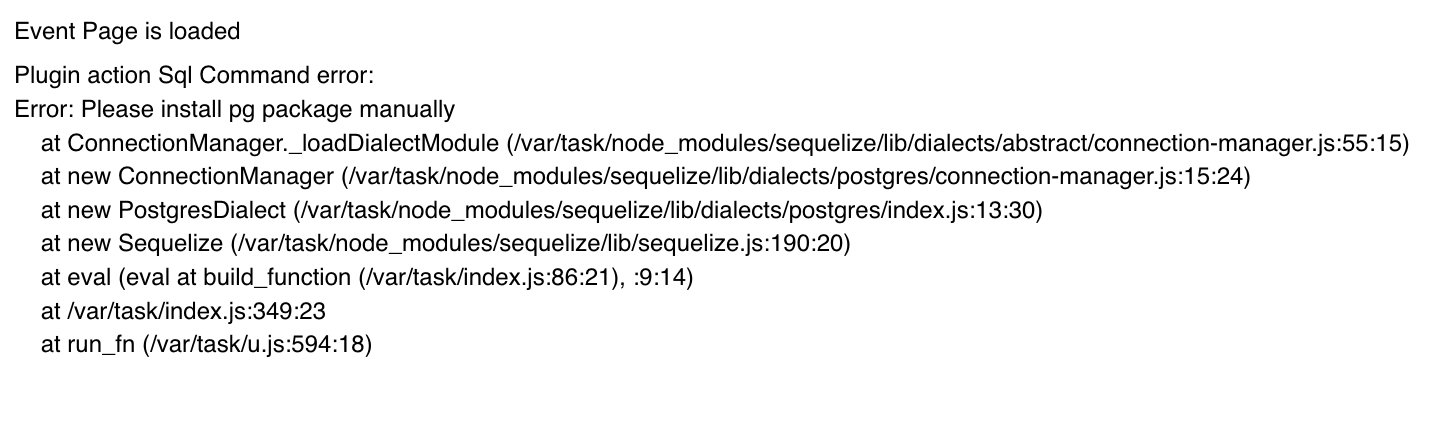
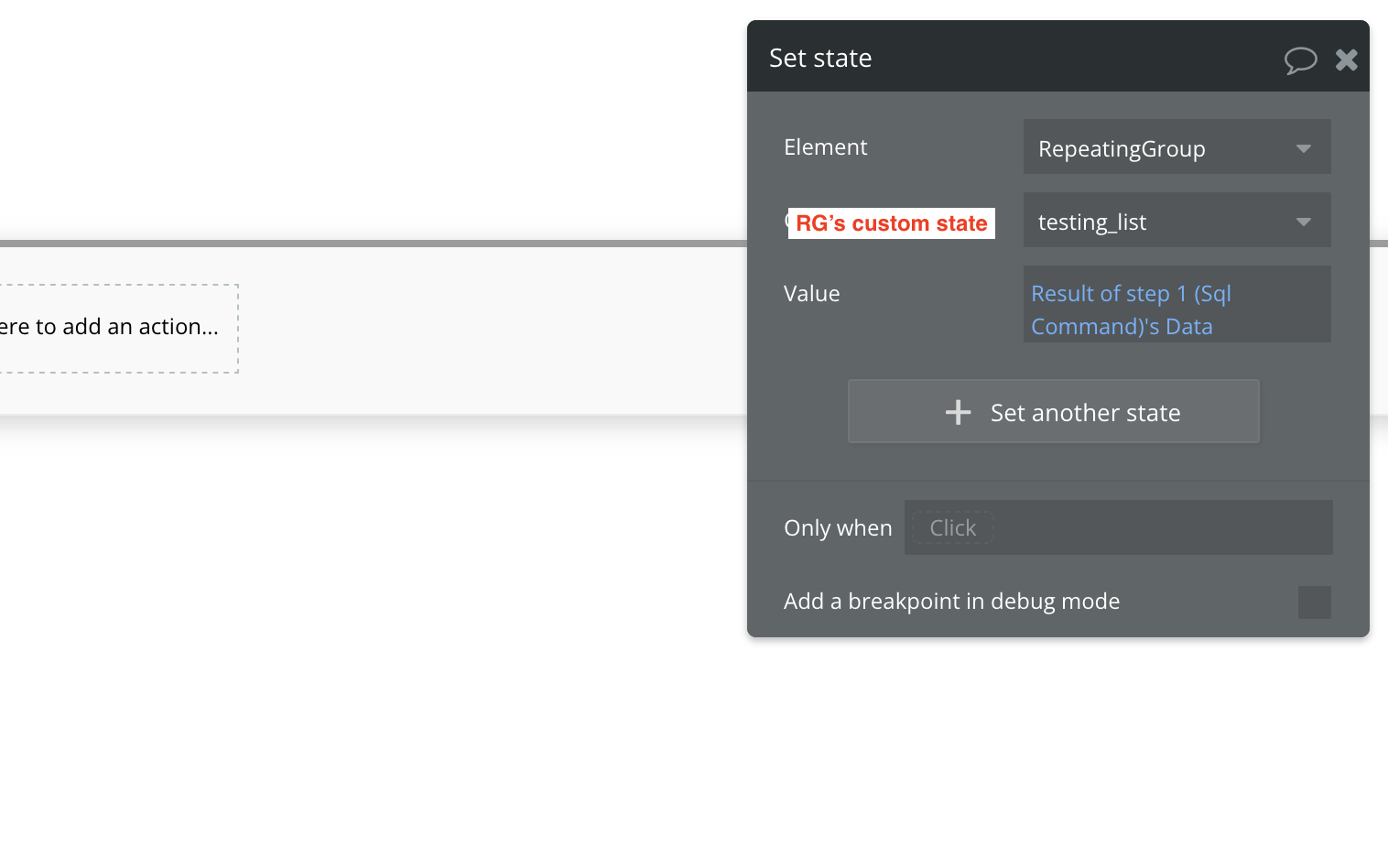
Have a quick question. I seem to have set up a plugin/workflow the same way as the plugin’s editor’s example. Postgres database seems to be connected properly as it displays data directly queried through SQL connector. However, through SQL command I’m receiving package errors. I’m attaching couple of images of brief setup, but I believe it’s package issue as show in picture 1 rather than missconfiguration
Well that is what I get for publishing without testing. Due to a limitation in the Bubble plugin framework I needed to add a command specific to postgres. You will find a new command called “Postgres Command”. This should operate in the exact same way as the SQL Command (with the exception of only having one query type).
Let me know if you run into any other issues and I’ll be happy to get them sorted for you.