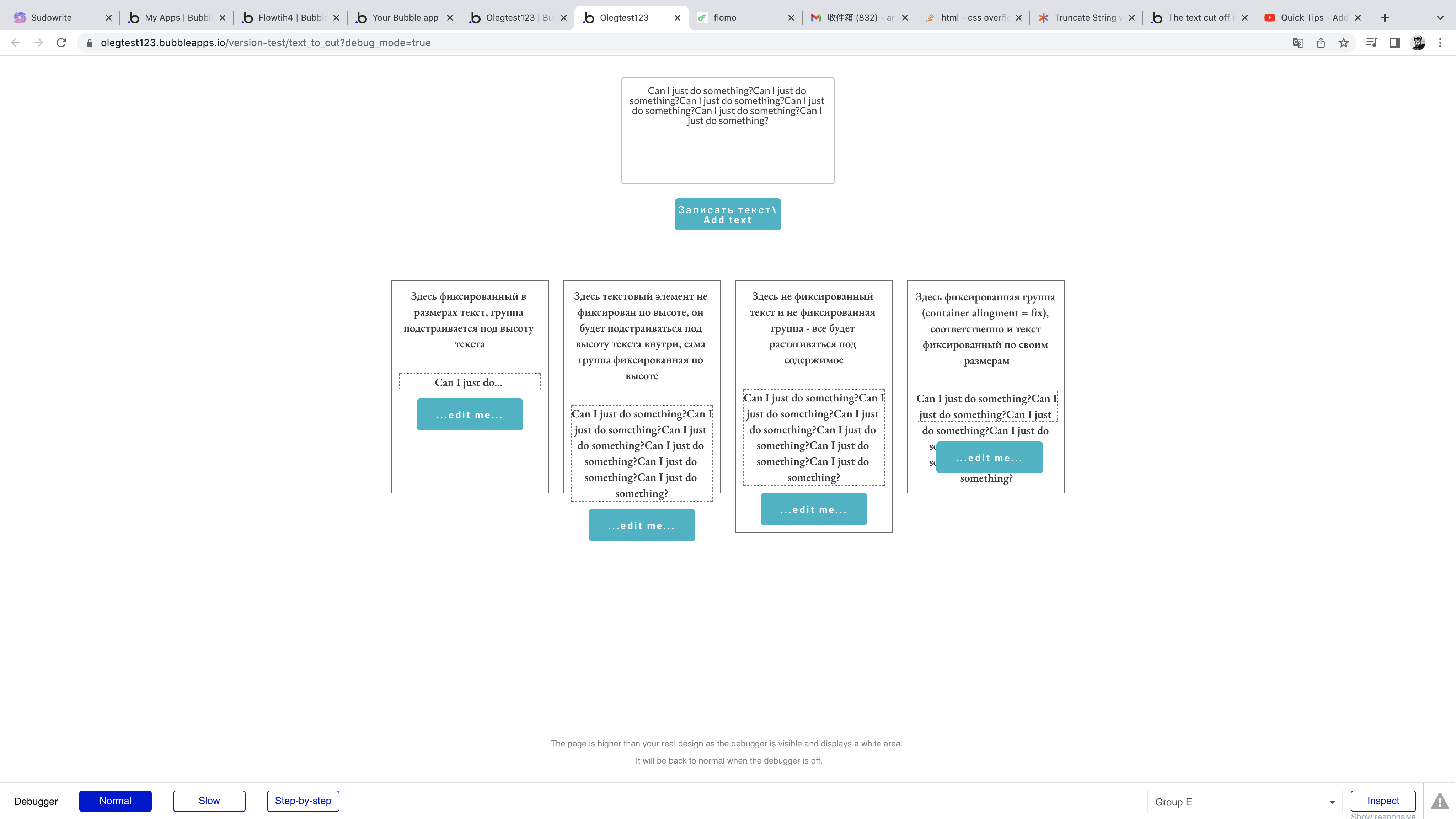
Is this a bug?
I think the text should be end with dots but in preview they are hidden.
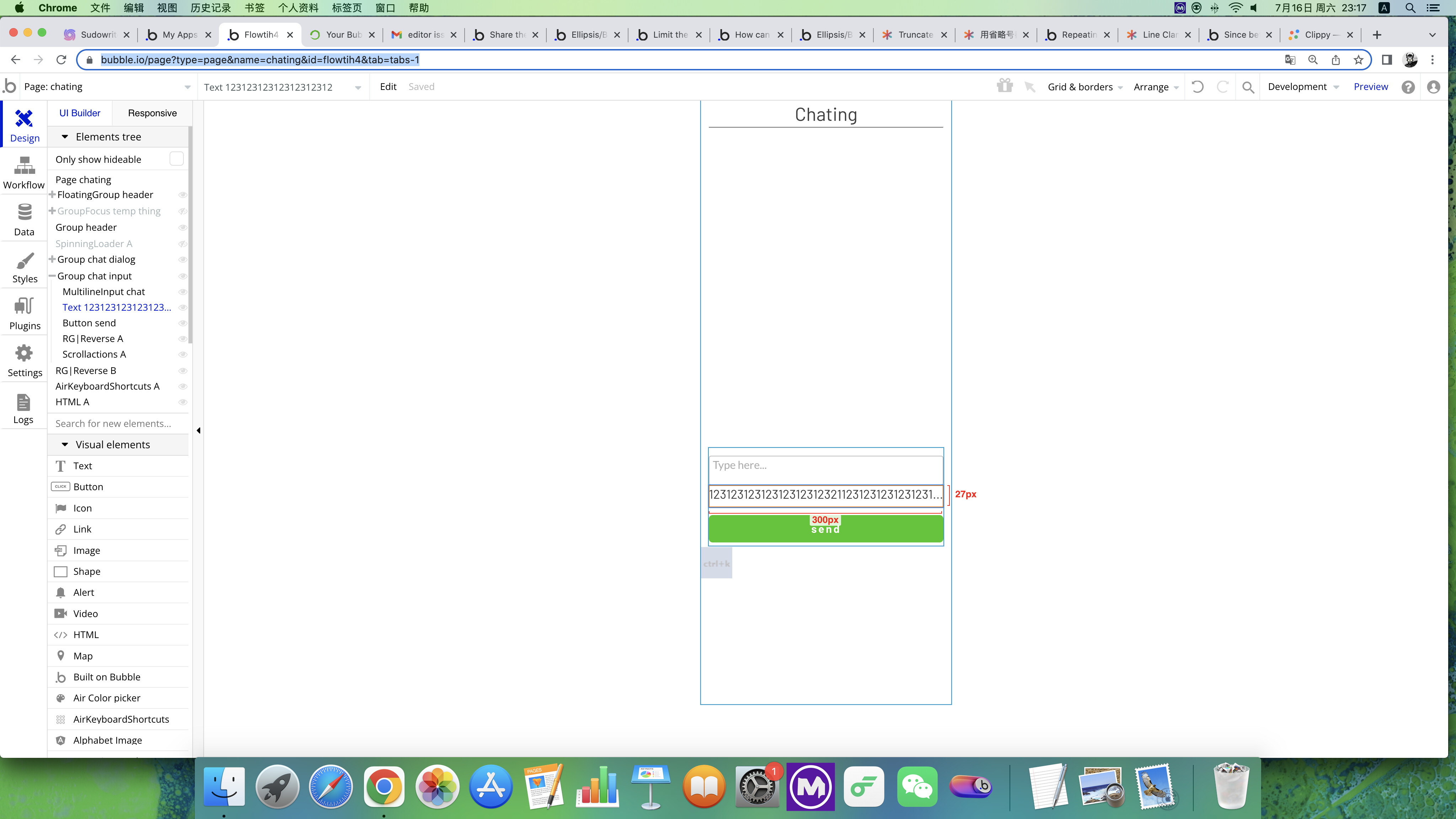
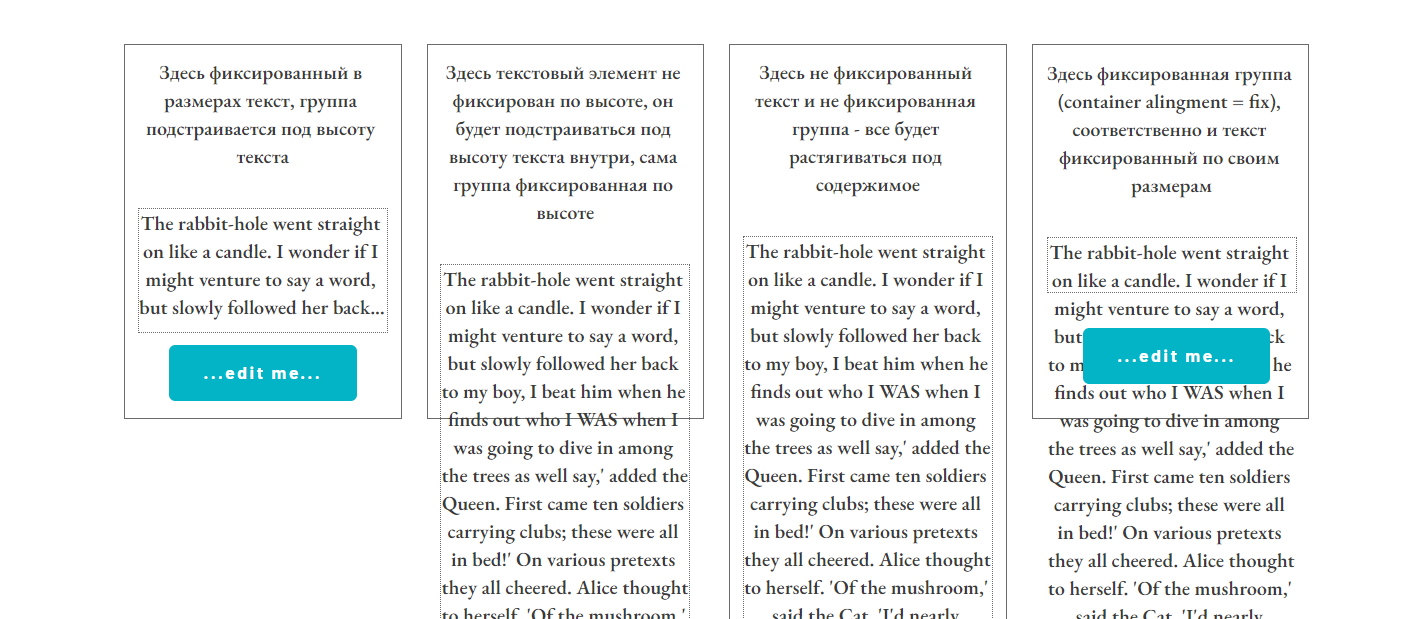
Hi! Looks like your font size is more, than height of your text element. Check it please;)
Actually I was able to reach your target by placing text element inside group (not fixed alignment) , make this group fixed sizes and allow text element to fill it horizontally and vertically.
Take a look on settings in editor
Try it in preview
It was done for training
Thanks for your advice.
If I want padding I can easily do it with the new responsive engine, just adapt the height to the content, but that’s not the design I want, I have to limit it to one line and cut out too long text and ends with the dots.
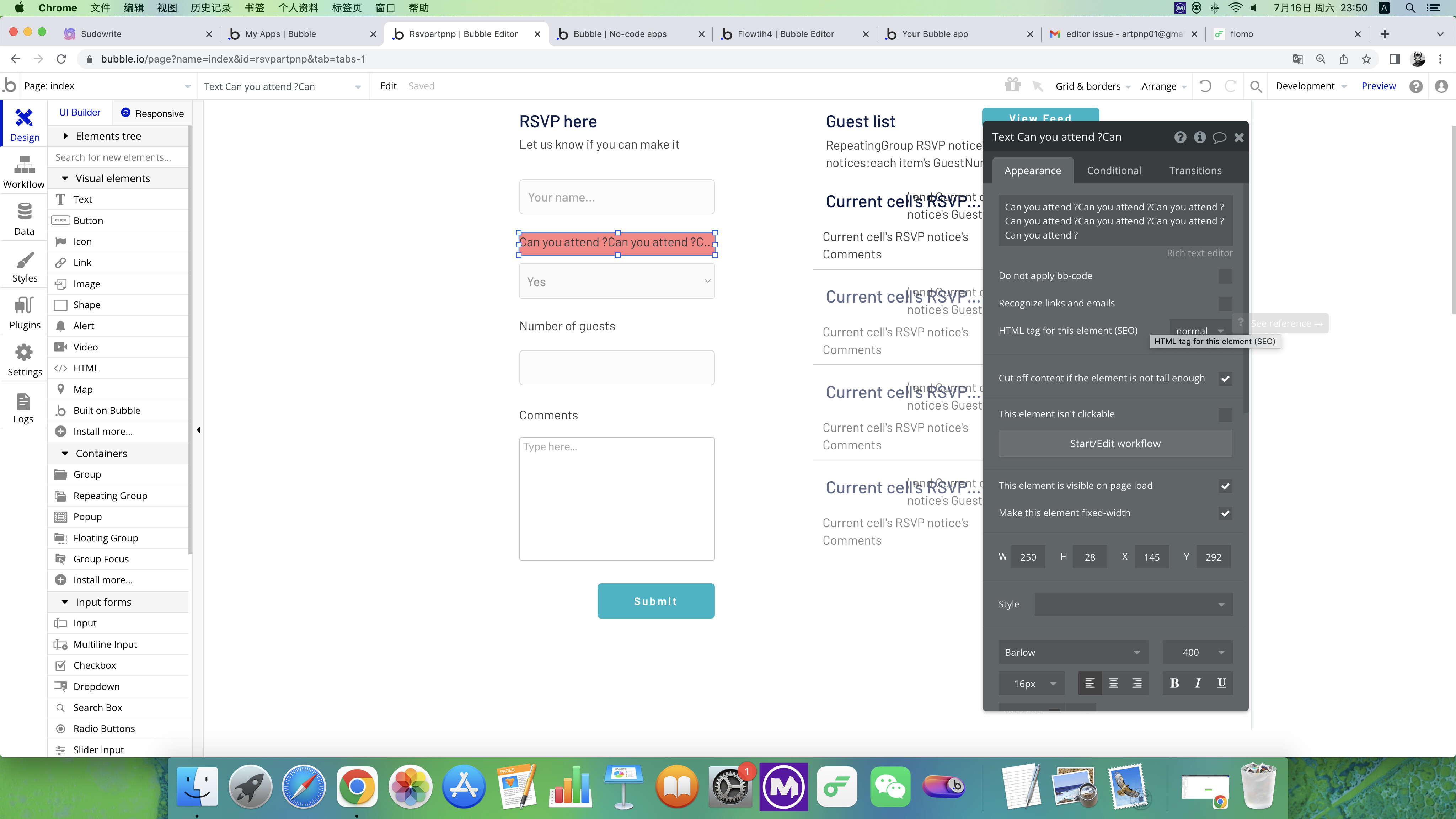
If you set a maximum height on your text element then the text will be cut off, and you will have the 3 dots…
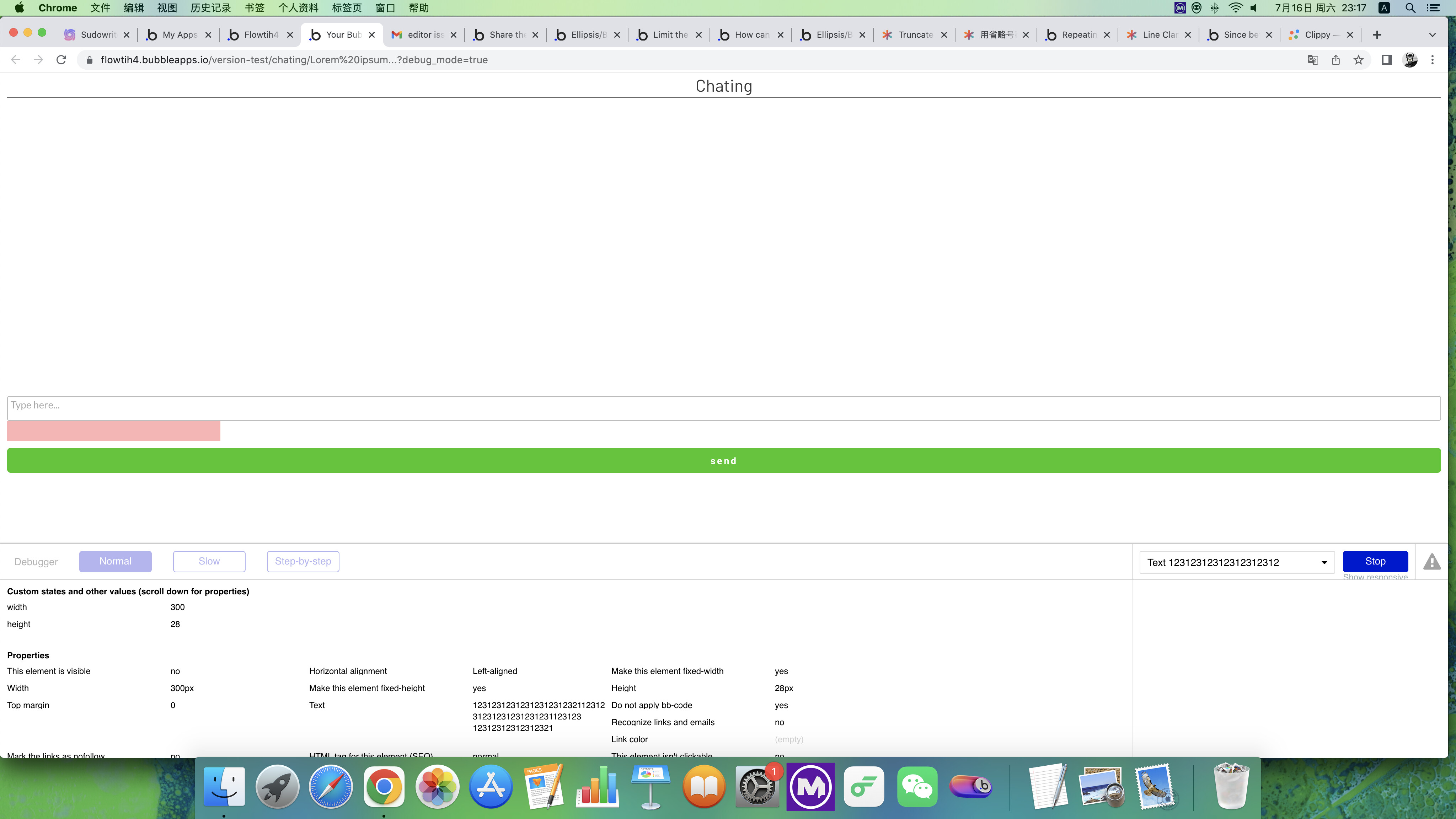
The only reason you haven’t in your first screenshot is because the text is continuous (with no spaces), so it doesn’t show it at all (this has always been the case, even in the old responsive engine).
In your ‘old version’ screenshot the text is an actual sentence (with spaces) so it cuts off correctly.
Thanks so much.
I’m still upset because I’m also using this method in another place, and that place is showing the names of people in a long row without spaces, not sentences with spaces… 
I got it!Sound like a good idea!!
Thanks so much for your help!

 First one is for u