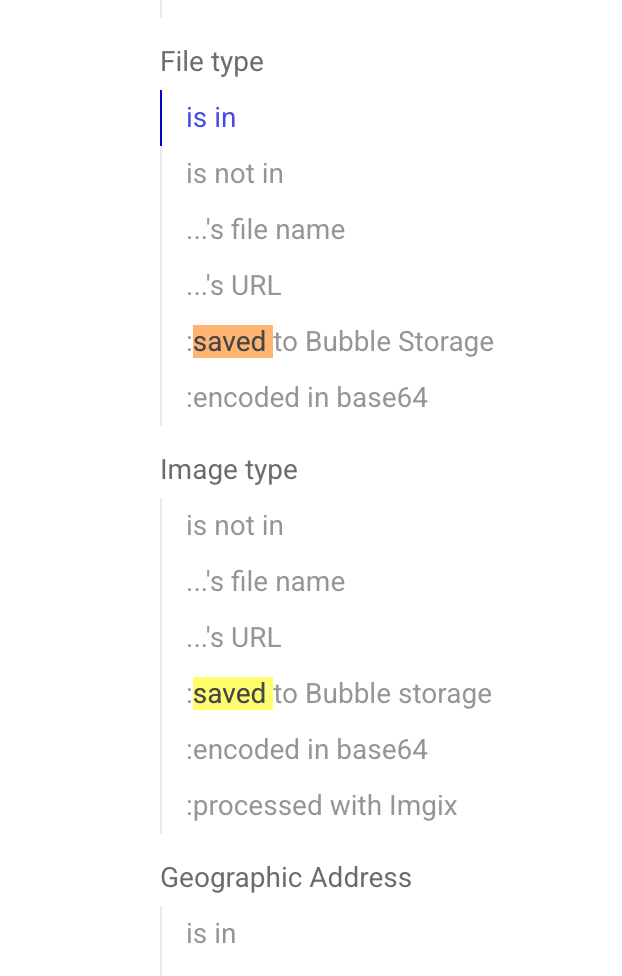
I’m using DALL-E on a backend workflow to generate an image. The DALL-E API just returns the URL of the image it creates, but it is short-lived and I need to store it in Bubble to reference.
It does not need to be a private image. It should be publicly accessible.
I cannot seem to find any examples or documentation on how one would upload a public image to Bubble using just the URL fully on the backend.
You need to set the type (when you detect data for example, click on modify type to edit it) as file or image. An url is always a string, so Bubble by default will set this to text. But you can change that. If you use API Connector, you can do the same thing by modifying the response type to image or file instead of text