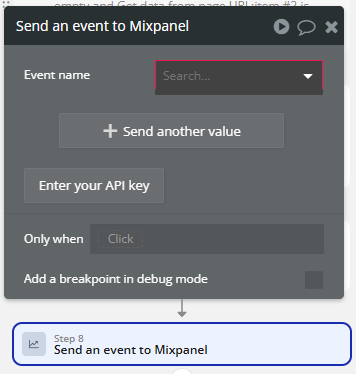
I created a Mixpanel account, entered my Token and API Secret (Mixpanel doesn’t show an API Key, and a forum search revealed I only need these 2), and tried to send an event from Bubble > Mixpanel but am met with this:
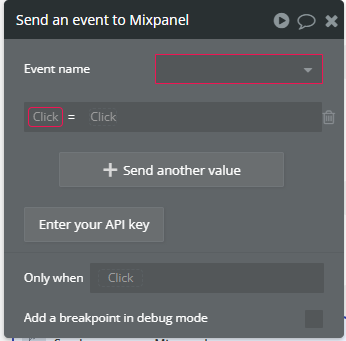
I’m unable to see any events in the dropdown. If I click +Send another value I see this:
But nothing is selectable in either of the “Click” inputs. Bubble’s documentation is pretty poor re: how to actually set this up, and most forum posts are 4+ years old on the topic.
I use mixpanel. I set it up a few months ago. The Bubble documentation is wrong because I did need an API for it to work. It took me a while to determine where to find that in Mixpanel.
You have to go to Settings > Personal Settings > Projects
Also, the “Event name” field is free form. Nothing will show up in the dropdown until you set an event. Then when you go to do another “Send Event to Mixpanel” action, all the event names you’ve used before will show up. Same thing applies to the additional properties. It’s free form, so just start typing.