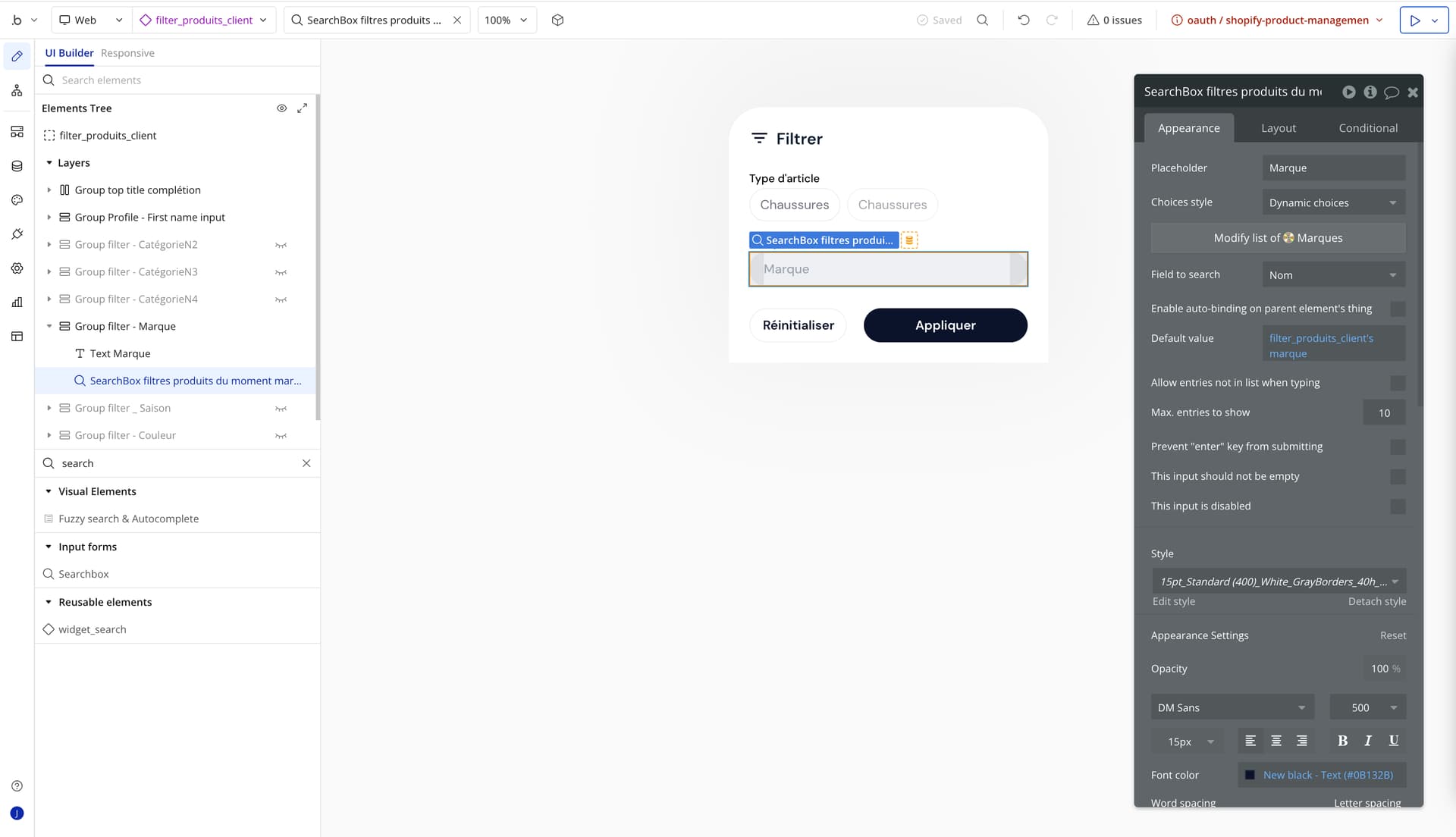
I’m experiencing a layout issue on my Bubble app when using a dropdown field on iOS devices. When the dropdown is activated, it displays too high on the screen, overlapping the top area and making it difficult to see the choices clearly (see screenshot attached). This happens especially when the keyboard is open, and the dropdown doesn’t seem to adjust its position properly.
Has anyone seen this problem before or have suggestions for how to fix the dropdown so it appears closer to the input field, even when the keyboard is visible on iOS?
How is this dropdown constructed? Is it a focus group or something? Doesn’t look like the default bubble dropdown element. And is this a webapp viewed on mobile or the new mobile app creator?