
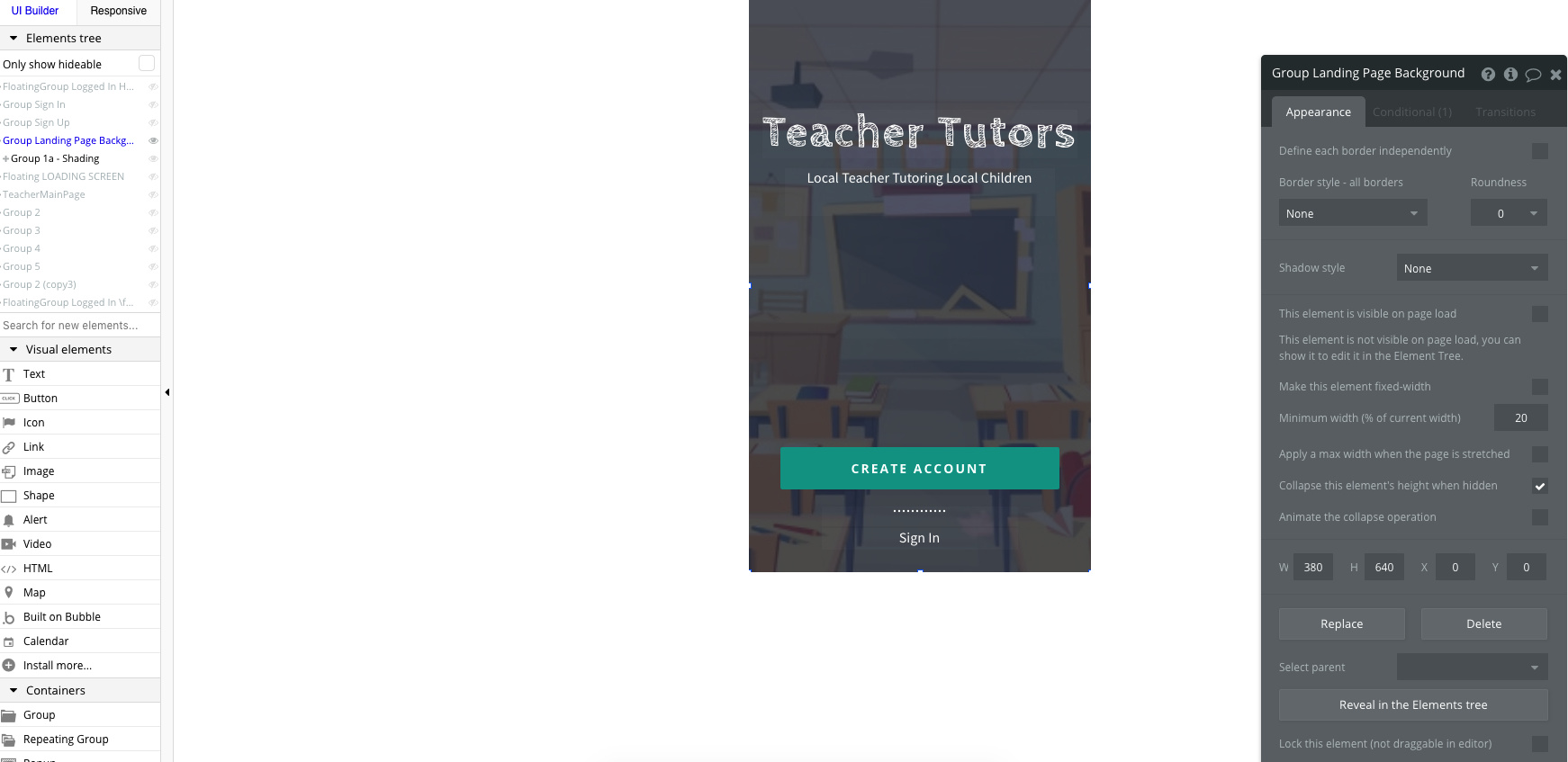
I’m using a template and I’ve done something to modify the responsiveness to resizing. The element does not resize to full screen. It was resizing properly then something happen and some of the elements stopped resizing correctly. Here is a picture.

If you come out of the Responsive mode and go back into the UI Builder, check the group for the ‘Group Landing Page Background’. This appears to not be fully stretched, its litterally a few pixels out from full width but the looks of it e.g.

As you see, it renders in 1200px wide, but the element is expanding in width with the responsive settings and cant quite reach the 100% full width, so it must be that the groups is just a fine line off.
It can be tedious, but I’m sure you can work it out. Happy if not to take a look at the Editor.

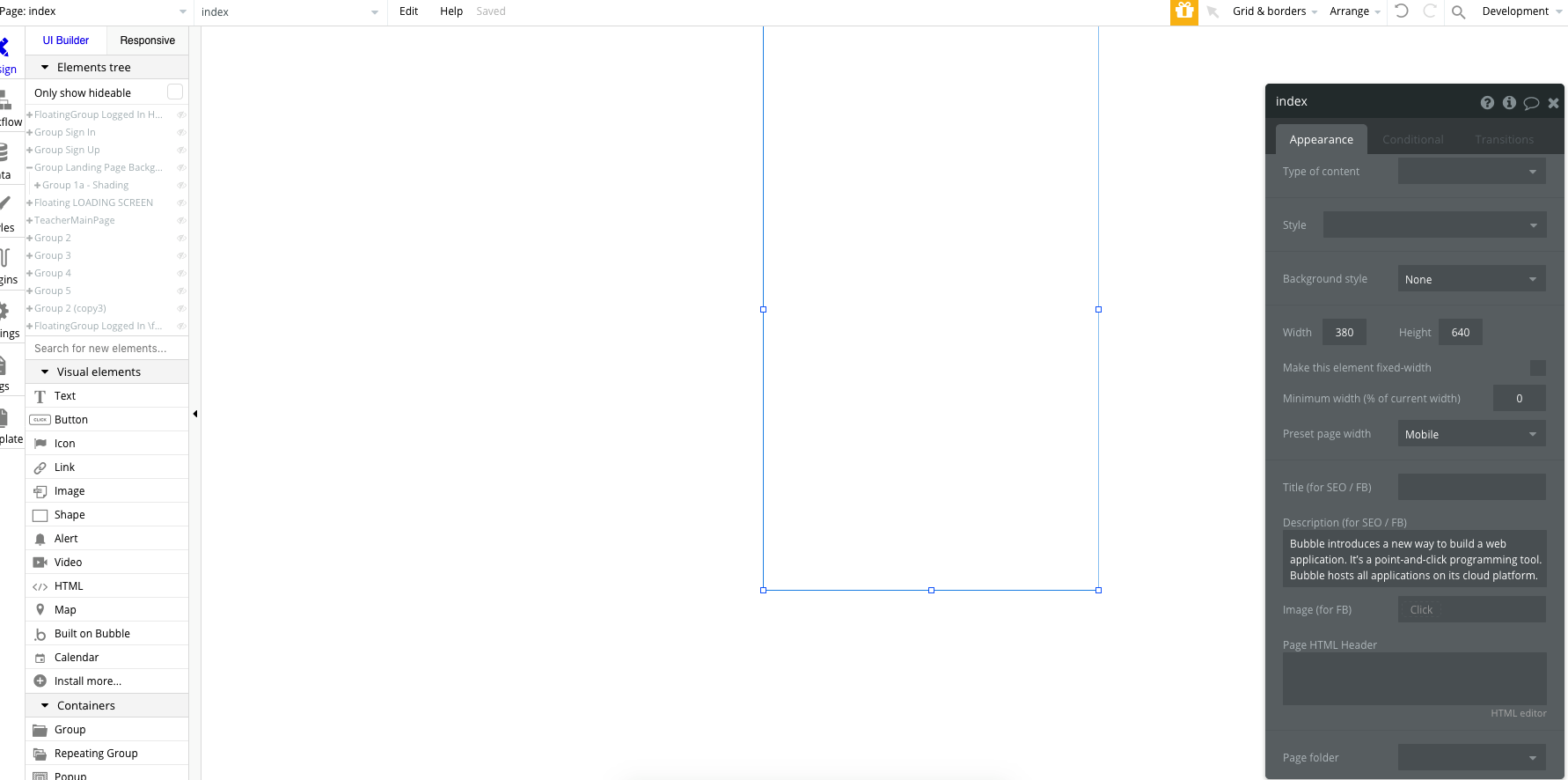
Hmm, maybe bug with Editor, have you tried a refresh and then check again on the responsive settings?
The setup appears correct, checking the width dimensions. Maybe double check everything sits on the right x and y axis, nothing is off centre, a pixel out can off set the groups for sure.
Are you trying to develop an app and a website for your project?
This is a native app

@mtranweb Did you find out the reason behind the issue? I’m having the same issue where my groups stretch less out of a 100% of the page width the wider the page gets.