Hi @Souchi6, thanks for reaching out.
We highly appreciate your interest in our plugins.
Unfortunately, there is no such option to insert manually. You will have to use the scroll to update the time. As a workaround for this, you might use an input element, and after typing, a value makes changes to the current thing, therefore not sure if this is what your are trying to do.
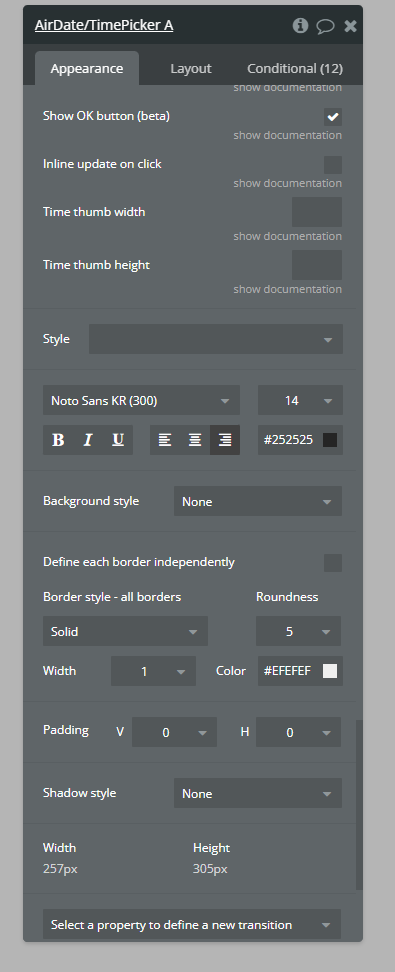
Hey I am seeing an issue here where the date picker doesn’t respect the relevant font weight.
Is there anything I am missing, this happens both when a style is applied and when it is set in the editor
Would it be convenient to share more details related to the reported issue?
Namely:
• screenshots and/or screencasts of your setup - workflows, plugin settings (for the screencast recording, let me please suggest using the Loom tool).
Meanwhile, we’ve tested the Air Date/Time Picker Plugin, it seems to be working just fine, we were able to change the font options (type, size, and style). See the screenshots below.
Sometimes it doesn’t have the error and I think it’s something to do with the elements being hidden, turned on autobind and the field being empty. Haven’t quite nailed down the combination tho
If you can try your bug testing on your end by putting the picker in a invisible on page load group, set to montseratt (600), autobinding on pointing to a feel that doesnt yet have a value then put a button on the page to show the group holding the picker and you should see that the font does not load
Due to the fact that we have some additional questions regarding your settings, can you please add our Support Team email to the list of collaborators to your application and provide me a link to your application? This will allow us to check your settings and run some tests to fix the mentioned problem.
To add our Support Team as a collaborator, you need to do the following steps in the Bubble Editor:
Settings > Collaboration > Add email support@zeroqode.com
Note: avoid the warning message regarding the plan, as we are an agency and you can easily add us to your collaborators.
Looking to hear you soon.
Regards,
Zeroqode Support Team.
Hi @ah1, thanks for reaching out.
We highly appreciate your interest in our Zeroqode products.
We have noticed, when using the latest version of the Air Date/Time Picker plugin (Version 3.19.0), sometimes the plugin element acts as an input element.
We have reported this issue to Bubble, and they confirmed to us that the problem is on their side and the engineering team is actively looking into our case.
Unfortunately, they didn’t share with us the time frames for solving this.
For now, if it’s convenient for you, please use the previous versions of our plugin (Version 3.18.0).
Hello @cm1,
Thank you for reaching out, and sorry for the experience you faced.
In order to help you with resolving the issue, we need to understand how exactly you configured the plugin. Thus, please share with us screenshots and/or screencasts of your setup - workflows, plugin settings (for the screencast recording, we suggest using the Loom tool).
This will allow us to identify any possible cause much faster.
Looking forward to your reply.
Best regards,
Zeroqode Support Team
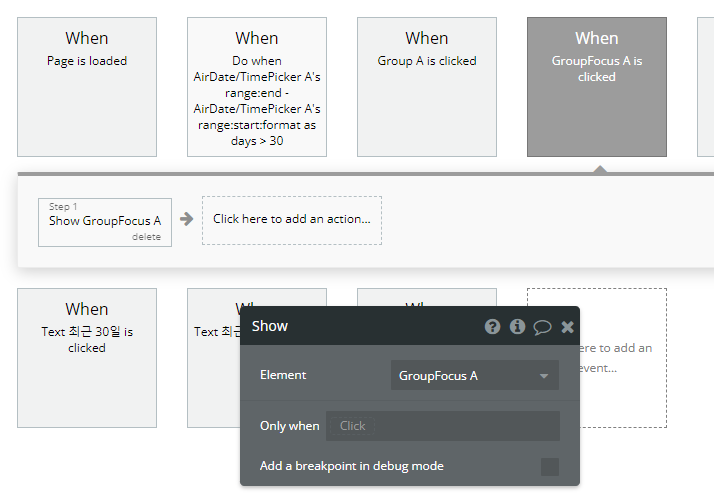
I’m using this plugin element in group focus and there are some problems.
When I click the date picker, group focus is hiden . To keep it visible, What should I do?
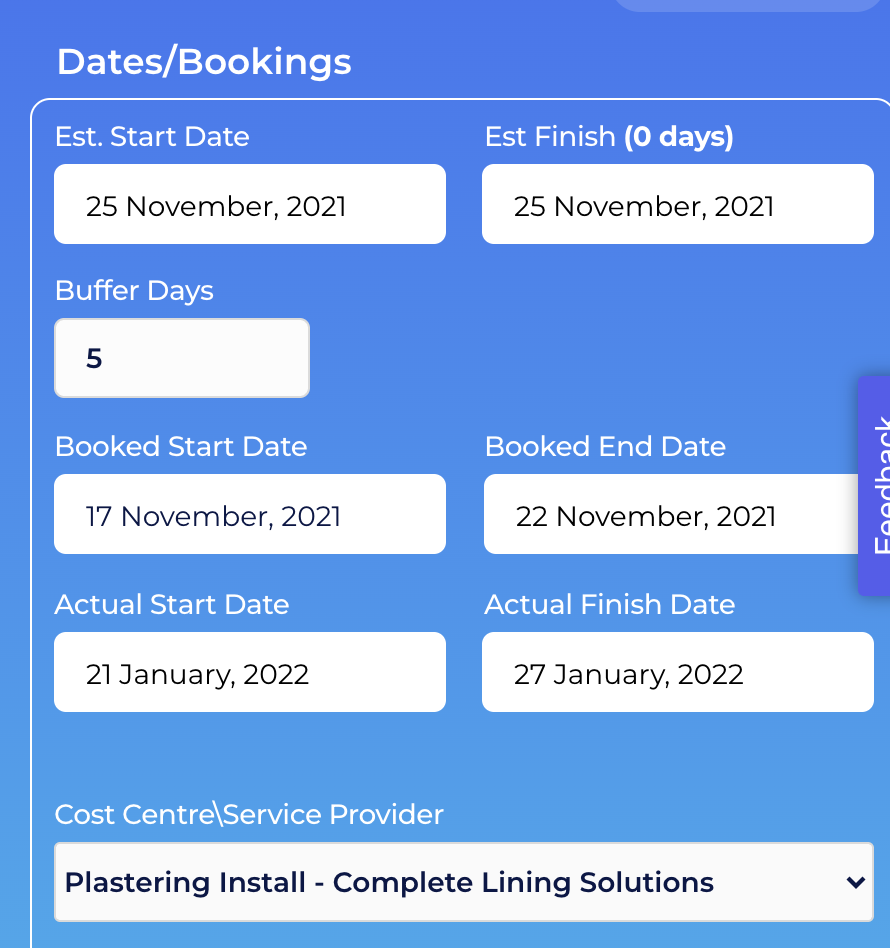
sometimes the date picker is invisible, but it turn to visible sometimes and I don’t know why because I didn’t change any settings. for your reference, here are screenshots.
Hi @cm1, thanks for your reply.
We’ve carefully analyzed your request and here is our conclusion.
If you would like to display all the dates as a value list, you have to select only the Multiple dates (unlimited) checkbox. This will allow you to click on as many dates as you would like and select them. Also if you would like to store these dates in your database, please make sure you have a variable List of Dates as shown on the screen above. Enable date range - overrides Multiple dates pro checkbox, will display you a range of dates, not a value list. Please choose only one of these checkboxes that suits better your use case.
Hello @yongjun, thanks for reaching out.
Would it be convenient to share more details related to the reported issue?
• screenshots and/or screencasts of your setup - workflows, plugin settings (for the screencast recording, let me please suggest using the Loom tool).
• screenshots and/or screencast of the issue you have (debugger, browser console, etc);
• steps to reproduce your issue;
This will allow us to identify any possible cause much faster.
Looking forward to your reply.
Note: Please make sure you are using the plugin’s version 3.18.0. For now, this is the most stable version.
Best regards,
Zeroqode Support Team.
Thank you. I can see you used :start and :end but this returns only the start and the end date. How could I return a list of dates using the range function? All the dates within the selected range
• screenshots and/or screencast of the issue you have
When I click the group, the focus group is shown and sometimes (randomly, any settings not changed) the timepicker in the focus group is invisible, sometimes the ok button is invisible like the below screenshot